Image Tools
Resize, crop, compress, convert, filter, and edit images — all in your browser.
118 tools
Image Resizer
Resize images by exact pixel dimensions or percentage while maintaining aspect ratio.
🖼️ Image Tools
Image Crop
Crop images with a visual selection rectangle to remove unwanted areas.
🖼️ Image Tools
Image Rotate
Rotate images by any angle with preset options for 90, 180, and 270 degrees.
🖼️ Image Tools
Image Flip Horizontal
Mirror an image horizontally (left to right) with instant processing.
🖼️ Image Tools
Image Flip Vertical
Flip an image vertically (upside down) with instant processing.
🖼️ Image Tools
Image Compress
Compress images by adjusting quality to reduce file size while maintaining visual quality.
🖼️ Image Tools
Image Format Converter
Convert images between JPG, PNG, and WebP formats with quality control.
🖼️ Image Tools
HEIC to JPG
Convert Apple HEIC/HEIF photos to widely compatible JPG format.
🖼️ Image Tools
HEIC to PNG
Convert Apple HEIC/HEIF photos to lossless PNG format with transparency support.
🖼️ Image Tools
SVG to PNG
Convert SVG vector graphics to PNG raster images at any scale.
🖼️ Image Tools
PNG to SVG
Wrap raster images in an SVG container for vector-compatible workflows.
🖼️ Image Tools
Image to Base64
Convert images to Base64-encoded data URIs for embedding in HTML, CSS, and code.
🖼️ Image Tools
Base64 to Image
Decode Base64 strings or data URIs back into viewable, downloadable images.
🖼️ Image Tools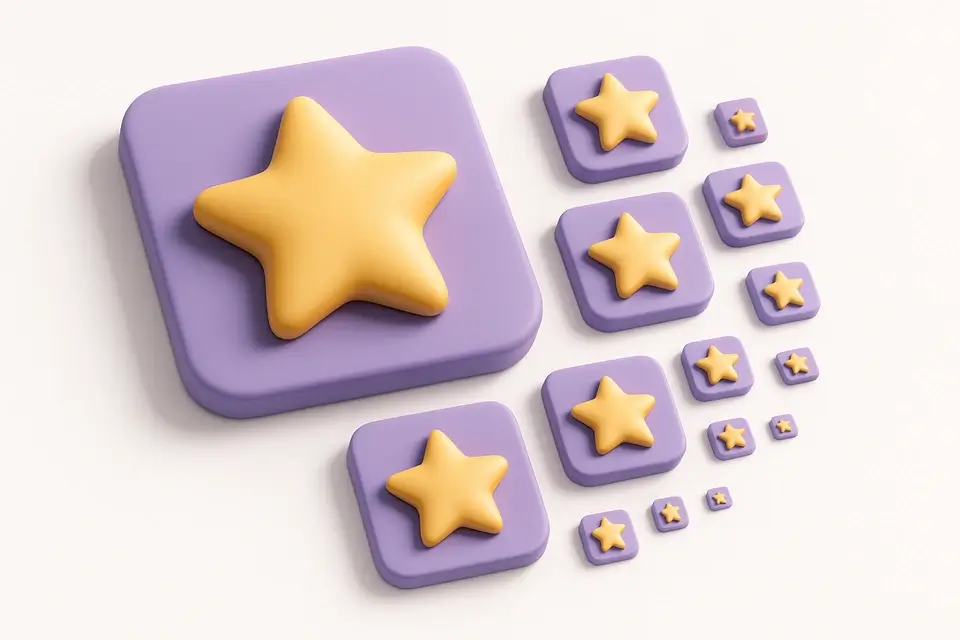
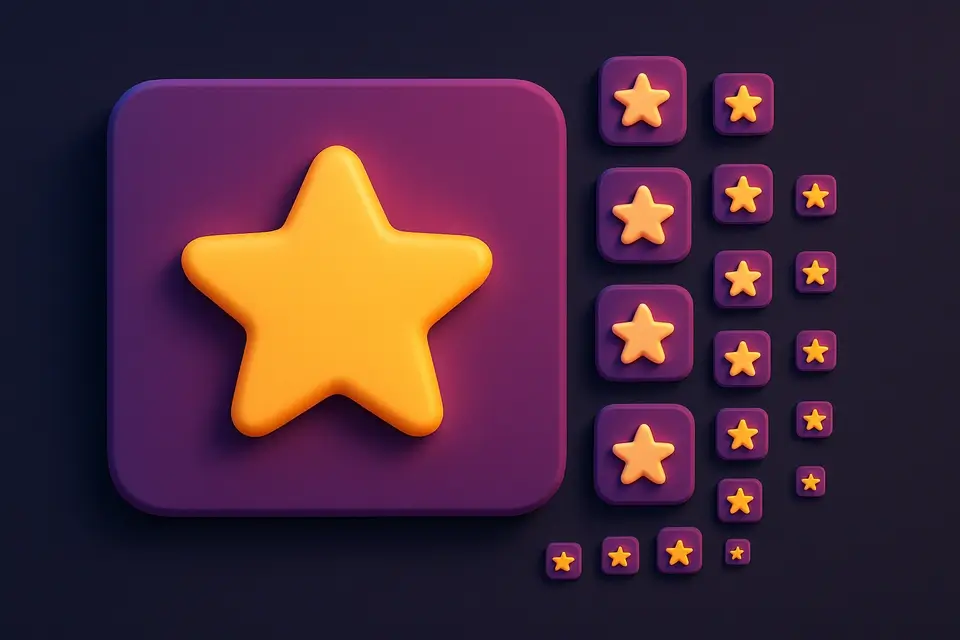
Favicon Generator
Generate favicons in multiple sizes (16x16, 32x32, 48x48 and more) from any image.
🖼️ Image Tools
Image Color Picker
Click anywhere on an image to pick the exact color value in HEX, RGB, and HSL.
🖼️ Image Tools
Image Color Extractor
Automatically extract the dominant colors and color palette from any image.
🖼️ Image Tools
Bulk Image Resizer
Resize multiple images at once to the same dimensions with batch processing.
🖼️ Image Tools
Bulk Image Converter
Convert multiple images to PNG, JPG, or WebP format in one batch operation.
🖼️ Image Tools
Image Watermark Text
Add customizable text watermarks to images with position, opacity, and style controls.
🖼️ Image Tools
Image Watermark Image
Overlay a logo or image watermark on top of another image with opacity and position controls.
🖼️ Image Tools
Image Overlay Blend
Blend two images together using Photoshop-style blend modes like multiply, screen, and overlay.
🖼️ Image Tools
Image Border Frame
Add decorative borders and frames to images with customizable width, color, and style.
🖼️ Image Tools
Image Round Corners
Round the corners of images with adjustable radius for a modern, polished look.
🖼️ Image Tools
Image Circle Crop
Crop images into a perfect circle from the center with transparent background.
🖼️ Image Tools
Image to Grayscale
Convert color images to grayscale (black and white) with adjustable intensity.
🖼️ Image Tools
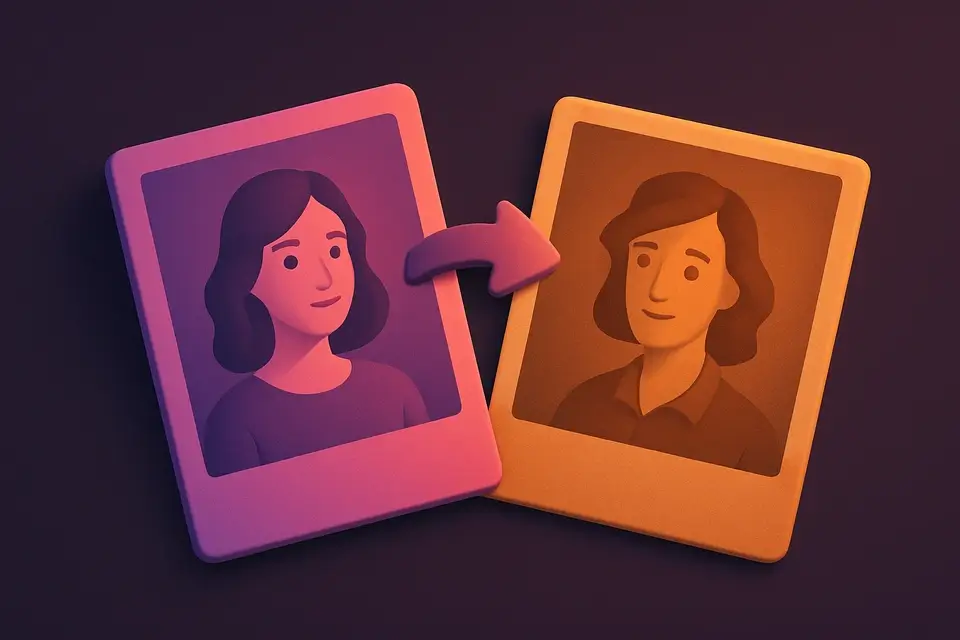
Image Sepia Filter
Apply a warm sepia tone filter to images for a vintage, antique photograph look.
🖼️ Image Tools
Image Brightness
Adjust the brightness of images to make them lighter or darker.
🖼️ Image Tools
Image Contrast
Adjust image contrast to enhance or reduce the difference between light and dark areas.
🖼️ Image Tools
Image Saturation
Adjust the color saturation of images to make colors more vivid or more muted.
🖼️ Image Tools
Image Hue Rotate
Rotate the hue of all colors in an image for creative color-shifting effects.
🖼️ Image Tools
Image Blur
Apply box blur to soften images with adjustable radius control.
🖼️ Image Tools
Image Sharpen
Sharpen images with adjustable intensity using unsharp mask convolution.
🖼️ Image Tools
Image Pixelate
Pixelate images with adjustable block size for retro effects or privacy masking.
🖼️ Image Tools
Image Invert
Invert image colors to create a photographic negative effect.
🖼️ Image Tools
Image Noise Add
Add film grain or random noise to images for vintage or textured effects.
🖼️ Image Tools
Image Noise Reduce
Reduce noise and grain in images using median filtering.
🖼️ Image Tools
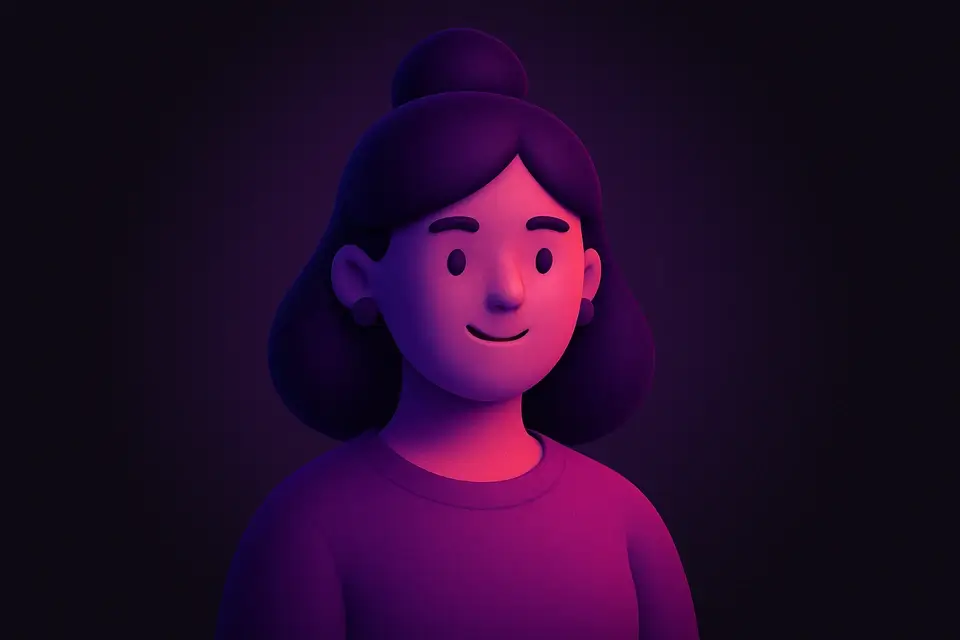
Image Vignette
Add a vignette effect with adjustable darkness, radius, and softness.
🖼️ Image Tools
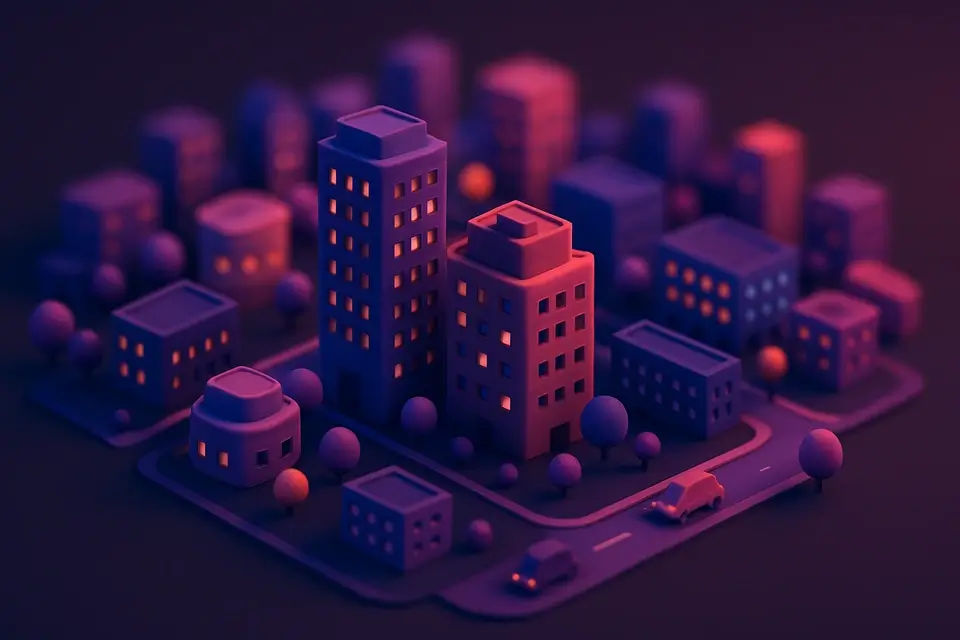
Image Tilt Shift
Create a miniature/tilt-shift effect by blurring above and below a focal band.
🖼️ Image Tools
Image Posterize
Reduce the number of color levels per channel for a flat, poster-like effect.
🖼️ Image Tools
Image Solarize
Apply a solarization effect by inverting tones above an adjustable threshold.
🖼️ Image Tools
Image Emboss
Apply an emboss effect to create a raised, 3D relief appearance.
🖼️ Image Tools
Image Edge Detect
Detect and highlight edges using Sobel operator convolution.
🖼️ Image Tools
Image Threshold
Convert images to pure black and white using adjustable threshold.
🖼️ Image Tools
Image Dither
Apply Floyd-Steinberg dithering for retro limited-color effects.
🖼️ Image Tools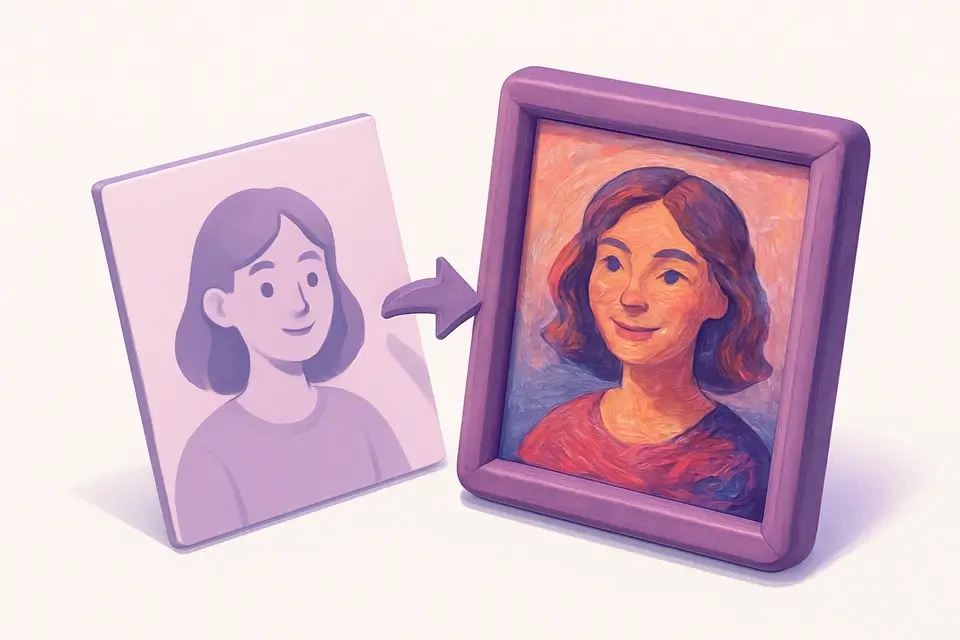
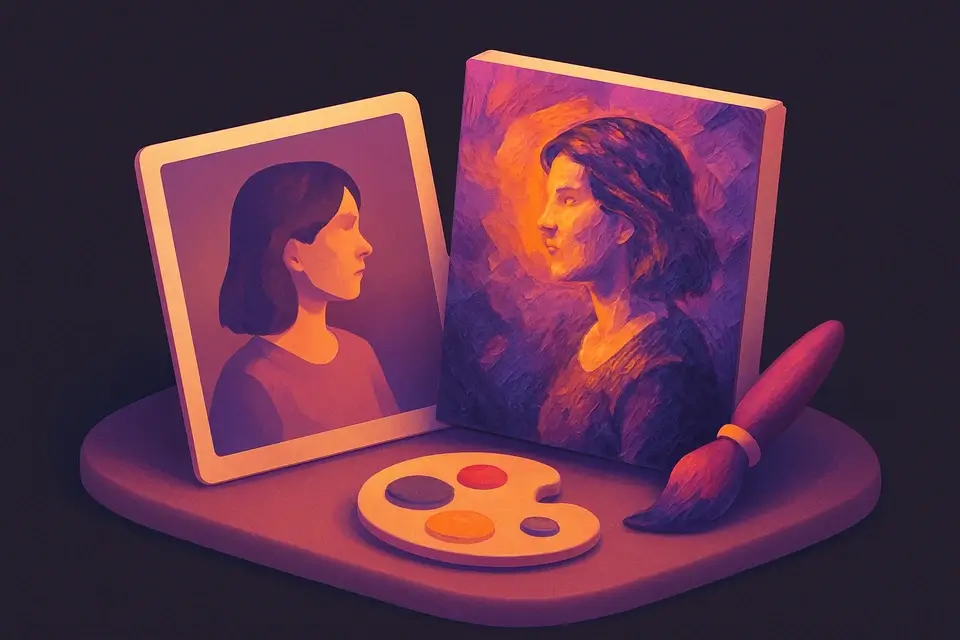
Image Oil Paint
Transform photos into oil painting style with brush stroke simulation.
🖼️ Image Tools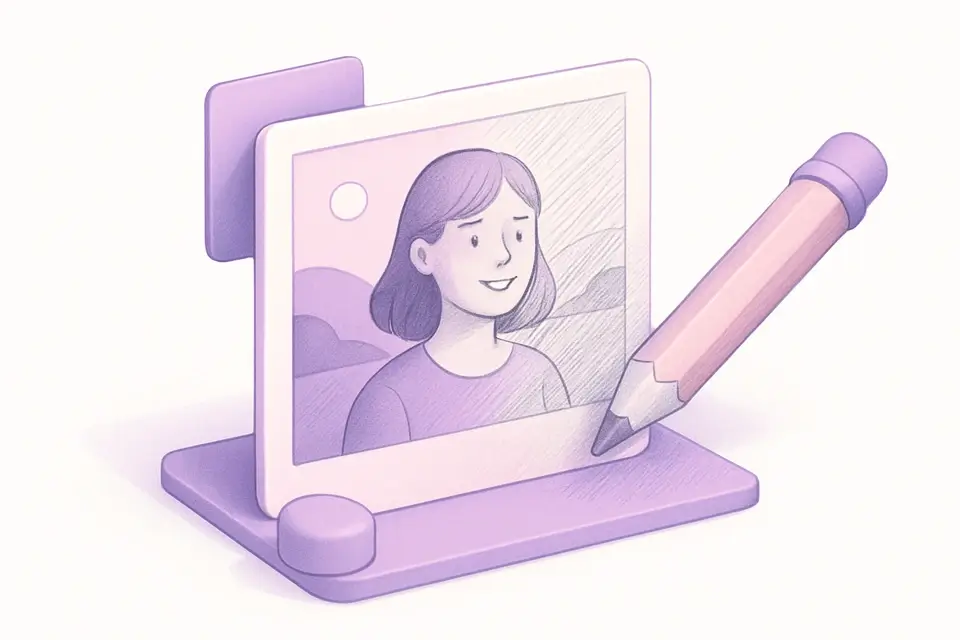
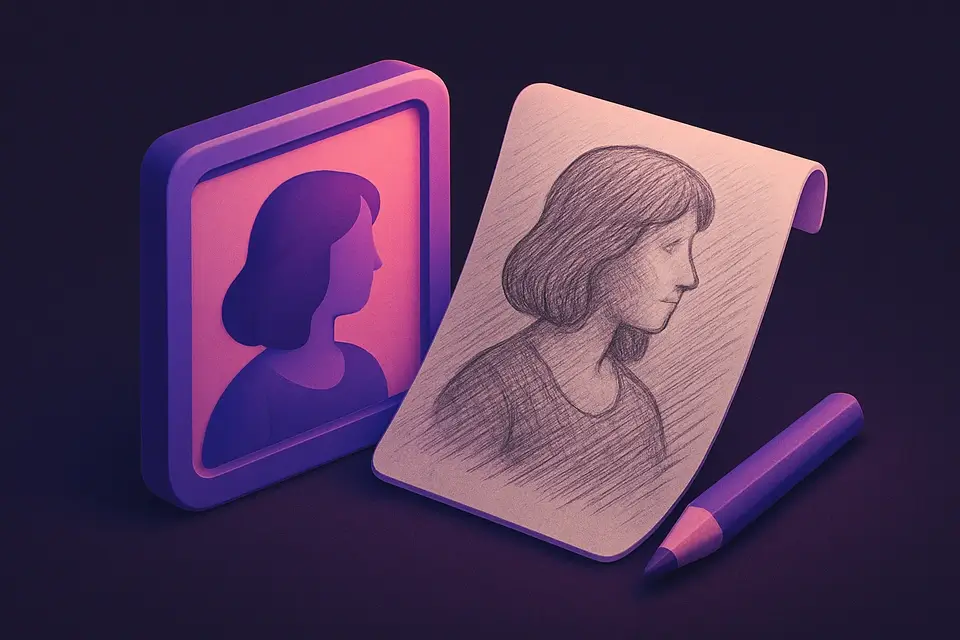
Image Pencil Sketch
Convert photos into pencil sketch drawings.
🖼️ Image Tools
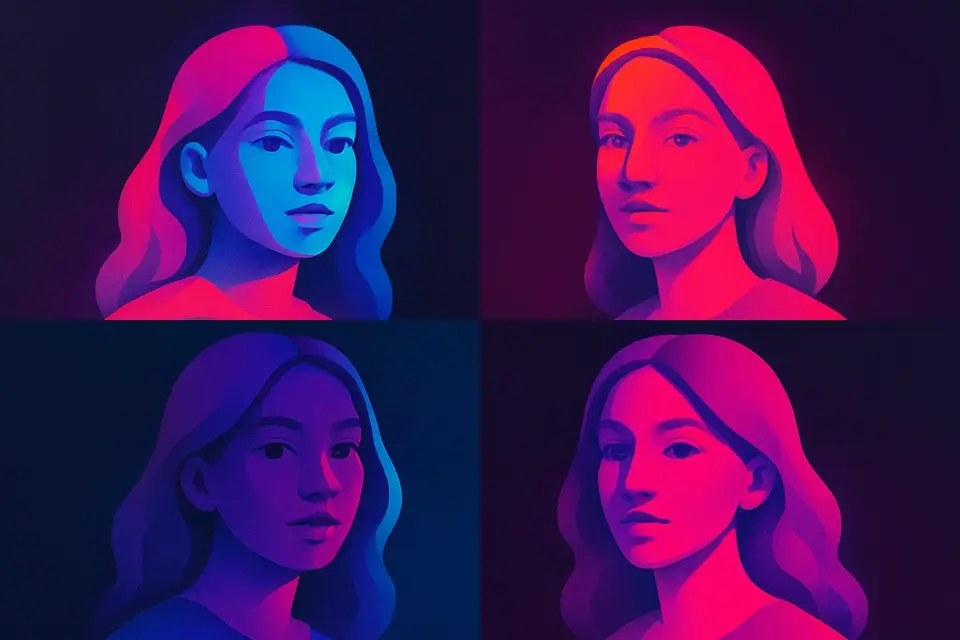
Image Pop Art
Create Andy Warhol-style pop art with bold colors.
🖼️ Image Tools
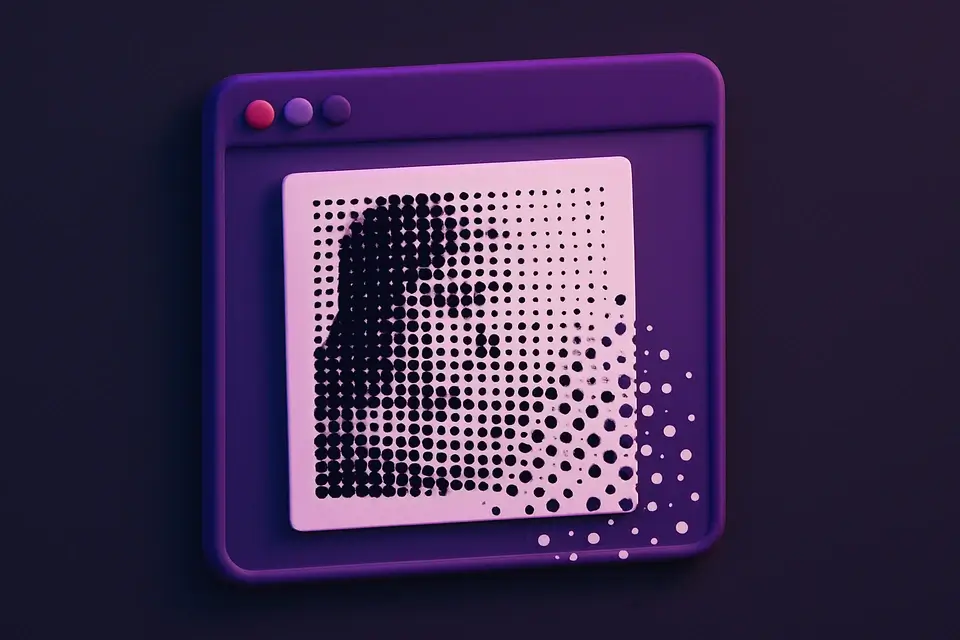
Image Halftone
Create newspaper-style halftone dot patterns from images.
🖼️ Image Tools
Image Duotone
Apply duotone effect by mapping tones to two custom colors.
🖼️ Image Tools
Image Glitch
Add digital glitch artifacts with RGB shifting and scan lines.
🖼️ Image Tools
Image ASCII Art
Convert images to ASCII art text using character density mapping.
🖼️ Image Tools
Image Mosaic
Create tile mosaic effects with customizable tile size and gap.
🖼️ Image Tools
Image Mirror
Create symmetrical mirror effects by reflecting parts of an image.
🖼️ Image Tools
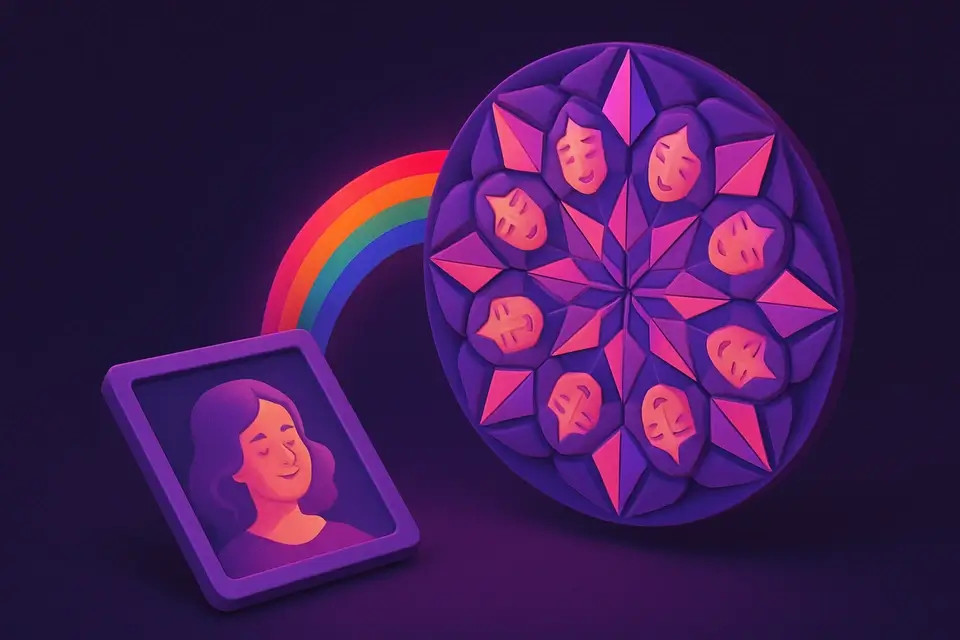
Image Kaleidoscope
Create kaleidoscope patterns by reflecting and rotating segments.
🖼️ Image Tools
Image Color Replace
Replace a specific color with another using tolerance matching.
🖼️ Image Tools
Image Background Color Change
Change background color by replacing the dominant edge color.
🖼️ Image Tools
Image Transparent Background
Remove backgrounds by making the detected background color transparent.
🖼️ Image Tools
Image Shadow Generator
Add customizable drop shadows with adjustable offset, blur, and color.
🖼️ Image Tools
Image Reflection Generator
Add a mirrored reflection below images with gradient fade.
🖼️ Image Tools
Image 3D Perspective
Apply 3D perspective transforms for angled and isometric views.
🖼️ Image Tools
Meme Generator
Create memes by adding customizable top and bottom text overlays to any image.
🖼️ Image Tools
Image Annotation
Add text labels, arrows, and rectangular highlights to annotate images.
🖼️ Image Tools
Image Collage
Combine multiple images into a single collage with customizable layouts and spacing.
🖼️ Image Tools
Image Grid Maker
Split a single image into a grid of equal-sized tiles for Instagram grids and puzzles.
🖼️ Image Tools
Image Sprite Sheet
Combine multiple images into a single sprite sheet with configurable columns and spacing.
🖼️ Image Tools
Image Comparison Slider
Compare two images side-by-side with an interactive before/after slider.
🖼️ Image Tools
Image Histogram
Visualize the color distribution of an image with RGB and luminance histograms.
🖼️ Image Tools
Image EXIF Viewer
View all EXIF metadata embedded in JPEG images including camera, lens, and settings.
🖼️ Image Tools
Image EXIF Remover
Strip all EXIF metadata from JPEG images to protect privacy before sharing.
🖼️ Image Tools
Image GPS Viewer
Extract and display GPS coordinates from photo EXIF data with a location link.
🖼️ Image Tools
Image Metadata Editor
View and edit common image metadata fields like title, description, and author.
🖼️ Image Tools
QR Code Generator
Generate QR codes from text, URLs, or any data with customizable size and colors.
🖼️ Image Tools
QR Code Reader
Decode QR codes from uploaded images to extract the embedded text or URL.
🖼️ Image Tools
Barcode Generator
Generate barcodes in various formats including CODE128, EAN, UPC, and more.
🖼️ Image Tools
Barcode Reader
Scan and decode barcodes from uploaded images to extract the encoded data.
🖼️ Image Tools
Social Media Image Resizer
Resize images to exact dimensions for all major social media platforms.
🖼️ Image Tools
OG Image Generator
Create Open Graph images for social media link previews with text and branding.
🖼️ Image Tools

YouTube Thumbnail Maker
Create eye-catching YouTube thumbnails at the recommended 1280x720 resolution.
🖼️ Image Tools
App Store Screenshot
Create professional app store screenshots with device frames and captions.
🖼️ Image Tools
Product Mockup
Place your design on product mockups like t-shirts, mugs, and business cards.
🖼️ Image Tools
Browser Mockup
Wrap screenshots in a realistic browser window frame with address bar and controls.
🖼️ Image Tools
Device Mockup
Place screenshots inside device frames — iPhone, Android, iPad, laptop, and desktop.
🖼️ Image Tools
Image to Icon
Convert images to icon sizes (16x16 to 512x512) for favicons and app icons.
🖼️ Image Tools
Image Placeholder
Generate placeholder images with custom dimensions, colors, and text labels.
🖼️ Image Tools
SVG Optimizer
Optimize SVG files by removing unnecessary elements, comments, and metadata.
🖼️ Image Tools
SVG Viewer
Preview SVG files with zoom, pan, and code inspection in a visual viewer.
🖼️ Image Tools
SVG Editor
Edit SVG code with live preview, syntax highlighting, and instant rendering.
🖼️ Image Tools
Image Text Extractor
Extract visible text from images using Canvas pixel analysis and pattern detection.
🖼️ Image Tools
Color Blindness Simulator (Image)
Simulate how images appear to people with various types of color vision deficiency.
🖼️ Image Tools
Image Pixel Grid
Zoom into images at pixel level with a grid overlay showing individual pixel colors.
🖼️ Image Tools
Image Splitter
Split an image into a grid of equally sized tiles for puzzles, printing, or Instagram grids.
🖼️ Image Tools
Image to PDF
Convert one or more images into a multi-page PDF document with layout options.
🖼️ Image Tools
Images to GIF
Create animated GIF files from a sequence of images with customizable frame delay.
🖼️ Image Tools

GIF to Images
Extract individual frames from animated GIF files as separate PNG images.
🖼️ Image Tools
GIF Speed Changer
Speed up or slow down animated GIF files by adjusting the frame delay timing.
🖼️ Image Tools
GIF Resizer
Resize animated GIF files to new dimensions while preserving the animation.
🖼️ Image Tools
GIF Reverser
Reverse animated GIF playback or create a boomerang loop effect.
🖼️ Image Tools
GIF Optimizer
Optimize animated GIF file size by reducing colors and dimensions.
🖼️ Image Tools
Animated PNG Creator
Create animated APNG files from image sequences with full-color support.
🖼️ Image Tools
WebP Animation Creator
Create animated WebP files from image sequences for efficient web animations.
🖼️ Image Tools
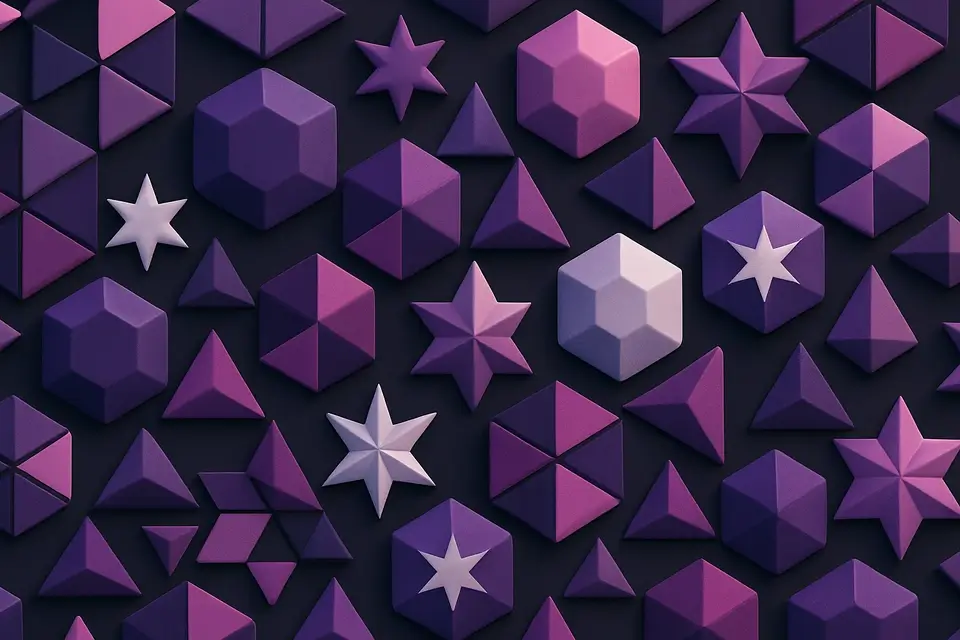
Geometric Pattern Generator
Generate geometric patterns with shapes like hexagons, triangles, stars, and circles.
🖼️ Image Tools
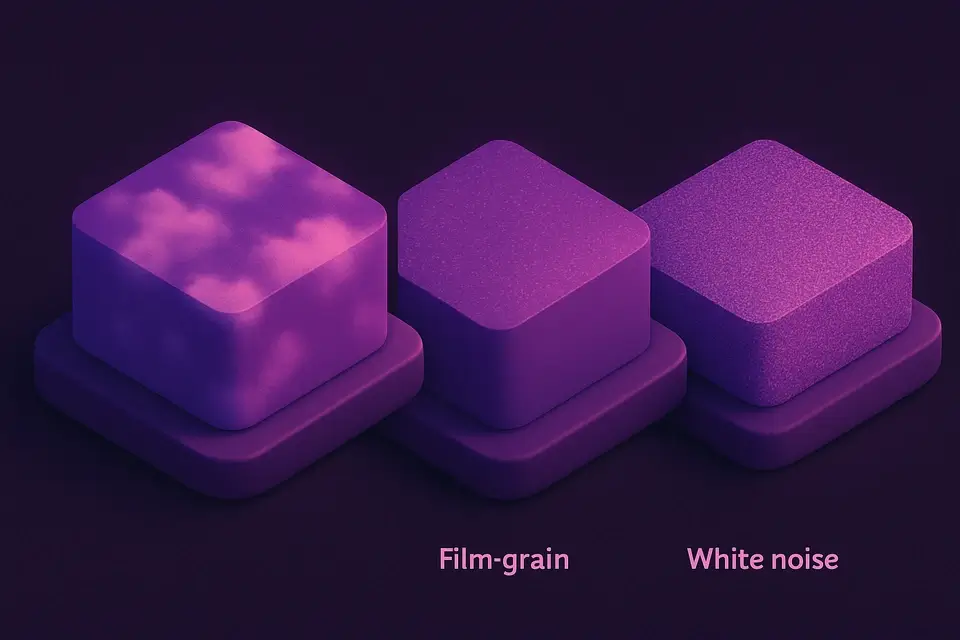
Noise Texture Generator
Generate procedural noise textures: Perlin, white noise, grain, and cloud effects.
🖼️ Image Tools
Gradient Image Generator
Generate gradient images with multiple colors, directions, and effects including radial and conic.
🖼️ Image Tools
Solid Color Image Generator
Generate solid color images at any size with hex color input and preset options.
🖼️ Image Tools
Color Palette from Image
Extract a harmonious color palette from any image using K-means clustering.
🖼️ Image Tools
Image Dominant Color
Find the single most dominant color in any image with top-5 color breakdown.
🖼️ Image Tools
Average Color Calculator
Calculate the mathematical average color of any image in hex, RGB, and HSL formats.
🖼️ Image Tools
Image Difference Checker
Compare two images and highlight pixel-level differences with a visual diff map.
🖼️ Image Tools
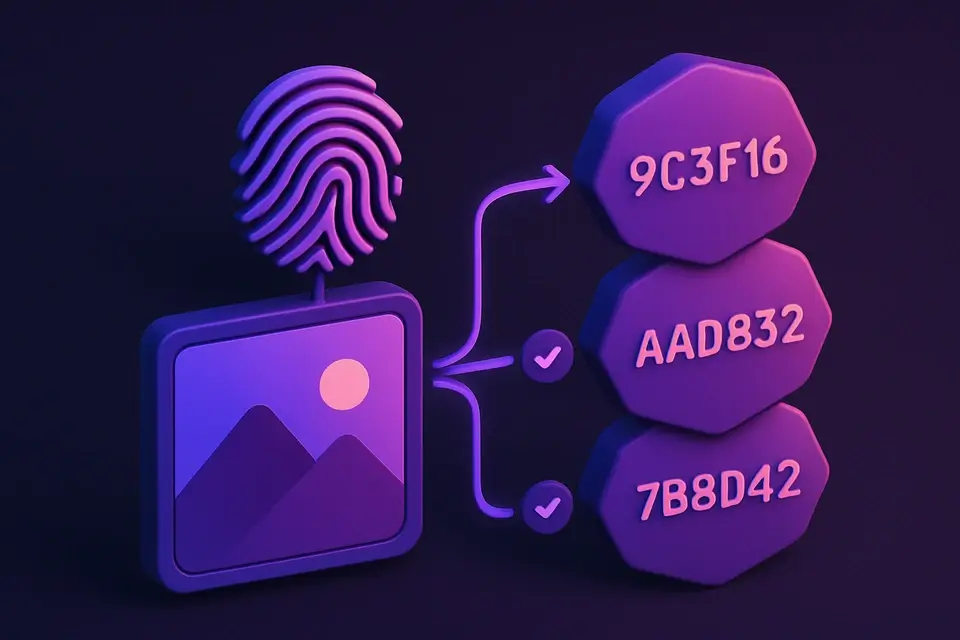
Image Hash
Generate perceptual hashes (aHash, dHash, pHash) for image similarity comparison.
🖼️ Image Tools

Steganography
Hide secret text messages inside images using LSB steganography, or reveal hidden messages.
🖼️ Image Tools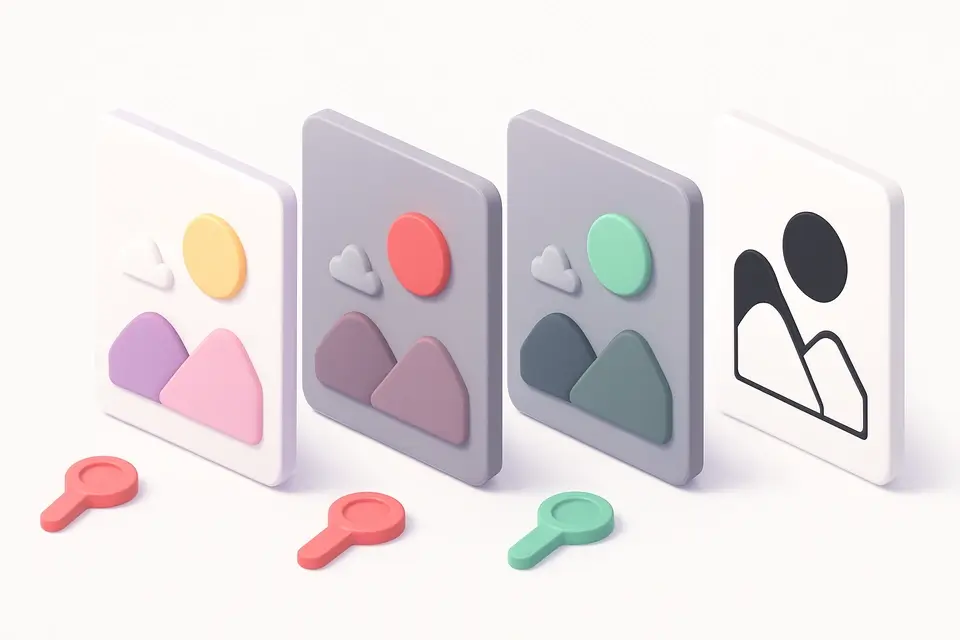
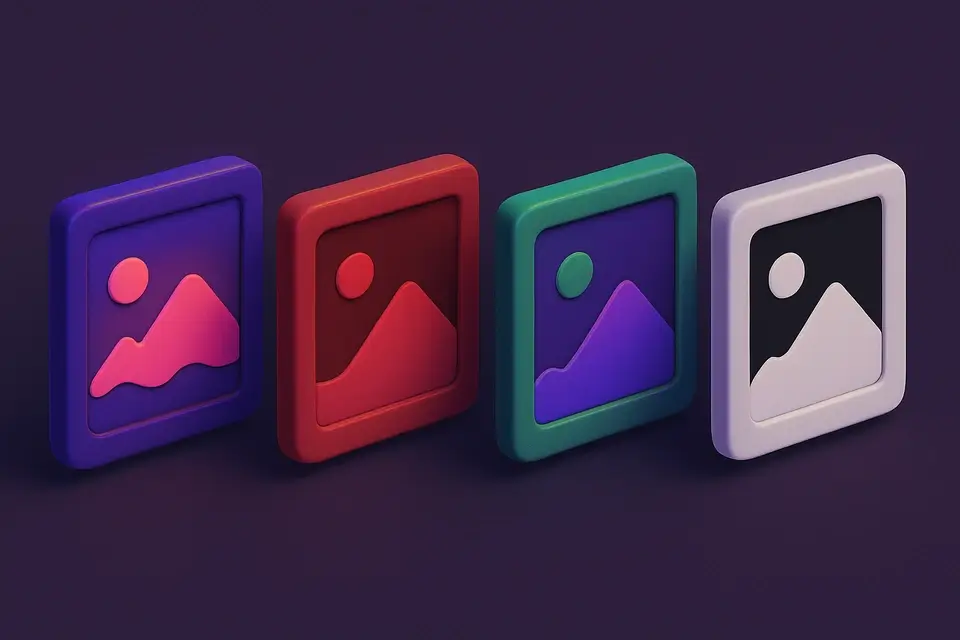
Image Channel Splitter
Split an image into separate Red, Green, Blue, and Alpha channel images.
🖼️ Image Tools
Image Channel Merger
Merge separate Red, Green, and Blue channel images into a single combined image.
🖼️ Image Tools
Image Blend Modes
Apply Photoshop-style blend modes between two images: multiply, screen, overlay, and more.
🖼️ Image Tools
Tiled Image Preview
Preview how an image looks when repeated as a seamless tile pattern.
🖼️ Image Tools
Nine-Patch Generator
Create Android-style 9-patch (.9.png) images with stretchable region markers.
🖼️ Image Tools
Image LOD Generator
Generate multiple Level of Detail (LOD) mipmap versions of an image at halved resolutions.
🖼️ Image Tools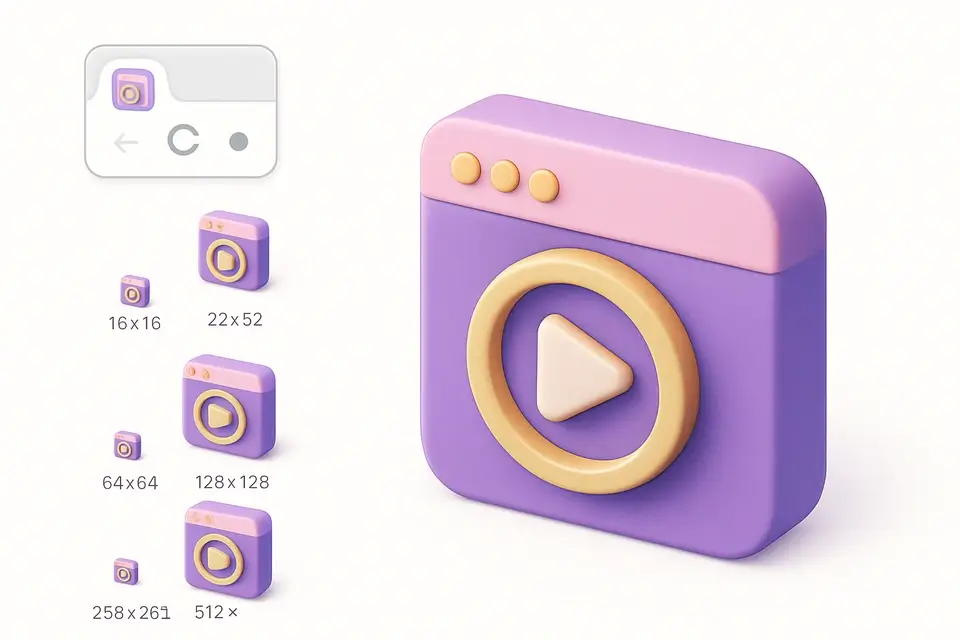
Favicon Checker
Preview how a favicon looks at all standard sizes with browser tab and bookmark mockups.
🖼️ Image Tools
Screenshot to Code
Analyze screenshots and generate basic HTML/CSS layout code from detected regions.
🖼️ Image Tools