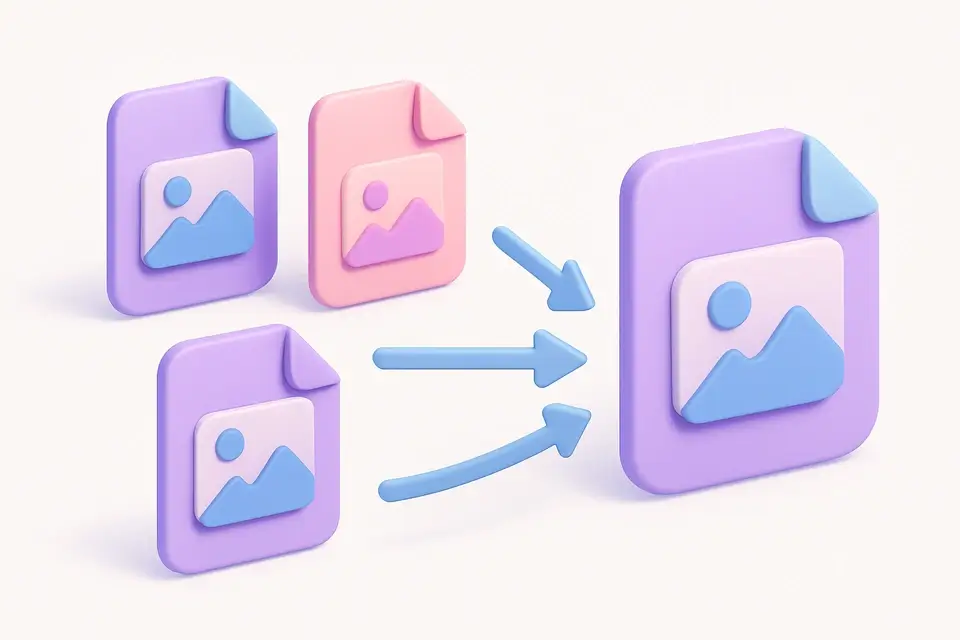
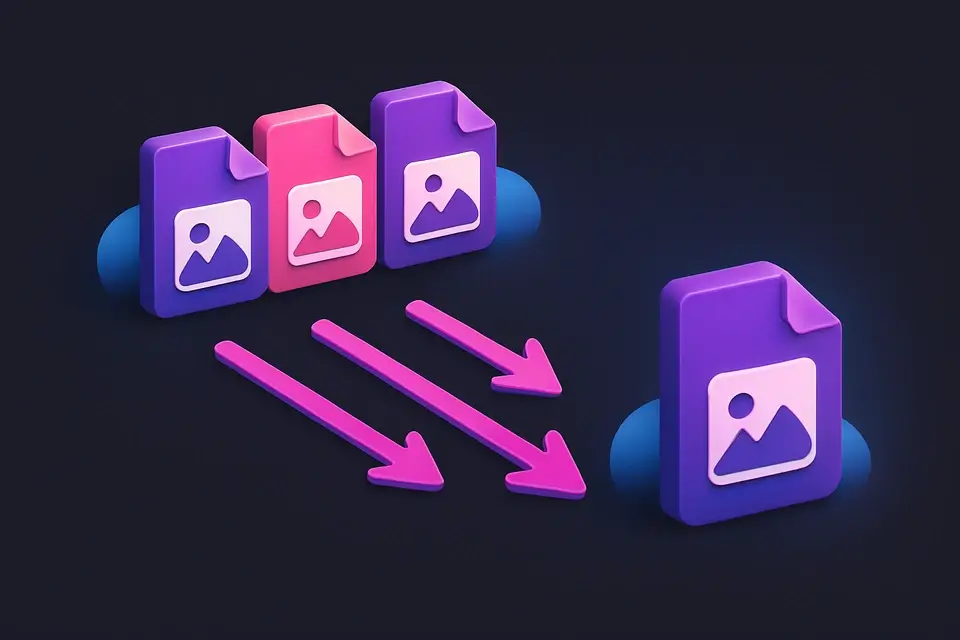
Bulk Image Converter Convert multiple images to PNG, JPG, or WebP format in one batch operation.
Bulk Image Converter
Convert multiple images to PNG, JPG, or WebP format in one batch operation.
Upload Multiple Images
Drop or select multiple image files of any format.
Choose Output Format
Select PNG, JPG, or WebP as the output format and adjust quality.
Convert and Download
Convert all images at once and download individually or as a batch.
What Is Bulk Image Converter?
A bulk image converter transforms multiple images from their current format to a chosen output format in a single batch operation. This is ideal when you have a collection of mixed-format images that all need to be in the same format. Choose from PNG (lossless, transparency), JPG (lossy, small files), or WebP (modern, best compression). Quality control is available for JPG and WebP. When converting to JPG, transparent areas are automatically filled with white.
Why Use Bulk Image Converter?
-
Batch convert multiple images in one operation
-
Choose between PNG, JPG, and WebP output
-
Quality slider for lossy format control
-
No server upload — fast, private processing
Common Use Cases
Format Standardization
Convert a mixed collection of images to a single consistent format.
WebP Migration
Batch convert website images from JPG/PNG to WebP for better performance.
Compatibility Fix
Convert WebP images to JPG for use with older software.
Archive Preparation
Convert images to PNG for lossless archival storage.
Technical Guide
Batch conversion processes each file sequentially through a shared canvas element. For JPEG output, the canvas is pre-filled with white to handle transparency. Quality is applied as the second parameter to canvas.toDataURL for JPEG and WebP. The output filename preserves the original name with the new extension. Sequential processing prevents memory exhaustion.
Tips & Best Practices
-
1WebP provides 25-35% smaller files than JPEG — ideal for web migration
-
2Use PNG when quality and transparency are essential
-
3Remove files you don't want to convert before processing
-
4Processing time increases with image count and size
Related Tools
Image Compress
Compress images by adjusting quality to reduce file size while maintaining visual quality.
🖼️ Image Tools
Image Format Converter
Convert images between JPG, PNG, and WebP formats with quality control.
🖼️ Image Tools
HEIC to JPG
Convert Apple HEIC/HEIF photos to widely compatible JPG format.
🖼️ Image Tools
Bulk Image Resizer
Resize multiple images at once to the same dimensions with batch processing.
🖼️ Image ToolsFrequently Asked Questions
Q What formats can I convert from?
Q Will quality be lost during conversion?
Q Is there a limit on number of images?
Q What happens to transparency when converting to JPG?
Q Can I convert HEIC files?
About This Tool
Bulk Image Converter is a free online tool by FreeToolkit.ai. All processing happens directly in your browser — your data never leaves your device. No registration or installation required.