Gradient Image Generator Generate gradient images with multiple colors, directions, and effects including radial and conic.
Gradient Image Generator
Generate gradient images with multiple colors, directions, and effects including radial and conic.
Set Colors
Choose 2-6 gradient color stops using color pickers.
Choose Direction
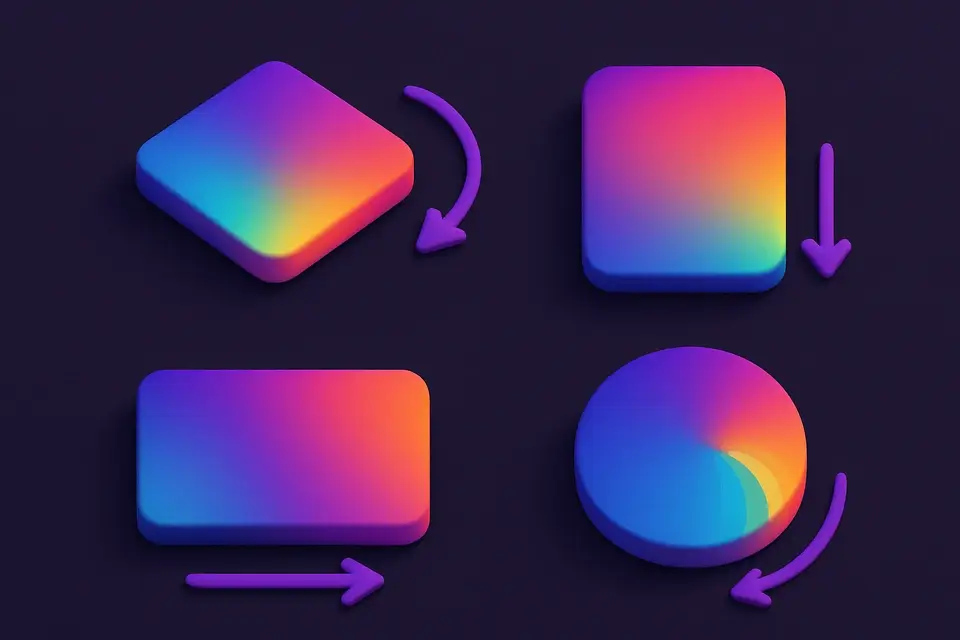
Select horizontal, vertical, diagonal, radial, or conic.
Download
Set dimensions, generate, and download the gradient image.
What Is Gradient Image Generator?
A gradient image generator that creates smooth color transition images. Add 2 to 6 color stops and choose from five gradient directions: horizontal, vertical, diagonal, radial, and conic. Gradients are rendered using Canvas native gradient APIs for smooth interpolation. Set custom output dimensions up to 4096×4096px. Perfect for backgrounds, social media headers, wallpapers, and design assets.
Why Use Gradient Image Generator?
-
Five gradient directions including radial and conic
-
Up to 6 color stops for complex gradients
-
Canvas-native rendering for smooth interpolation
-
Custom output dimensions up to 4096px
Common Use Cases
Wallpapers
Create custom gradient wallpapers for desktop and mobile.
Social Media
Gradient backgrounds for posts, stories, and headers.
Web Design
Generate hero section backgrounds and overlay gradients.
Presentations
Clean gradient slides for professional presentations.
Technical Guide
Uses Canvas 2D API gradient functions: createLinearGradient for horizontal, vertical, and diagonal; createRadialGradient for radial; createConicGradient for conic. Color stops are distributed evenly across the gradient range (0 to 1). The gradient is applied as fillStyle on a canvas matching the target dimensions. Output supports PNG for lossless quality.
Tips & Best Practices
-
1Start with 2-3 colors for clean gradients
-
2Diagonal gradients work great for modern UI backgrounds
-
3Conic gradients create unique color wheel effects
-
4Add colors to create more complex multi-stop transitions
Related Tools
Noise Texture Generator
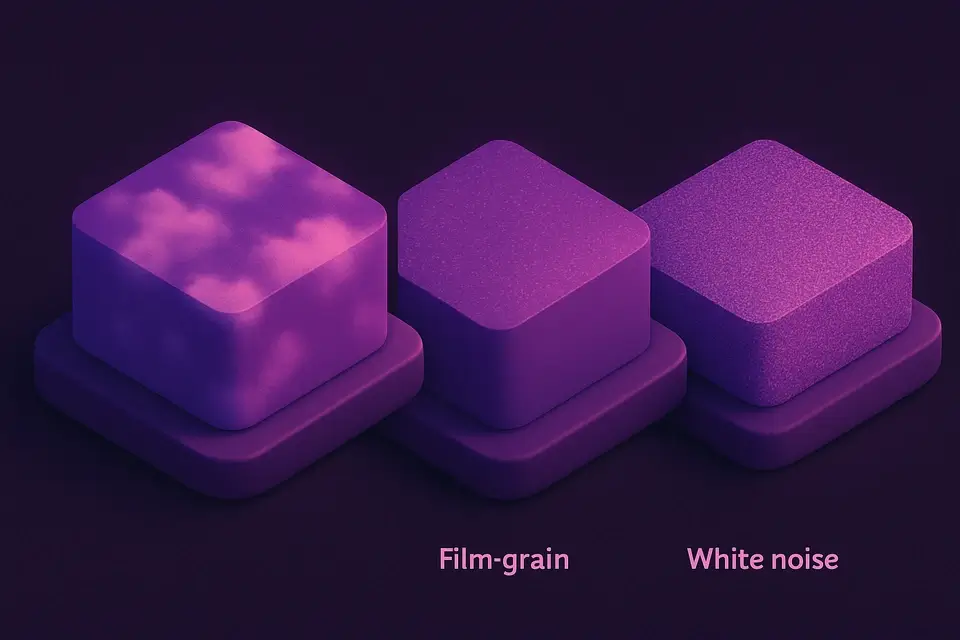
Generate procedural noise textures: Perlin, white noise, grain, and cloud effects.
🖼️ Image Tools
Solid Color Image Generator
Generate solid color images at any size with hex color input and preset options.
🖼️ Image Tools
Image Splitter
Split an image into a grid of equally sized tiles for puzzles, printing, or Instagram grids.
🖼️ Image Tools
Image Collage
Combine multiple images into a single collage with customizable layouts and spacing.
🖼️ Image ToolsFrequently Asked Questions
Q How many color stops can I add?
Q Can I set custom gradient angles?
Q Does it output CSS code?
Q Can I create transparent gradients?
Q What's the maximum output resolution?
About This Tool
Gradient Image Generator is a free online tool by FreeToolkit.ai. All processing happens directly in your browser — your data never leaves your device. No registration or installation required.