Create Procedural Noise Textures Online Generate procedural noise textures: Perlin, white noise, grain, and cloud effects.
Noise Texture Generator
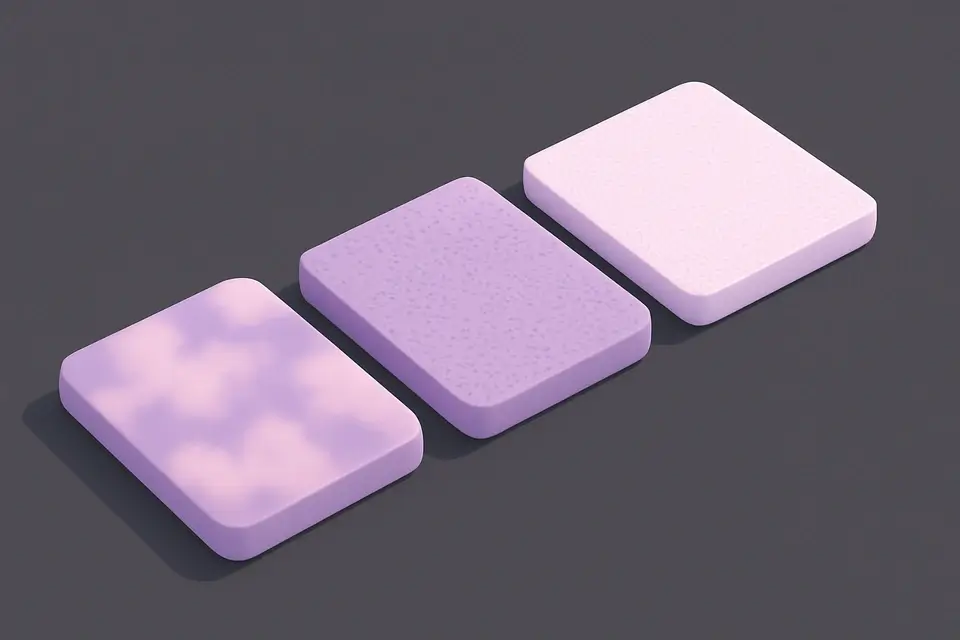
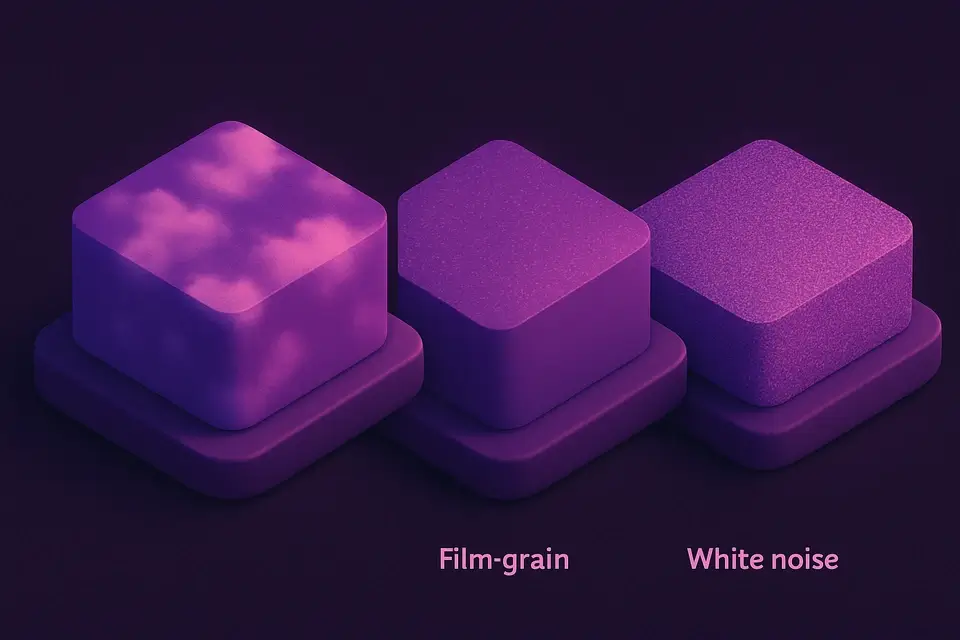
Generate procedural noise textures: Perlin, white noise, grain, and cloud effects.
Choose Type
Select noise type: white, Perlin, simplex, grain, or clouds.
Adjust
Set scale, intensity, dimensions, and optional color mode.
Download
Generate and download the noise texture as PNG.
What Is Noise Texture Generator?
A Noise Texture Generator is a software tool that creates procedural textures from mathematical algorithms, producing unique noise patterns used in various image and video applications. Graphic designers and game developers use it to generate realistic backgrounds, terrain, and special effects. One specific problem it solves is creating detailed, high-contrast textures without the need for manual editing or sampling from real-world images.
It offers five distinct noise types: white noise, Perlin noise, simplex noise, film grain, and clouds, each with its own characteristics and use cases. The Perlin noise implementation uses a permutation-based approach with gradient interpolation, allowing for smooth gradients and organic patterns. The tool's features, such as adjustable scale and intensity controls, enable users to fine-tune the texture generation process.
What makes this tool different is its ability to produce a wide range of procedural textures, from subtle film grain to complex multi-octave Perlin noise patterns, like clouds. The inclusion of a color mode toggle allows for random per-channel variation, adding an extra layer of realism to the generated textures. By using it, developers can create custom noise textures with specific properties, such as detail density and contrast, making it a valuable asset in their workflow.
Why Use Noise Texture Generator?
-
Five noise types for different visual effects
-
Adjustable scale and intensity controls
-
Color or grayscale output modes
-
Pure procedural generation — unique each time
Common Use Cases
Game Textures
Generate terrain, surface, and environment textures.
Film Grain
Create subtle grain overlays for photo/video effects.
Backgrounds
Organic noise textures for website and app backgrounds.
3D Graphics
Displacement and bump maps for 3D rendering.
Technical Guide
The tool works by utilizing the HTML5 Canvas API to generate and manipulate image data. It creates a 2D canvas context and uses the `createImageData` method to initialize a pixel array, which is then filled with noise values calculated using various algorithms. For Perlin and simplex noise, it employs a permutation table generated by shuffling an array of 256 integers, and then uses this table to compute gradient vectors for each grid point. The `fade` function, based on the smoothstep interpolation technique, is used to smoothly blend between these gradients.
The tool's noise generation algorithms are implemented using JavaScript, specifically utilizing the React library for state management and event handling. The `useState` hook is used to store parameters such as noise type, scale, intensity, and color mode, while the `useCallback` hook memoizes functions like `generate` and `download` to prevent unnecessary re-renders. When generating noise, it iterates over each pixel in the canvas, calculating its noise value based on the selected algorithm and adjusting parameters like scale and intensity. The resulting image data is then put into the canvas context using `putImageData`, and can be downloaded as a PNG file using the `toDataURL` method.
The different noise types are implemented using distinct algorithms: white noise uses the `Math.random` function, while film grain applies constrained random values around mid-gray. Cloud textures use fractal Brownian motion (fBm), which involves summing multiple octaves of Perlin noise with decreasing amplitude and increasing frequency. The color mode toggle adds an extra layer of realism by introducing random per-channel variation. The tool's output is a 32-bit RGBA image, where each pixel's color and alpha values are determined by the calculated noise value. By using the HTML5 Canvas API and JavaScript, it provides a flexible and efficient way to generate high-quality procedural textures for various applications.
Tips & Best Practices
-
1Large scale values create smoother, more organic patterns
-
2Cloud mode layers multiple noise octaves for realistic results
-
3Color mode adds random per-channel variation for psychedelic effects
-
4Each generation is unique — regenerate for variations
Related Tools
Geometric Pattern Generator
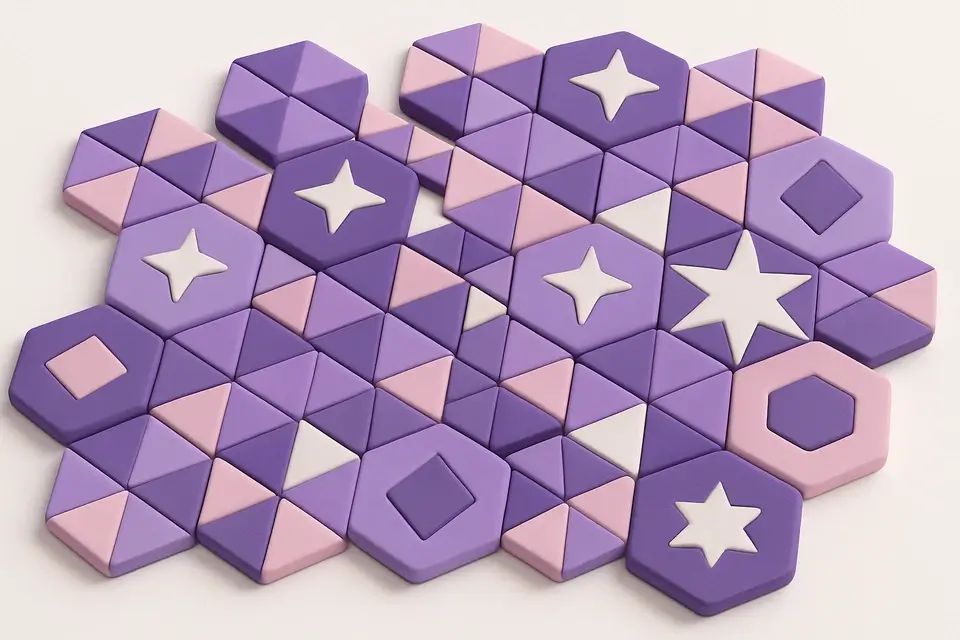
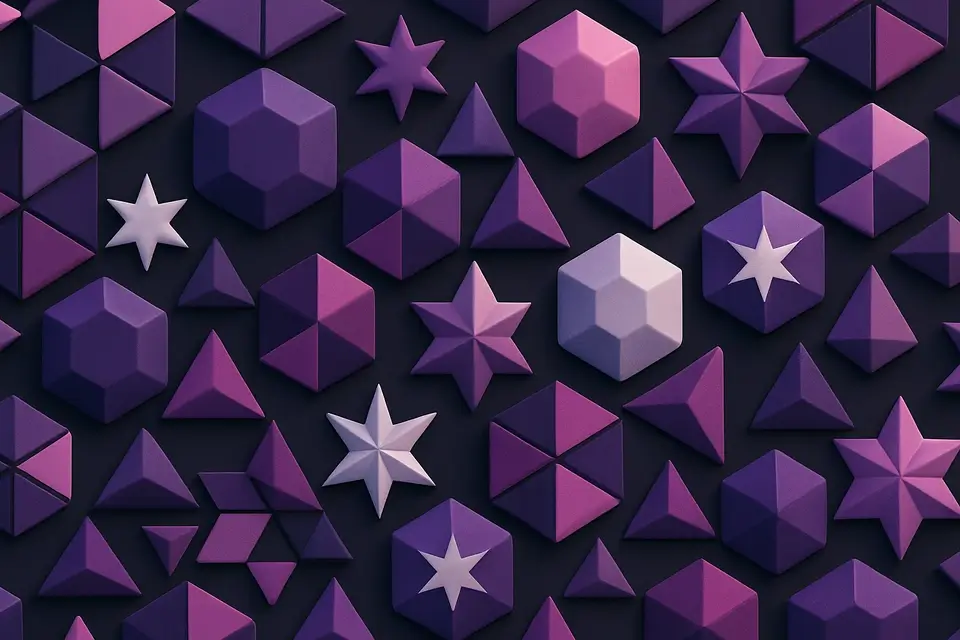
Generate geometric patterns with shapes like hexagons, triangles, stars, and circles.
🖼️ Image Tools
Gradient Image Generator
Generate gradient images with multiple colors, directions, and effects including radial and conic.
🖼️ Image Tools
Solid Color Image Generator
Generate solid color images at any size with hex color input and preset options.
🖼️ Image Tools

Browser Mockup
Wrap screenshots in a realistic browser window frame with address bar and controls.
🖼️ Image ToolsFrequently Asked Questions
Q Is the texture tileable?
Q Perlin vs simplex?
Q Resolution?
Q Reproducible?
Q Use as overlay?
About This Tool
Noise Texture Generator is a free online tool by FreeToolkit.ai. All processing happens directly in your browser — your data never leaves your device. No registration or installation required.