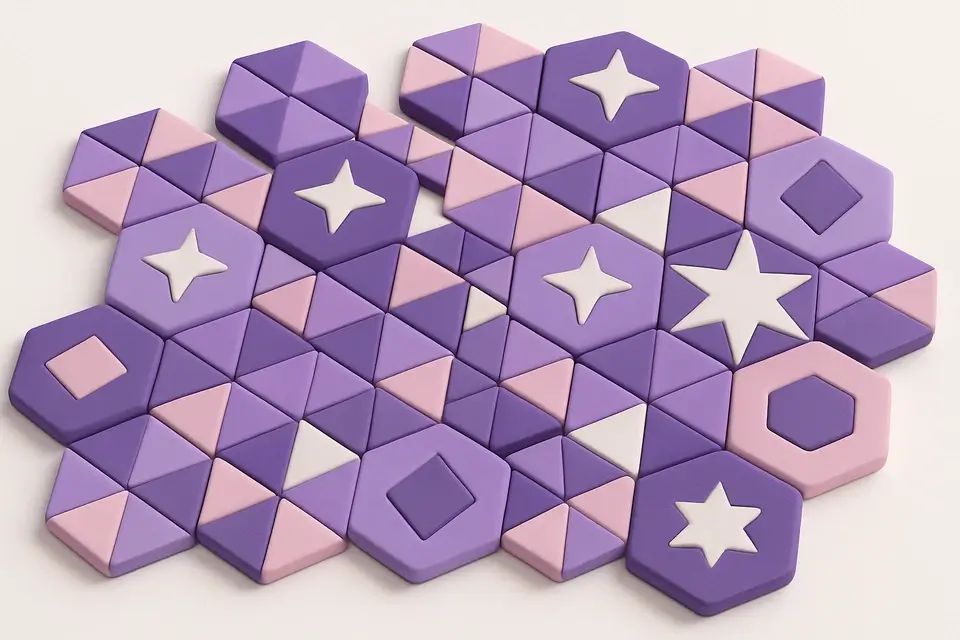
Geometric Pattern Generator Generate geometric patterns with shapes like hexagons, triangles, stars, and circles.

Geometric Pattern Generator
Generate geometric patterns with shapes like hexagons, triangles, stars, and circles.
Choose Shape
Select from triangles, hexagons, circles, squares, stars, or crosses.
Customize
Set colors, cell size, rotation angle, and dimensions.
Download
Generate the geometric pattern and download as PNG.
What Is Geometric Pattern Generator?
A geometric pattern generator that creates intricate repeating designs using mathematical shapes. Choose from triangles, hexagons, circles, rotated squares, stars, and crosses. Customize foreground/background colors, cell size, and add rotation for dynamic compositions. Patterns are generated using precise trigonometric calculations for pixel-perfect geometry. Great for backgrounds, branding, and decorative designs.
Why Use Geometric Pattern Generator?
-
Six geometric shape types with precise rendering
-
Full rotation control for dynamic angles
-
Mathematical precision for pixel-perfect geometry
-
Custom colors and cell sizing
Common Use Cases
Branding
Create unique geometric backgrounds for brand identity.
Art Prints
Generate geometric art for posters and wall prints.
UI Design
Subtle geometric textures for app and website backgrounds.
Education
Visualize tessellations and geometric tiling concepts.
Technical Guide
Shapes are drawn using Canvas path operations with trigonometric calculations. Hexagons use cos/sin at 60° intervals. Triangles use three-point paths. Stars alternate inner and outer radii. Rotation applies canvas transform before drawing. The grid positions shapes using staggered offsets for hexagonal packing. Cell size controls the bounding box of each shape instance. Overflow padding ensures complete coverage after rotation.
Tips & Best Practices
-
1Hexagons naturally tessellate for seamless patterns
-
2Try 30° or 45° rotation for interesting compositions
-
3Reduce cell size for denser, more intricate patterns
-
4Use subtle color contrast for elegant background textures
Related Tools
Noise Texture Generator
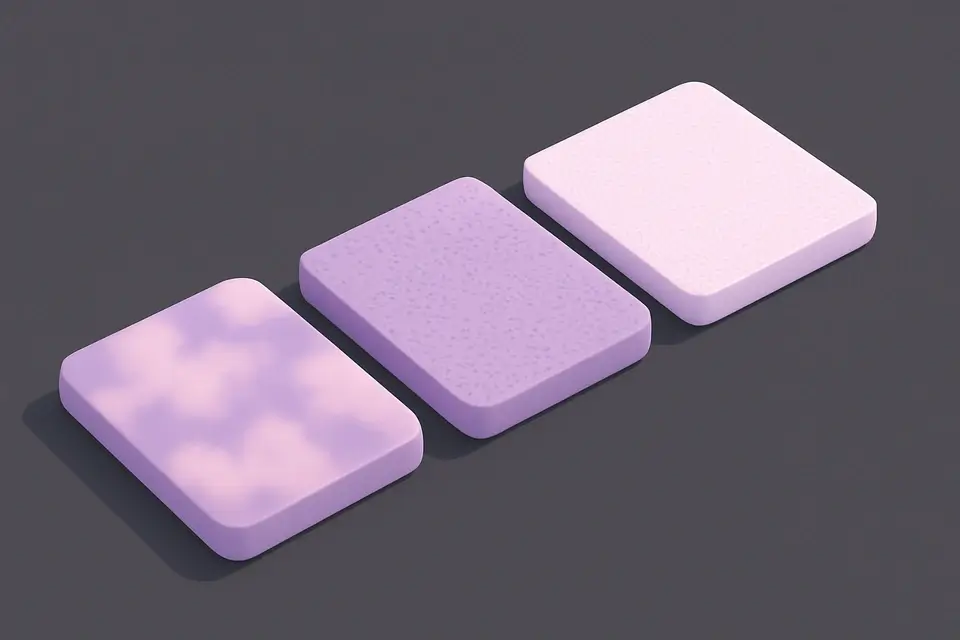
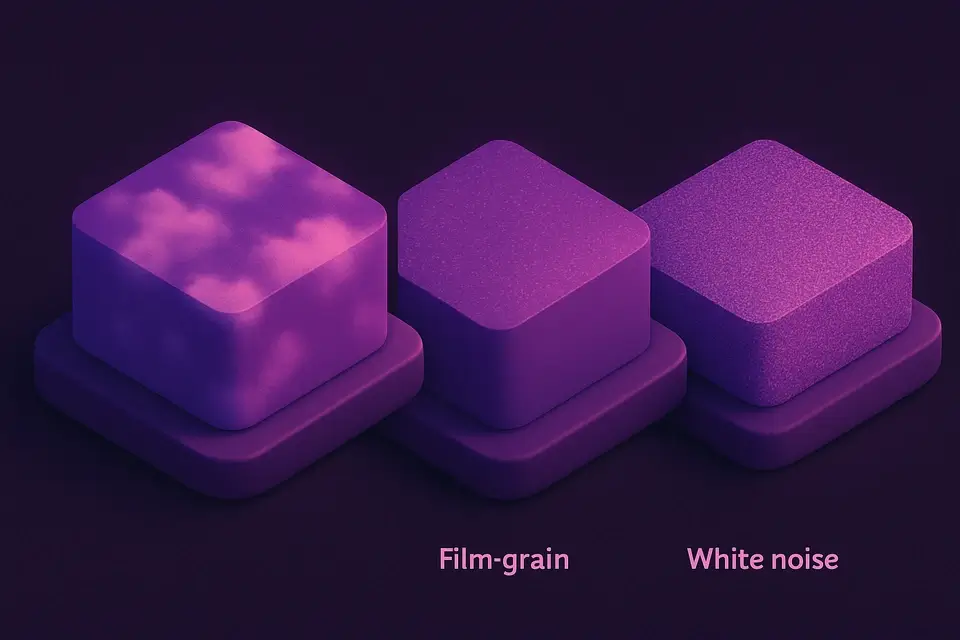
Generate procedural noise textures: Perlin, white noise, grain, and cloud effects.
🖼️ Image Tools
Gradient Image Generator
Generate gradient images with multiple colors, directions, and effects including radial and conic.
🖼️ Image Tools
Solid Color Image Generator
Generate solid color images at any size with hex color input and preset options.
🖼️ Image Tools

GIF Optimizer
Optimize animated GIF file size by reducing colors and dimensions.
🖼️ Image ToolsFrequently Asked Questions
Q What shapes are available in the geometric pattern generator?
Q Can I add custom rotation to my geometric pattern?
Q Which shapes tessellate naturally?
Q Can I export geometric patterns as vector?
Q What's the maximum output size for geometric patterns?
About This Tool
Geometric Pattern Generator is a free online tool by FreeToolkit.ai. All processing happens directly in your browser — your data never leaves your device. No registration or installation required.