Create Product Mockups Free Place your design on product mockups like t-shirts, mugs, and business cards.
Product Mockup
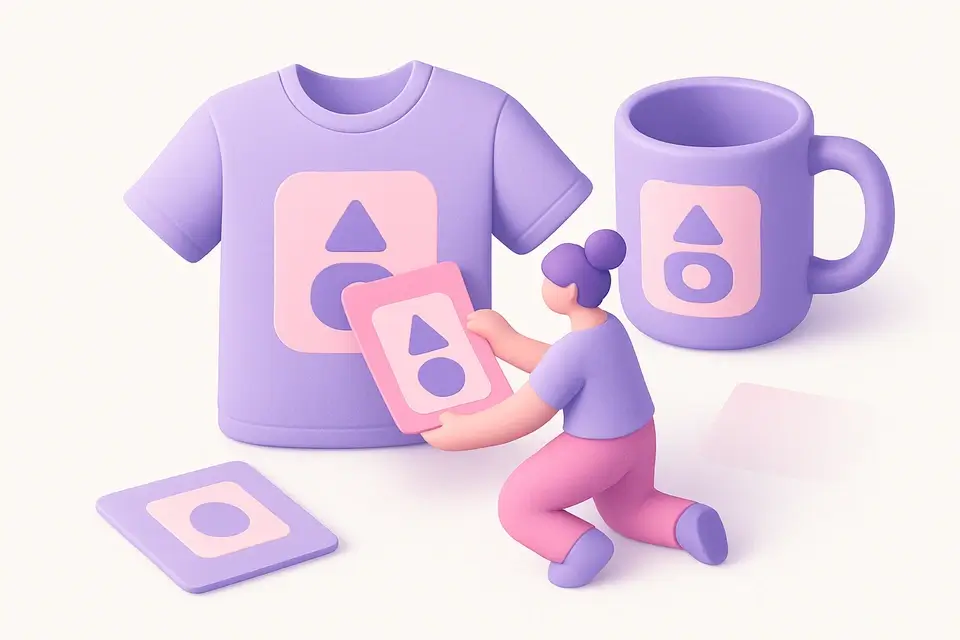
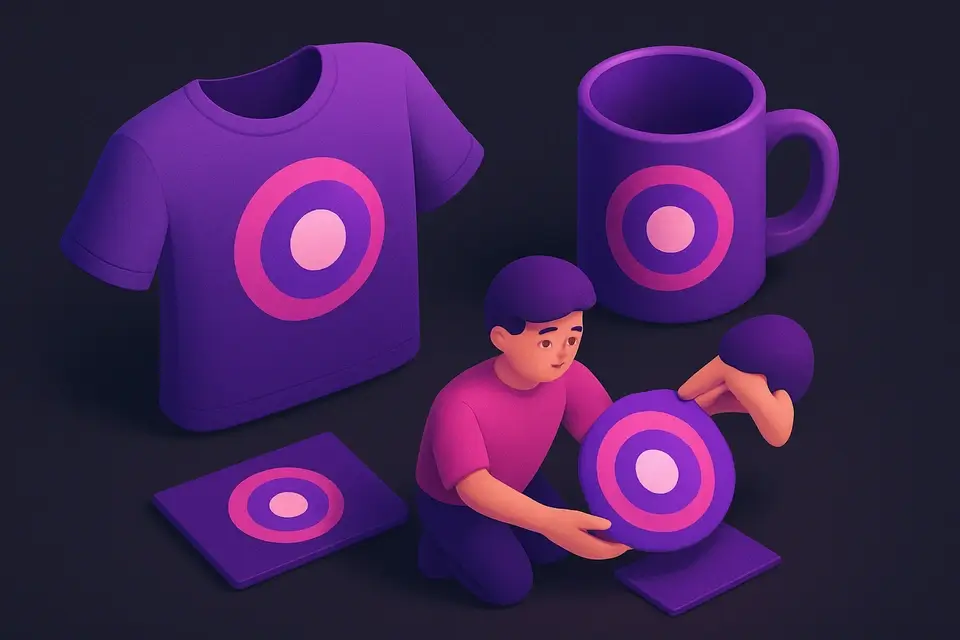
Place your design on product mockups like t-shirts, mugs, and business cards.
Upload Design
Drop or select the design image to place on a product.
Choose Product
Select a product template — t-shirt, mug, card, or poster.
Download Mockup
Adjust placement and download the product mockup.
What Is Product Mockup?
A product mockup is a digital representation of a physical product with a custom design applied to it, allowing designers and businesses to visualize their products before production. Designers and e-commerce businesses use Product Mockup to create realistic representations of their designs on various products, solving the problem of having to physically print and photograph each design. This tool saves time and resources by enabling users to test different designs and products digitally.
It allows users to upload their design and select from a range of product templates, including t-shirt mockup, mug mockup, business card mockup, and poster mockup. What makes this tool different is its ability to adjust the design's position, size, and scale using a range of 30 to 100 percent, as well as change the product color from a palette of eight predefined colors. The Canvas API is used to composite the design onto the product surface, ensuring a high-quality output.
The tool also features a generate button that creates the mockup based on the selected options and a download button that allows users to save the generated mockup as a PNG image. This makes it ideal for client presentations, e-commerce listings, and portfolio work, providing a professional and realistic representation of the final product. With its intuitive interface and customizable options, it streamlines the design process and helps businesses showcase their products in a more engaging and effective way.
Why Use Product Mockup?
-
Multiple templates: shirts, mugs, cards, posters
-
Adjustable design position, size, and rotation
-
Professional mockups without Photoshop
-
Clean output for e-commerce and portfolios
Common Use Cases
E-commerce
Create product photos showing designs on merchandise.
Client Presentations
Show clients how designs look on actual products.
Print-on-Demand
Generate mockups for print-on-demand product listings.
Portfolio
Present design work in realistic product context.
Technical Guide
The tool uses React to manage its state and handle user interactions. It employs the `useState` hook to store the uploaded image, selected product, product color, and scale value. The `useRef` hook is used to reference a canvas element, which is utilized by the Canvas API to composite the design onto the product surface. When a user uploads an image, it is converted to a URL object using `URL.createObjectURL`, and when the component unmounts, `URL.revokeObjectURL` is called to release the object.
The generate function uses the Canvas API's 2D drawing context to render the product template and design. It first fills the canvas with a light gray background color, then draws the product shape using methods like `fillRect`, `beginPath`, and `stroke`. For example, when rendering a t-shirt template, it creates a complex path to form the torso shape. The design image is then drawn within the designated design area bounds using `drawImage`, with its size scaled according to the user-selected scale value.
The tool also utilizes browser APIs like `document.createElement` and `URL.createObjectURL` to handle file downloads. When a user clicks the download button, it creates an anchor element, sets its `download` attribute to the product name and "mockup.png", and simulates a click event to initiate the download. The image data is obtained from the canvas element using `toDataURL`, which returns a PNG-formatted string representing the composite design.
In terms of data structures, the tool uses arrays to store product templates and colors. The `PRODUCTS` array contains objects with properties like name, color, and design area coordinates, while the `PRODUCT_COLORS` array stores predefined color values as strings. These data structures are used to populate the user interface with product options and color palettes. By leveraging these technologies and APIs, the tool provides a robust and efficient way to generate high-quality product mockups.
Tips & Best Practices
-
1Use PNG designs with transparent backgrounds
-
2Center your design within the product area
-
3Match design colors to product for realism
-
4Create multiple product views for complete presentations
Related Tools
Image Resizer
Resize images by exact pixel dimensions or percentage while maintaining aspect ratio.
🖼️ Image Tools
App Store Screenshot
Create professional app store screenshots with device frames and captions.
🖼️ Image Tools
Browser Mockup
Wrap screenshots in a realistic browser window frame with address bar and controls.
🖼️ Image Tools

Device Mockup
Place screenshots inside device frames — iPhone, Android, iPad, laptop, and desktop.
🖼️ Image ToolsFrequently Asked Questions
Q What products can I create mockups for?
Q Can I adjust the design position?
Q Do I need a transparent background?
Q What is the output resolution?
Q Can I change the product color?
About This Tool
Product Mockup is a free online tool by FreeToolkit.ai. All processing happens directly in your browser — your data never leaves your device. No registration or installation required.