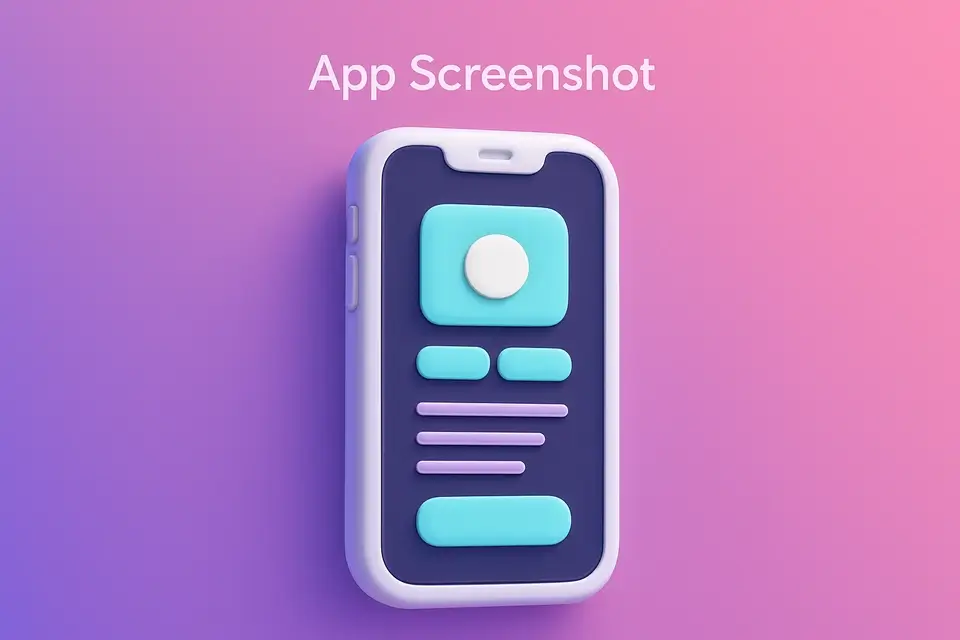
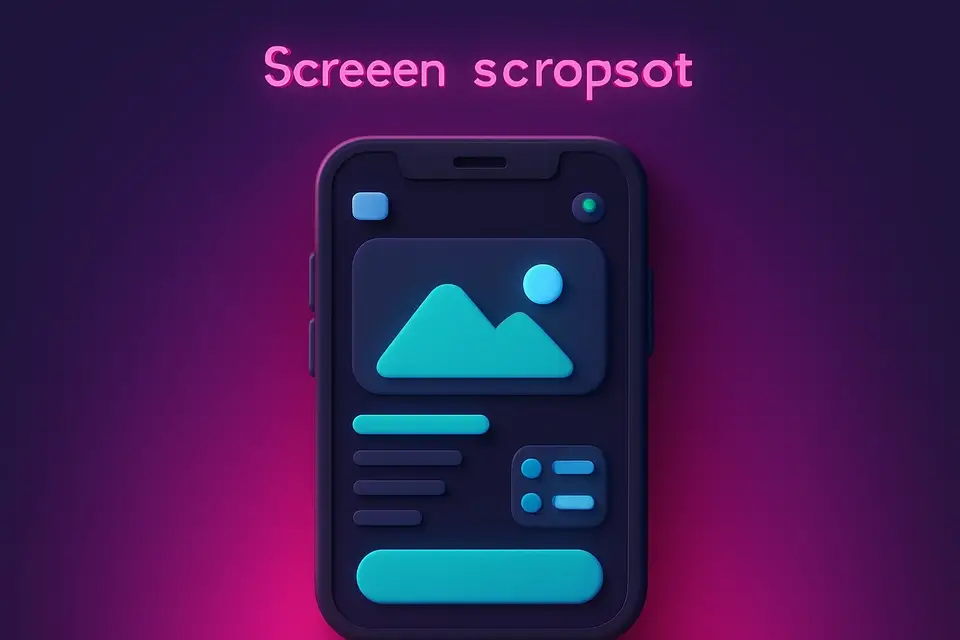
App Store Screenshot Create professional app store screenshots with device frames and captions.
App Store Screenshot
Create professional app store screenshots with device frames and captions.
Upload Screenshot
Drop or select your app screenshot image.
Customize
Choose device frame, add caption text, and set background color.
Download
Preview and download the framed app store screenshot.
What Is App Store Screenshot?
An app store screenshot generator that wraps screenshots in professional device frames with captions and branded backgrounds. Supports standard sizes for iPhone (1290x2796), Android (1080x1920), and iPad (2048x2732). Add headline text above the device, choose background colors or gradients, and create marketing-ready screenshots. Canvas API renders device bezels and rounded corners.
Why Use App Store Screenshot?
-
Standard App Store and Play Store dimensions
-
Realistic device frames with rounded corners
-
Caption text with customizable styling
-
Branded gradient backgrounds
Common Use Cases
App Launch
Create professional screenshots for store listing debut.
App Updates
Showcase new features with updated screenshots.
A/B Testing
Design screenshot variants to test download conversion.
Portfolio
Present app work with polished store-ready screenshots.
Technical Guide
Device frames are drawn using Canvas rounded rectangles and borders to simulate bezels. Screenshot is drawn inside the frame with proper scaling. Caption text is rendered above with large bold font and word wrapping. Background fills full canvas with solid color or gradient. Output is PNG at exact required dimensions.
Tips & Best Practices
-
1Keep captions to 3-5 words highlighting key features
-
2Use brand colors for the background
-
3Show best screens — first screenshot matters most
-
4Create consistent visual style across all screenshots
Related Tools
Social Media Image Resizer
Resize images to exact dimensions for all major social media platforms.
🖼️ Image Tools
Browser Mockup
Wrap screenshots in a realistic browser window frame with address bar and controls.
🖼️ Image Tools
Device Mockup
Place screenshots inside device frames — iPhone, Android, iPad, laptop, and desktop.
🖼️ Image Tools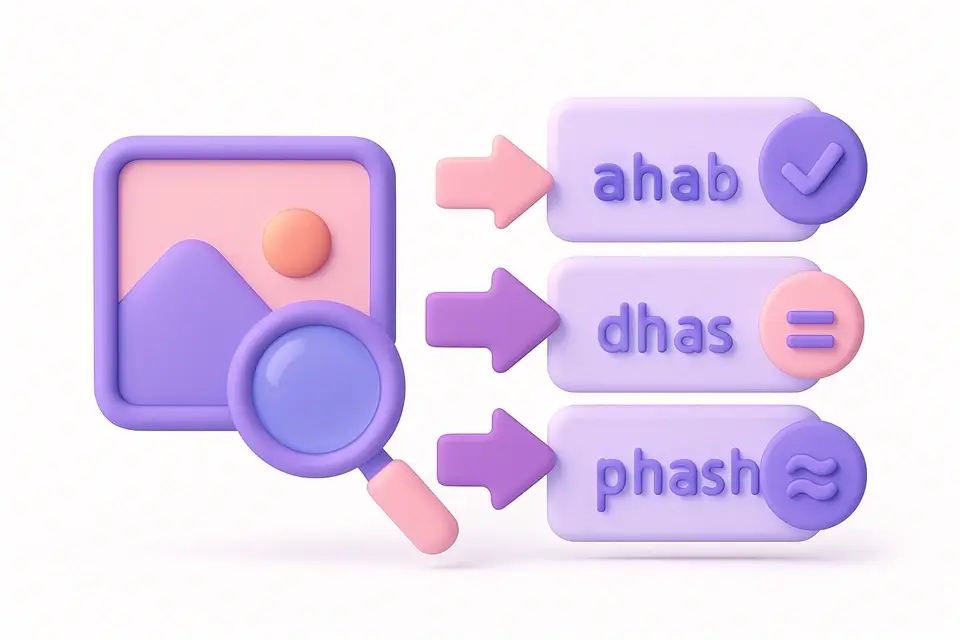
Image Hash
Generate perceptual hashes (aHash, dHash, pHash) for image similarity comparison.
🖼️ Image ToolsFrequently Asked Questions
Q What screenshot sizes are supported?
Q Can I add text captions to app screenshots?
Q Does it include a device frame?
Q What format are the screenshots?
Q How many screenshots can I use in the App Store?
About This Tool
App Store Screenshot is a free online tool by FreeToolkit.ai. All processing happens directly in your browser — your data never leaves your device. No registration or installation required.