Image Hash Generator Generate perceptual hashes (aHash, dHash, pHash) for image similarity comparison.
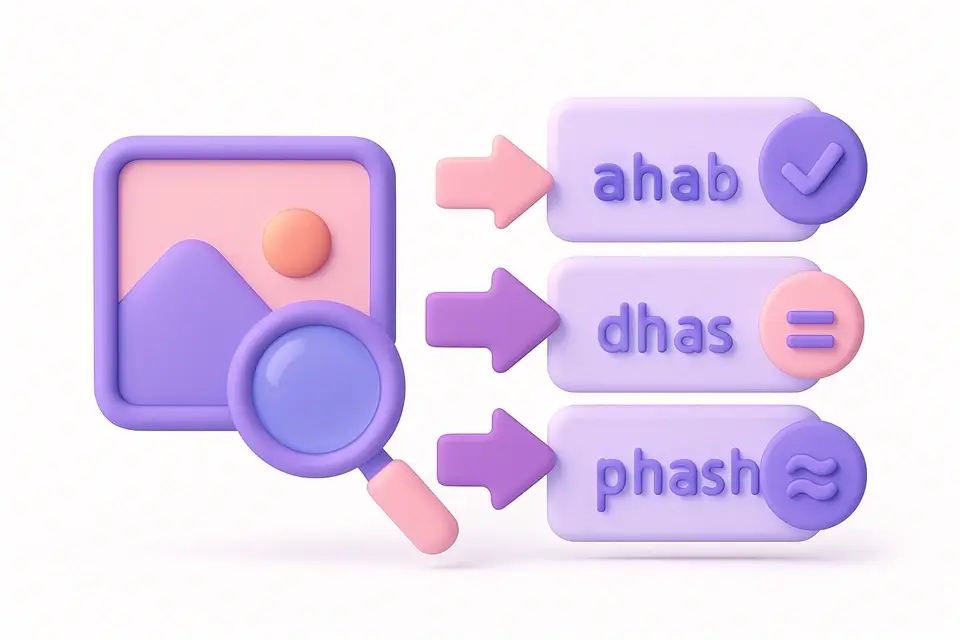
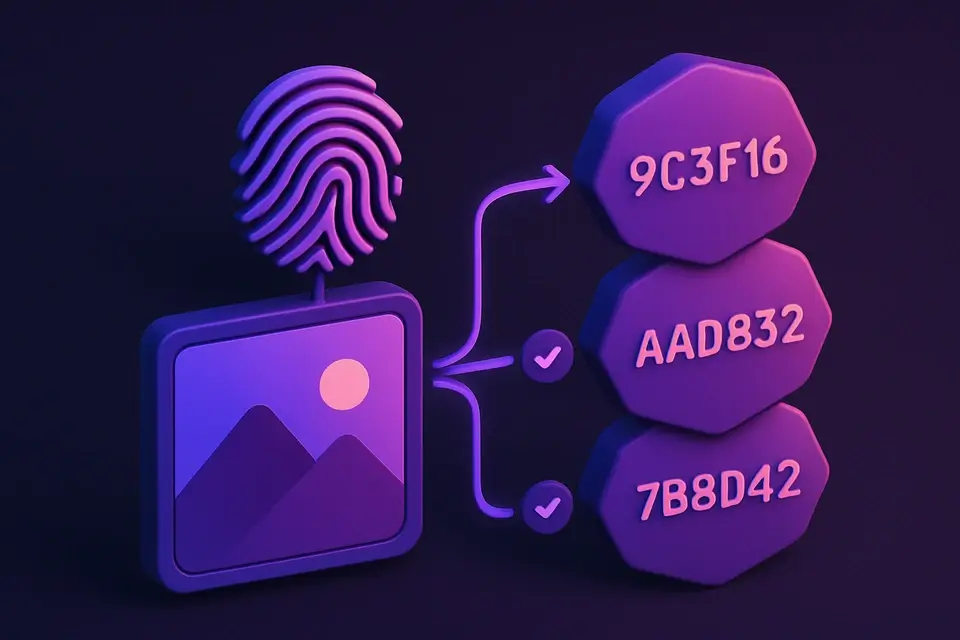
Image Hash
Generate perceptual hashes (aHash, dHash, pHash) for image similarity comparison.
Upload Image
Drop or select an image to hash.
View Hashes
Three hash types are computed automatically: aHash, dHash, pHash.
Copy
Click any hash to copy it for comparison.
What Is Image Hash?
An image hash generator that computes three types of perceptual hashes: Average Hash (aHash), Difference Hash (dHash), and Perceptual Hash (pHash). Unlike cryptographic hashes, perceptual hashes produce similar values for visually similar images, enabling fuzzy matching. aHash compares to mean brightness. dHash compares adjacent pixels. pHash uses DCT frequency analysis for the most accurate similarity detection.
Why Use Image Hash?
-
Three hash algorithms for different use cases
-
Similar images produce similar hashes
-
Resistant to minor edits, resizing, and compression
-
Click-to-copy 16-character hex hashes
Common Use Cases
Duplicate Detection
Find near-duplicate images in large collections.
Content Moderation
Identify known images regardless of modifications.
Reverse Image Search
Build perceptual indexes for image search systems.
Copyright Protection
Track image usage across different sizes and formats.
Technical Guide
aHash: Image resized to 8×8 grayscale. Each pixel compared to mean — above=1, below=0. 64-bit hash. dHash: Image resized to 9×8 grayscale. Each pixel compared to its right neighbor. 64-bit hash. pHash: Image resized to 32×32 grayscale. 2D DCT computed on 8×8 low-frequency block. DCT coefficients compared to mean. 64-bit hash. All hashes output as 16-character hex strings. Compare hashes using Hamming distance.
Tips & Best Practices
-
1dHash is fastest and good for most comparisons
-
2pHash is most robust against edits but slowest
-
3Hamming distance < 5 indicates very similar images
-
4Generate hashes for both images and compare bit-by-bit
Related Tools


Image Comparison Slider
Compare two images side-by-side with an interactive before/after slider.
🖼️ Image Tools
Image Histogram
Visualize the color distribution of an image with RGB and luminance histograms.
🖼️ Image Tools

Image EXIF Viewer
View all EXIF metadata embedded in JPEG images including camera, lens, and settings.
🖼️ Image Tools

Image Difference Checker
Compare two images and highlight pixel-level differences with a visual diff map.
🖼️ Image ToolsFrequently Asked Questions
Q How to compare?
Q Which hash to use?
Q Hash length?
Q Rotation?
Q Cryptographic?
About This Tool
Image Hash is a free online tool by FreeToolkit.ai. All processing happens directly in your browser — your data never leaves your device. No registration or installation required.