Free Online Meme Maker Create memes by adding customizable top and bottom text overlays to any image.
Meme Generator
Create memes by adding customizable top and bottom text overlays to any image.
Upload Image
Drop or select any image to use as your meme background.
Add Text
Enter top and bottom text, customize font size, color, and stroke.
Download Meme
Preview your meme and download the finished image.
What Is Meme Generator?
A meme generator that lets you add bold, outlined text overlays to any image. Create classic top-and-bottom text memes with customizable font sizes, colors, and text stroke for maximum readability. The tool uses Canvas API to render text directly onto the image with proper centering, word wrapping, and the signature white-text-with-black-outline meme style. All processing happens in your browser so your images stay private. Perfect for social media humor, inside jokes, and viral content creation.
Why Use Meme Generator?
-
Classic meme-style text with outline stroke
-
Customizable font size, color, and stroke width
-
Top and bottom text placement
-
No watermarks or branding on output
Common Use Cases
Social Media
Create shareable memes for Twitter, Reddit, Instagram, and Discord.
Group Chats
Make personalized memes for friends and group conversations.
Marketing
Create relatable meme content for brand social media accounts.
Presentations
Add humor to slides with custom meme images.
Technical Guide
Text is rendered onto a Canvas using fillText and strokeText with Impact-style font. Text is centered horizontally and positioned at top/bottom with configurable padding. Word wrapping splits text into lines that fit the canvas width. The stroke is drawn first (thicker) then fill on top for the classic outlined meme look. Canvas toDataURL exports the final composite as PNG.
Tips & Best Practices
-
1Use ALL CAPS for classic meme style
-
2Keep text short and punchy for maximum impact
-
3White text with black outline reads on any background
-
4Increase stroke width for better readability on busy images
Related Tools
Image Resizer
Resize images by exact pixel dimensions or percentage while maintaining aspect ratio.
🖼️ Image Tools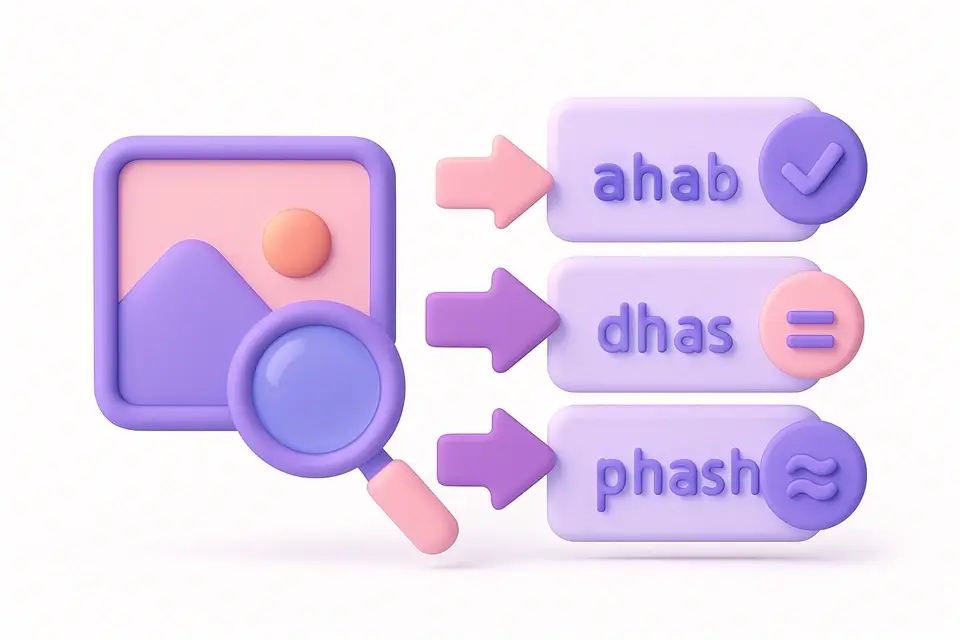
Image Hash
Generate perceptual hashes (aHash, dHash, pHash) for image similarity comparison.
🖼️ Image Tools

Image Text Extractor
Extract visible text from images using Canvas pixel analysis and pattern detection.
🖼️ Image Tools
SVG Viewer
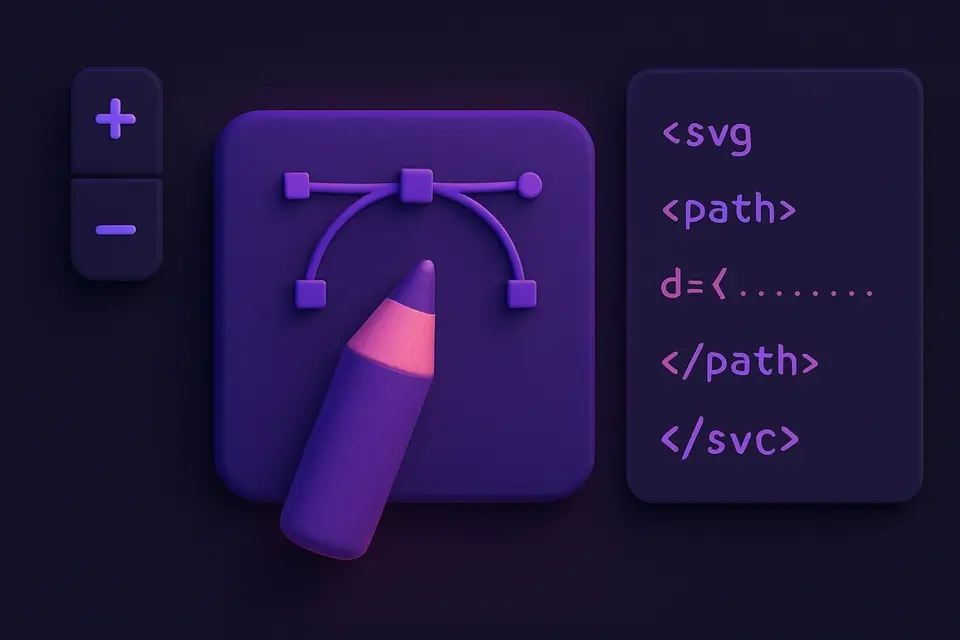
Preview SVG files with zoom, pan, and code inspection in a visual viewer.
🖼️ Image ToolsFrequently Asked Questions
Q Can I change the font?
Q Is there a text length limit?
Q Can I position text anywhere?
Q What output format?
Q Are memes watermarked?
About This Tool
Meme Generator is a free online tool by FreeToolkit.ai. All processing happens directly in your browser — your data never leaves your device. No registration or installation required.