Image Flip Vertical Flip an image vertically (upside down) with instant processing.
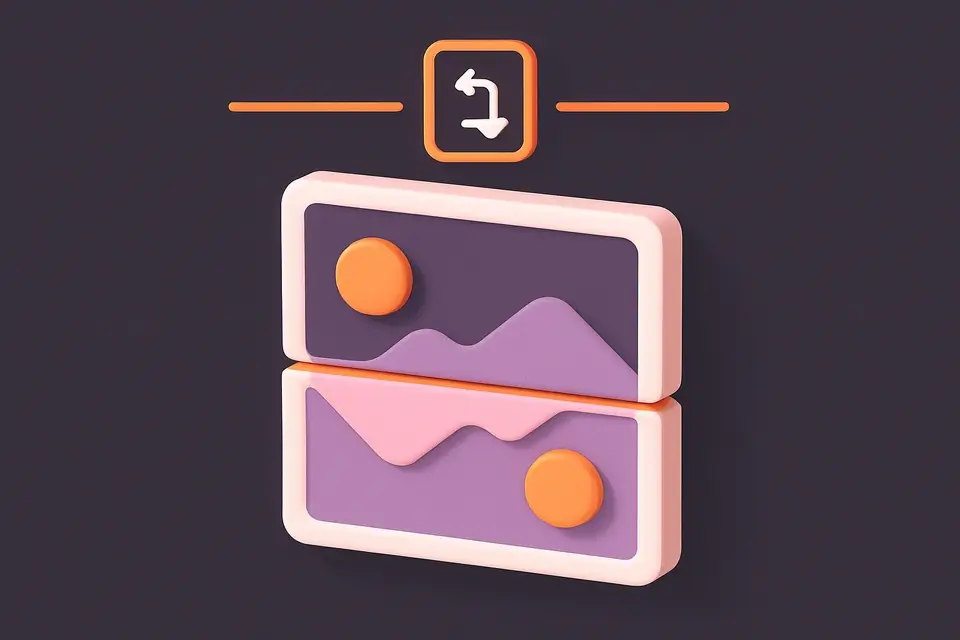
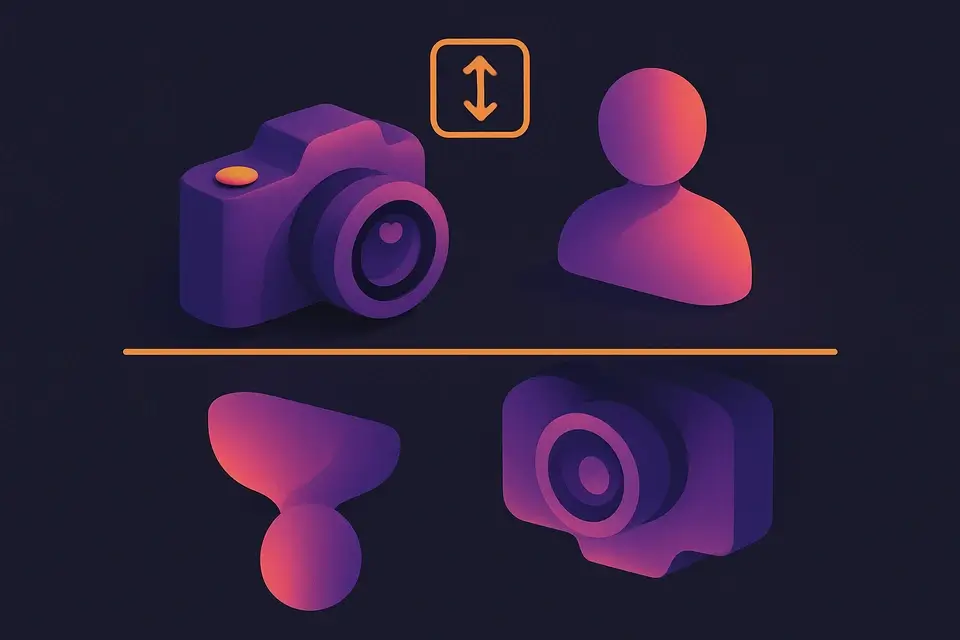
Image Flip Vertical
Flip an image vertically (upside down) with instant processing.
Upload Your Image
Drop or select an image file to flip vertically.
Preview the Result
The image is instantly flipped vertically upon upload.
Download
Preview the flipped result and click Download to save it.
What Is Image Flip Vertical?
A vertical image flipper turns your file upside down by mirroring it along the horizontal axis. The top becomes the bottom and vice versa. This is applied instantly when you upload. Vertical flipping is commonly used in photography for creative effects, in science for microscopy imaging conventions, and in design for reflection effects. Like horizontal flip, this is a lossless pixel rearrangement that preserves full visual quality. The tool works with all common formats (JPG, PNG, WebP, etc.) and processes everything in your browser.
Why Use Image Flip Vertical?
-
Instant vertical flip on upload — no extra steps
-
Lossless quality preservation
-
Works with all image formats (JPG, PNG, WebP, etc.)
-
Browser-based processing keeps your images private
Common Use Cases
Reflection Effects
Create water reflection or mirror-on-floor effects for graphic design.
Scientific Imaging
Correct vertically inverted microscopy or telescope images.
Creative Photography
Flip landscape photos for surreal upside-down world effects.
Print Preparation
Prepare images for specific printing orientations that require vertical inversion.
Technical Guide
Vertical flipping uses the Canvas 2D context translate and scale methods. The context is translated by the canvas height on the y-axis, then scaled by (1, -1) which reverses the y-axis while keeping the x-axis normal. When the image is drawn, each pixel row is placed at its vertically mirrored position. Mathematically, each pixel y-coordinate is mapped to: newY = imageHeight - originalY - 1. This is handled by the browser hardware-accelerated canvas rendering pipeline, making it extremely fast even for large images.
Tips & Best Practices
-
1Combine vertical and horizontal flip for a 180-degree rotation
-
2Create reflection effects by placing original and flipped versions together
-
3Flip twice to return to the original orientation
-
4Works great for creating symmetric patterns and designs
Related Tools

Image Crop
Crop images with a visual selection rectangle to remove unwanted areas.
🖼️ Image Tools
Image Resizer
Resize images by exact pixel dimensions or percentage while maintaining aspect ratio.
🖼️ Image Tools
Image Flip Horizontal
Mirror an image horizontally (left to right) with instant processing.
🖼️ Image Tools
Image Rotate
Rotate images by any angle with preset options for 90, 180, and 270 degrees.
🖼️ Image ToolsFrequently Asked Questions
Q What is a vertical flip?
Q Is vertical flip the same as 180-degree rotation?
Q Will the image quality change?
Q Does it preserve transparency?
Q Can I flip part of an image?
About This Tool
Image Flip Vertical is a free online tool by FreeToolkit.ai. All processing happens directly in your browser — your data never leaves your device. No registration or installation required.