Adjust Image Saturation Online Adjust the color saturation of images to make colors more vivid or more muted.
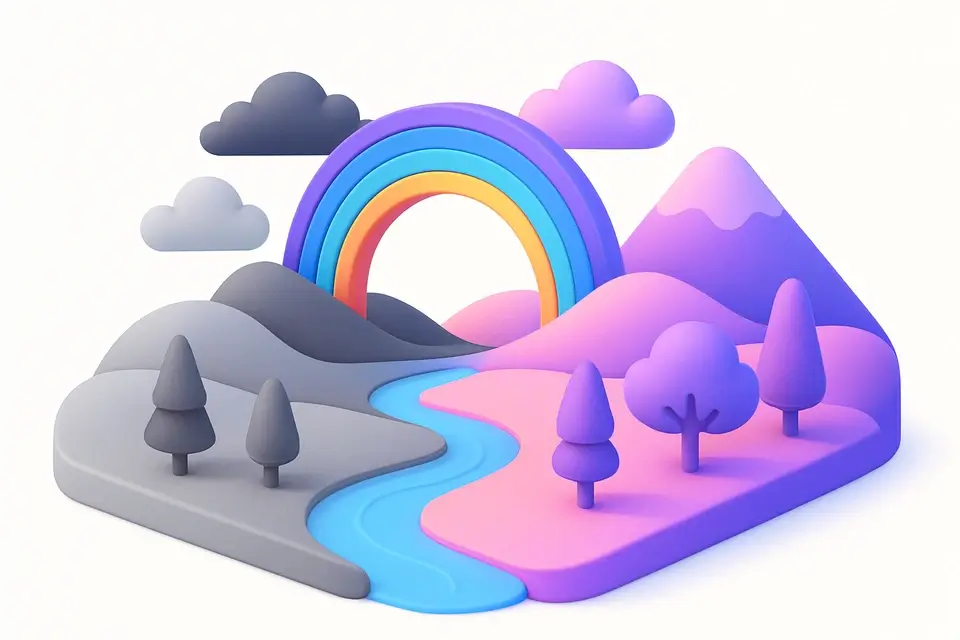
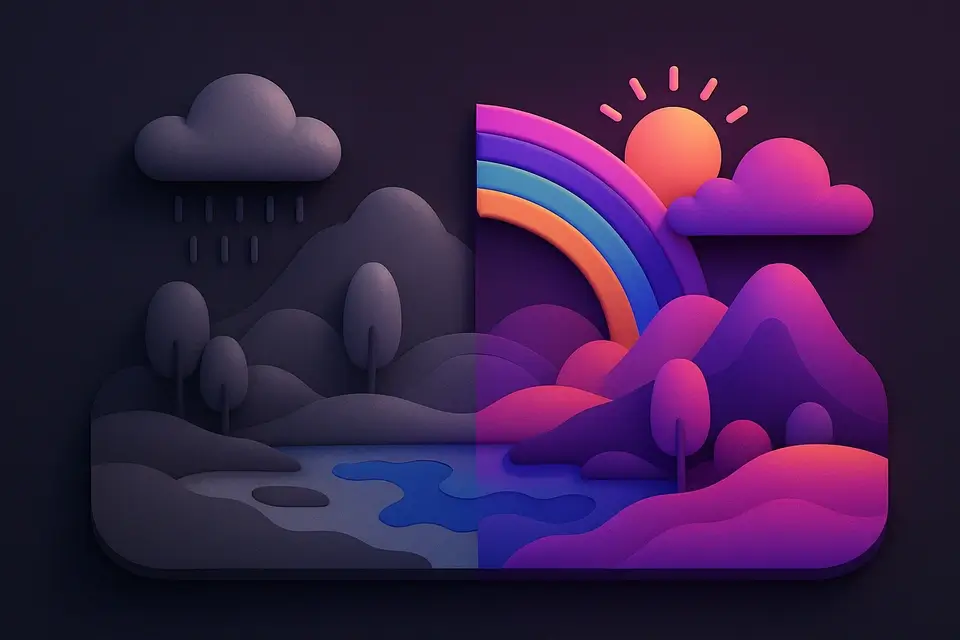
Image Saturation
Adjust the color saturation of images to make colors more vivid or more muted.
Upload Your Image
Drop or select an image to adjust color saturation.
Adjust Saturation
Move the slider left to desaturate or right to increase vividity.
Apply and Download
Click Apply, preview the result, and download.
What Is Image Saturation?
An image saturation adjuster controls color intensity. Boosting it makes colors more vivid, while decreasing makes them more muted. At minimum (-100), the image becomes fully desaturated (grayscale). At maximum (+100), colors are doubled in intensity. The tool works by interpolating each pixel between its grayscale equivalent and original value using luminosity-weighted gray point, preserving perceived brightness while changing only color intensity.
Why Use Image Saturation?
-
Smooth -100 to +100 range for precise control
-
Preset buttons for common saturation levels
-
Luminosity-preserving algorithm for natural results
-
Instant preview of color changes
Common Use Cases
Photo Enhancement
Boost saturation to make colors pop in landscape and food photography.
Social Media Content
Increase vibrancy for more eye-catching posts.
Vintage Effects
Reduce saturation for a faded, vintage film look.
Color Correction
Fix oversaturated or undersaturated images from different camera settings.
Technical Guide
Saturation adjustment interpolates between each pixel original RGB values and its luminosity-weighted grayscale equivalent (gray = R*0.299 + G*0.587 + B*0.114). The factor maps -100 to +100 input to 0.0 to 2.0: factor = (saturation + 100) / 100. For each channel: output = gray + (original - gray) * factor. Values are clamped to 0-255.
Tips & Best Practices
-
1Subtle increases (+10 to +30) make photos more vibrant without being unnatural
-
2Reduce to -100 for a quick grayscale conversion
-
3Food and nature photos benefit most from saturation boosts
-
4Avoid over-saturation — it creates unnatural neon colors
Related Tools
Image to Grayscale
Convert color images to grayscale (black and white) with adjustable intensity.
🖼️ Image Tools
Image Brightness
Adjust the brightness of images to make them lighter or darker.
🖼️ Image Tools
Image Contrast
Adjust image contrast to enhance or reduce the difference between light and dark areas.
🖼️ Image Tools
Image Hue Rotate
Rotate the hue of all colors in an image for creative color-shifting effects.
🖼️ Image ToolsFrequently Asked Questions
Q What is saturation?
Q Is -100 saturation the same as grayscale?
Q Can I oversaturate?
Q Does saturation affect brightness?
Q How is this different from Hue Rotate?
About This Tool
Image Saturation is a free online tool by FreeToolkit.ai. All processing happens directly in your browser — your data never leaves your device. No registration or installation required.