Image Kaleidoscope Create kaleidoscope patterns by reflecting and rotating segments.
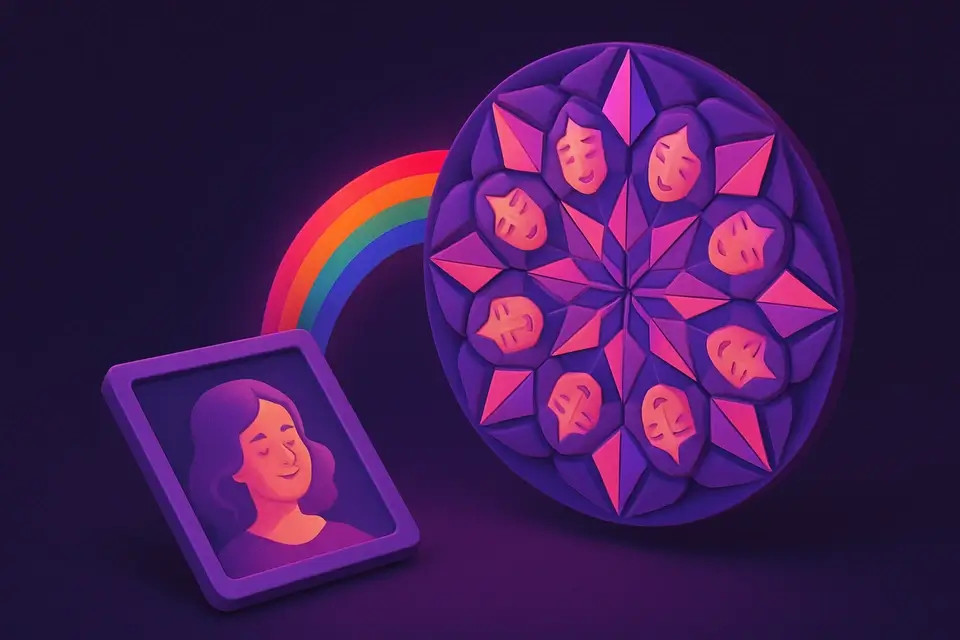
Image Kaleidoscope
Create kaleidoscope patterns by reflecting and rotating segments.
Upload Image
Drop or select a photo.
Set Segments
Choose segment count (4-16).
Apply and Download
Click Apply, preview, and download.
What Is Image Kaleidoscope?
Takes a triangular slice of an image and reflects it around a center point to form a radial mandala-like pattern. Segment count controls complexity.
Why Use Image Kaleidoscope?
-
4-16 segments adjustable
-
Stunning mandala patterns
-
Works with any photo
-
Beautiful decorative designs
Common Use Cases
Decorative Art
Mandala wall art from photos.
Textile Design
Symmetrical fabric patterns.
Backgrounds
Kaleidoscopic design backgrounds.
Creative Play
Discover hidden patterns.
Technical Guide
Extracts a triangular wedge (angle=360/segments), rotates and reflects it n times around center using Canvas transforms and clip paths.
Tips & Best Practices
-
16-8 segments for balanced patterns
-
2Colorful textures make best patterns
-
3Nature photos work beautifully
-
4Try different images for discovery
Related Tools

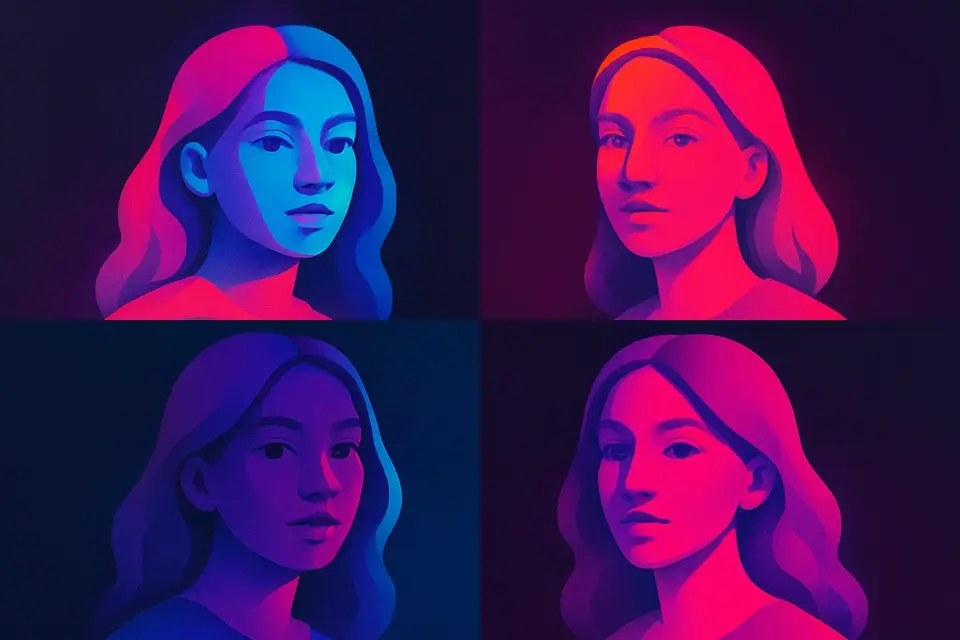
Image Pop Art
Create Andy Warhol-style pop art with bold colors.
🖼️ Image Tools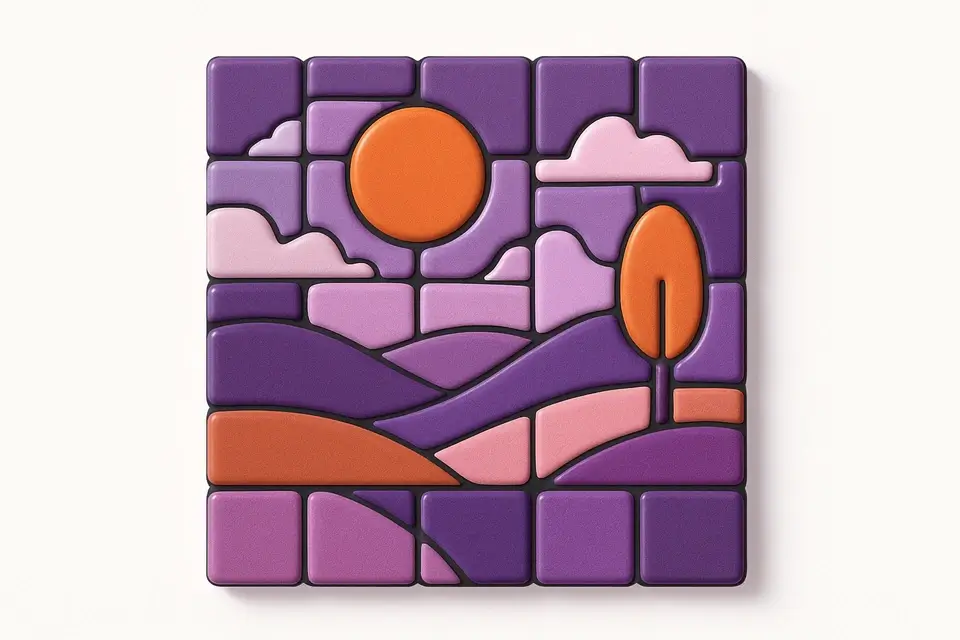
Image Mosaic
Create tile mosaic effects with customizable tile size and gap.
🖼️ Image Tools
Image Mirror
Create symmetrical mirror effects by reflecting parts of an image.
🖼️ Image Tools
Image Rotate
Rotate images by any angle with preset options for 90, 180, and 270 degrees.
🖼️ Image ToolsFrequently Asked Questions
Q Best segment count?
Q Best photos?
Q Which part is used?
Q Max segments?
About This Tool
Image Kaleidoscope is a free online tool by FreeToolkit.ai. All processing happens directly in your browser — your data never leaves your device. No registration or installation required.