Convert PNG to SVG Online Wrap raster images in an SVG container for vector-compatible workflows.
PNG to SVG
Wrap raster images in an SVG container for vector-compatible workflows.
Upload Image
Drop or select a PNG, JPG, or other raster image file.
Generate SVG
The image is automatically embedded in an SVG container with proper dimensions.
Download or Copy
Download the SVG file or copy the SVG code for use in your projects.
What Is PNG to SVG?
A PNG to SVG converter is a tool that transforms bitmap images into SVG format by wrapping the image data in an SVG container using a base64-encoded data URI, effectively converting png to svg. This process is commonly used by web developers and designers who need to embed raster images in their projects while taking advantage of SVG's scalability. One specific problem it solves is allowing users to easily convert png to svg without requiring extensive knowledge of vector graphics or image editing software.
The tool is particularly useful for users who want to quickly convert their images from bitmap to svg format, such as when embedding a logo or icon in a web page that needs to be scaled up or down without losing quality. It differs from other conversion methods in that it does not attempt to trace the raster image into vector paths, instead opting for a simplified approach that preserves the original image data.
This tool stands out due to its ability to generate SVG code that can be easily copied and pasted into any compatible editor, as well as its option to download the converted image as an SVG file. The output SVG container includes attributes such as width, height, and viewBox, which are automatically set based on the original image dimensions, allowing for accurate rendering of the converted raster to vector image.
Why Use PNG to SVG?
-
Quick conversion for SVG-compatible workflows
-
Preserves exact image quality — no tracing artifacts
-
Copy SVG code directly for HTML/CSS embedding
-
Download as .svg file for use in design tools
Common Use Cases
SVG Workflows
Wrap raster images in SVG containers for use in SVG-based design systems.
HTML Embedding
Generate inline SVG code for embedding images directly in HTML.
Design Tool Import
Create SVG files from raster images for import into vector editing software.
Presentation Assets
Convert images to SVG format for tools that prefer SVG input.
Technical Guide
The tool works by utilizing React's useState and useEffect hooks to manage the state of the uploaded image and generated SVG code. When an image file is dropped into the FileDropzone component, the handleFile function is triggered, which creates a new FileReader instance to read the file as a base64-encoded data URI using the readAsDataURL method. This data URL is then used to load an Image element, allowing the tool to determine the natural dimensions of the uploaded image. The width and height of the image are stored in the component's state using the setWidth and setHeight functions.
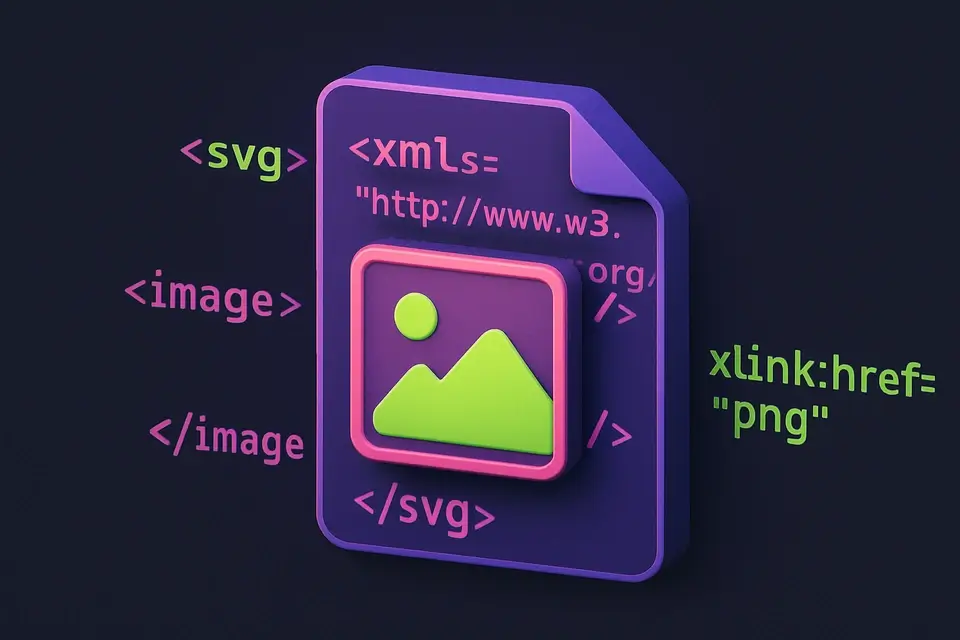
The tool generates an SVG XML string containing an image element with the xlink:href attribute set to the data URI, effectively wrapping the raster image in an SVG container. The viewport dimensions of the SVG element match the original image pixels, ensuring accurate rendering of the converted image. The generated SVG code is stored in the component's state using the setSvgCode function and can be downloaded as a file or copied to the clipboard. The use of URL.createObjectURL and Blob objects enables the tool to create a downloadable SVG file without requiring server-side processing. Additionally, the FileReader and Image elements are used in conjunction with React's hooks to manage the conversion process efficiently.
The conversion process involves using browser APIs such as URL.revokeObjectURL to revoke the object URL when the image is reset or removed, ensuring that system resources are released properly. The tool also utilizes React's useCallback hook to memoize functions like handleFile and downloadSvg, preventing unnecessary re-renders and improving performance. The generated SVG code includes attributes such as width, height, and viewBox, which are set based on the original image dimensions, allowing for accurate rendering of the converted raster image in various contexts. Overall, the tool's implementation relies on a combination of React hooks, browser APIs, and standard web technologies to achieve efficient and accurate conversion of PNG images to SVG format.
Tips & Best Practices
-
1This creates an SVG wrapper, not true vector tracing — the image inside remains raster
-
2For true vector conversion, use Inkscape (free) or Illustrator Image Trace
-
3The SVG code can be directly embedded in HTML pages
-
4File size will be about 33% larger than the original due to base64 encoding
Related Tools
Image Format Converter
Convert images between JPG, PNG, and WebP formats with quality control.
🖼️ Image Tools
SVG to PNG
Convert SVG vector graphics to PNG raster images at any scale.
🖼️ Image Tools

Image to Base64
Convert images to Base64-encoded data URIs for embedding in HTML, CSS, and code.
🖼️ Image Tools

Favicon Generator
Generate favicons in multiple sizes (16x16, 32x32, 48x48 and more) from any image.
🖼️ Image ToolsFrequently Asked Questions
Q Does this create real vector paths?
Q Why is the SVG file larger than the PNG?
Q Can I edit the image in the SVG?
Q Will it work with JPG and other formats too?
Q Is the output compatible with all SVG editors?
About This Tool
PNG to SVG is a free online tool by FreeToolkit.ai. All processing happens directly in your browser — your data never leaves your device. No registration or installation required.