Floyd-Steinberg Image Dithering Online Apply Floyd-Steinberg dithering for retro limited-color effects.
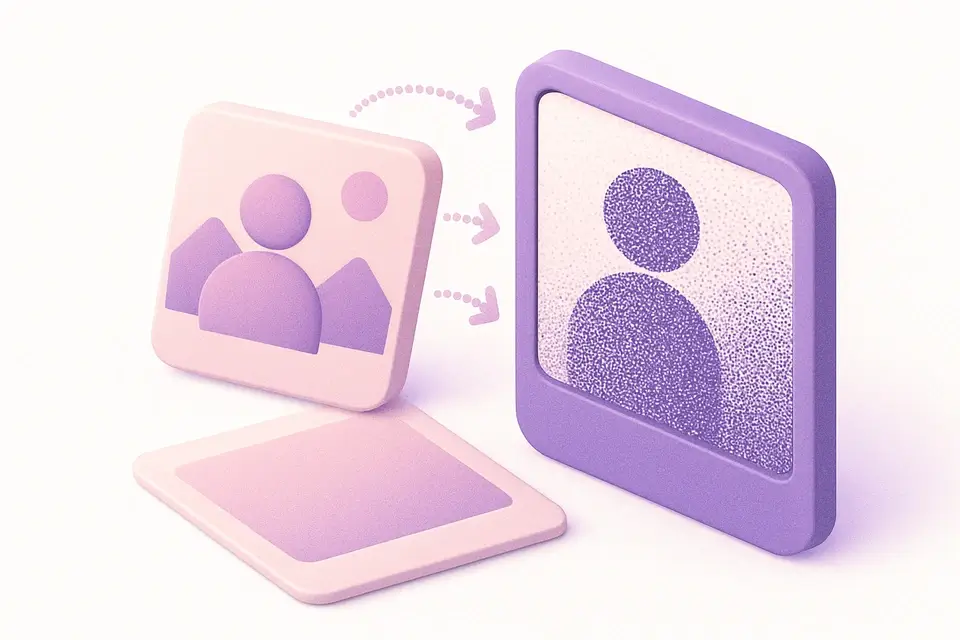
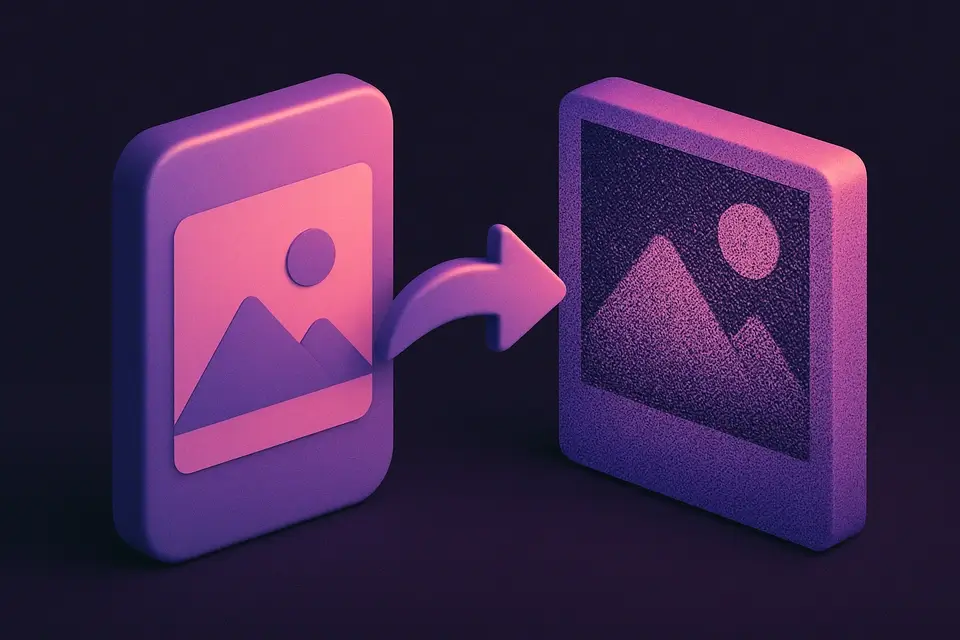
Image Dither
Apply Floyd-Steinberg dithering for retro limited-color effects.
Upload Image
Drop or select an image.
Set Levels
Choose color levels per channel.
Apply and Download
Click Apply, preview, and download.
What Is Image Dither?
An Image Dither is a technique used to approximate the appearance of an image using a limited number of colors, often resulting in a retro or halftone dither effect. Graphic designers and digital artists use it to achieve a stylized look in their work, particularly when dealing with images that need to be displayed on low-color devices. One specific problem Image Dither solves is the loss of detail in images when reducing color depth, as it helps preserve texture and contrast by distributing errors across neighboring pixels.
The tool uses Floyd-Steinberg error diffusion dithering, a popular algorithm for simulating smooth gradients with limited colors. What makes this implementation different is its ability to adjust the number of color levels used in the dithering process, ranging from 2 to 16 levels, allowing users to fine-tune the output according to their needs. It also features an interactive preview and downloadable output, making it easier for designers to experiment with different settings.
It allows users to upload an image file, apply the dither effect with customizable color levels, and download the resulting image as a PNG file. The code implements the Floyd-Steinberg algorithm by iterating over each pixel in the image, calculating the quantization error, and diffusing it to neighboring pixels according to predefined coefficients, effectively creating a retro dither or halftone dither effect that can be useful for artistic purposes.
Why Use Image Dither?
-
Floyd-Steinberg for quality dithering
-
Adjustable color levels
-
Classic retro aesthetic
-
Effective gradient simulation
Common Use Cases
Retro Effects
1-bit or limited-color retro graphics.
Print Prep
Prepare for limited-color printing.
GIF Optimization
Reduce colors for GIF format.
Artistic Style
Distinctive stippled texture.
Technical Guide
The tool works by utilizing the Floyd-Steinberg error diffusion dithering algorithm to simulate smooth gradients with limited colors. This process involves iterating over each pixel in the uploaded image, which is first loaded into a canvas element using the HTMLCanvasElement and CanvasRenderingContext2D APIs from the browser. The image data is then retrieved as a Uint8ClampedArray using the getImageData method, allowing for direct manipulation of pixel values. The algorithm calculates the quantization error for each pixel by rounding its color value to the nearest level, and then distributes this error to neighboring pixels according to predefined coefficients: 7/16 to the right, 3/16 to the bottom-left, 5/16 to the bottom, and 1/16 to the bottom-right. This process is repeated for each pixel in the image, effectively creating a dithered effect.
The use of React hooks such as useState, useRef, and useCallback enables efficient management of state and side effects within the tool. The canvasRef is used to store a reference to the canvas element, while the image state stores the uploaded image file as a URL object created using URL.createObjectURL. When the user adjusts the color levels or applies the dither effect, the processImage function is called, which re-renders the image on the canvas with the updated settings and generates a new PNG image data URL using the toDataURL method. This resulting image can then be downloaded by the user as a file named "dithered.png". The tool also utilizes TypeScript for type checking and ensures proper memory management by revoking object URLs when they are no longer needed, preventing potential memory leaks.
Tips & Best Practices
-
1Adjust levels between 2 and 16 to control dithering intensity
-
2Use error diffusion by modifying the `step` variable in the image processing loop
-
3Apply Floyd-Steinberg algorithm by iterating over each pixel's neighbors
-
4Set color levels to specific values like 2, 4, or 8 for distinct retro effects
-
5Process images with different sizes and formats to observe varying dithering results
Related Tools
Image Pixelate
Pixelate images with adjustable block size for retro effects or privacy masking.
🖼️ Image Tools
Image Posterize
Reduce the number of color levels per channel for a flat, poster-like effect.
🖼️ Image Tools
Image Threshold
Convert images to pure black and white using adjustable threshold.
🖼️ Image Tools
Image Halftone
Create newspaper-style halftone dot patterns from images.
🖼️ Image ToolsFrequently Asked Questions
Q What is dithering?
Q What is Floyd-Steinberg?
Q How many levels?
Q Why noisy up close?
About This Tool
Image Dither is a free online tool by FreeToolkit.ai. All processing happens directly in your browser — your data never leaves your device. No registration or installation required.