Posterize Photos Online Reduce the number of color levels per channel for a flat, poster-like effect.
Image Posterize
Reduce the number of color levels per channel for a flat, poster-like effect.
Upload Your Image
Drop or select an image to posterize.
Set Color Levels
Choose the number of color levels per channel (2-32).
Apply and Download
Click Apply, preview the posterized result, and download.
What Is Image Posterize?
Image Posterize is a technique used to reduce the number of distinct color levels in an image, resulting in a poster effect with flat areas of solid color. Graphic designers and digital artists use it to create visually striking images with a retro aesthetic, solving the problem of adding texture and depth to otherwise uniform colors. Specifically, it helps to overcome the issue of dull, gradient-heavy images by introducing bold, vibrant hues.
The tool achieves this by allowing users to adjust the number of color levels, ranging from 2 to 32, which directly affects the level of posterization applied to the image. What makes this tool different is its ability to process images in real-time, using a canvas element to draw and manipulate the image data, as seen in the `processImage` function. It also provides an intuitive interface for adjusting color levels, including a range slider and predefined buttons for common settings.
By reducing colors to a limited palette, it creates a stylized representation of the original image, emphasizing contrast and making certain details more pronounced. The resulting posterized image can be downloaded as a PNG file, allowing users to easily share or further edit their work. With its flexible controls and real-time preview, the tool enables users to experiment with different posterization effects, finding the perfect balance between color reduction and visual impact.
Why Use Image Posterize?
-
Adjustable color levels from 2 (extreme) to 32 (subtle)
-
Creates distinctive flat-color poster aesthetic
-
Useful for graphic design and pop art effects
-
Straightforward color quantization
Common Use Cases
Poster Art
Create bold, graphic poster-style artwork from photos.
Pop Art Effects
Generate pop-art-style images with limited color palettes.
Graphic Design
Simplify photos into flat-color graphics.
Color Reduction
Reduce color complexity for screen printing.
Technical Guide
The tool works by using the HTML5 Canvas API to manipulate image data. When an image is loaded, it creates a new Image object and sets its source to the uploaded file. Once the image is loaded, it draws the image onto a canvas element using the drawImage method of the 2D drawing context. The getImageData method is then used to retrieve the pixel data from the canvas, which is stored in a Uint8ClampedArray. This array contains four values for each pixel: red, green, blue, and alpha.
The posterization effect is achieved by iterating over this array and applying the formula output = Math.round(Math.floor(input / (256/n)) * (255/(n-1))) to each color channel. This maps 256 input values to n discrete output values evenly distributed across 0-255. The result is a pixelated image with reduced color levels. The putImageData method is then used to draw the modified pixel data back onto the canvas, and the toDataURL method is used to convert the canvas to a PNG image, which can be downloaded by the user.
The tool uses React hooks such as useState and useRef to manage state and references to DOM elements. The useEffect hook is used to revoke the object URL of the uploaded image when it is no longer needed, preventing memory leaks. The useCallback hook is used to memoize functions that are used as event handlers, preventing unnecessary re-renders. The tool also uses TypeScript to ensure type safety and prevent errors at runtime.
The canvas element is used to draw and manipulate the image data in real-time, allowing for fast and efficient processing of images. The range slider and predefined buttons allow users to adjust the number of color levels, which directly affects the level of posterization applied to the image. The tool uses a combination of JavaScript, React, and HTML5 APIs to achieve this functionality, providing a powerful and flexible way to apply posterization effects to images.
Tips & Best Practices
-
12-4 levels create extreme, bold poster effects
-
28-16 levels produce subtle, artistic color reduction
-
3Try posterizing after grayscale conversion for classic poster art
-
4Combine with edge detection for comic-book-style effects
Related Tools

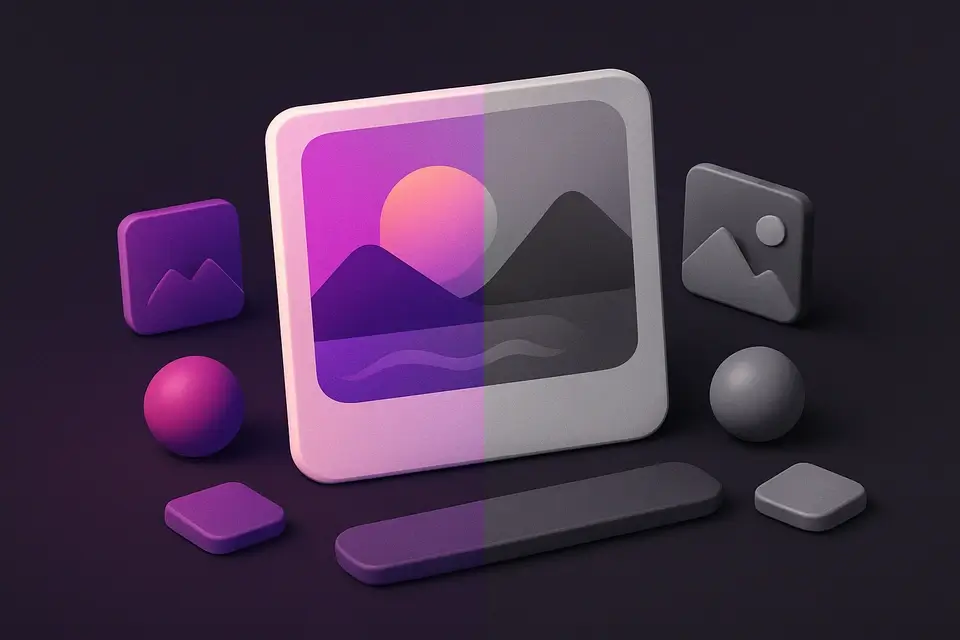
Image to Grayscale
Convert color images to grayscale (black and white) with adjustable intensity.
🖼️ Image Tools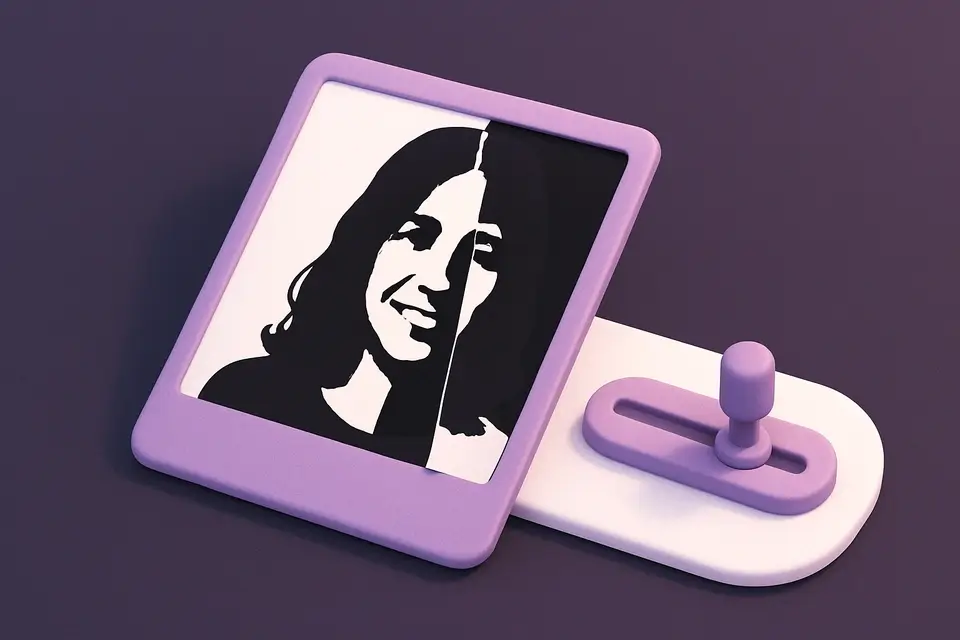

Image Threshold
Convert images to pure black and white using adjustable threshold.
🖼️ Image Tools
Image Dither
Apply Floyd-Steinberg dithering for retro limited-color effects.
🖼️ Image Tools
Image Pop Art
Create Andy Warhol-style pop art with bold colors.
🖼️ Image ToolsFrequently Asked Questions
Q How many levels should I use?
Q Is posterization the same as reducing bit depth?
Q Does posterization reduce file size?
Q What is posterization?
About This Tool
Image Posterize is a free online tool by FreeToolkit.ai. All processing happens directly in your browser — your data never leaves your device. No registration or installation required.