Color Blindness Simulator (Image) Simulate how images appear to people with various types of color vision deficiency.
Color Blindness Simulator (Image)
Simulate how images appear to people with various types of color vision deficiency.
Upload Image
Drop or select an image to test for color accessibility.
Choose Type
Select a color vision deficiency type to simulate.
Compare
View simulated result alongside the original and download.
What Is Color Blindness Simulator (Image)?
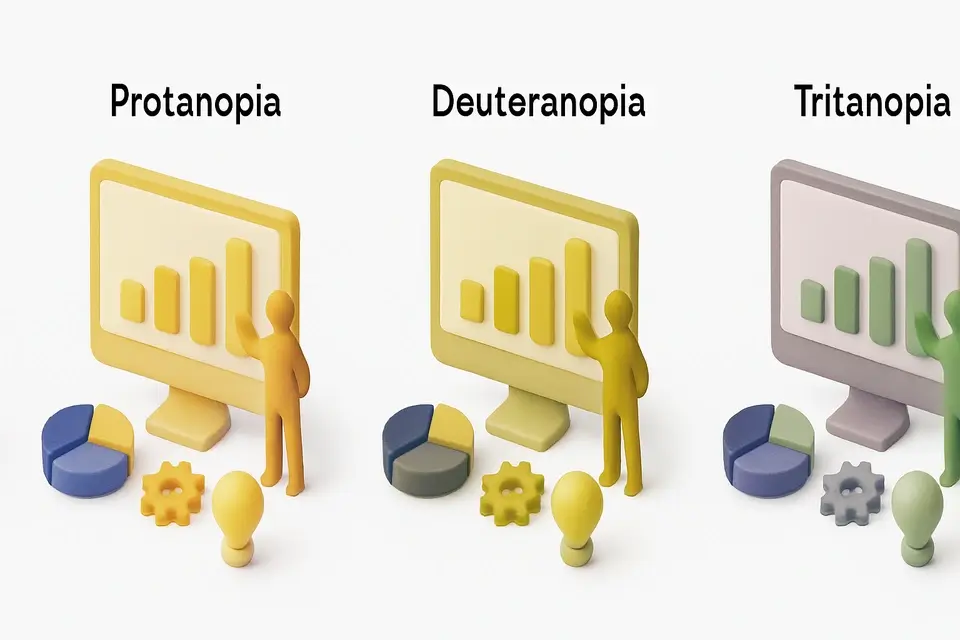
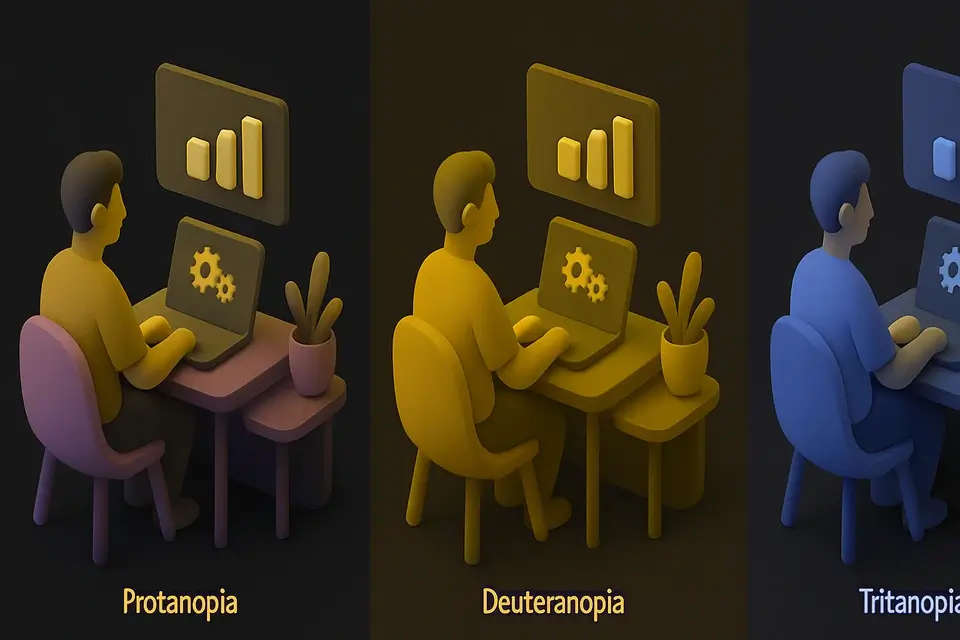
A Color Blindness Simulator (Image) is a software tool that demonstrates how images appear to individuals with various color vision deficiencies, such as protanopia, deuteranopia, and tritanopia. Graphic designers and web developers use it to test the accessibility of their visual content, including UI designs, infographics, and charts, ensuring that people with color blindness can understand and navigate them effectively. One specific problem it solves is allowing designers to identify potential issues with color contrast and visibility before finalizing their designs.
What makes this tool different is its ability to apply scientifically accurate color transformation matrices per-pixel via the Canvas API, providing a realistic simulation of how images would appear to people with different types of color vision deficiency. It supports five distinct modes: protanopia simulator, deuteranopia simulator, tritanopia simulator, achromatopsia simulator, and partial anomalies simulator, each using a unique matrix to transform colors.
It allows users to upload an image, select the type of color blindness they want to simulate, and then view the resulting image side-by-side with the original. This feature is particularly useful for conducting accessibility tests and ensuring that visual content is accessible to people with different types of color vision deficiency, making it an essential tool for creating inclusive designs. By using this tool, developers can create more effective and accessible visual content, which is especially important in fields where clear communication is critical.
Why Use Color Blindness Simulator (Image)?
-
Scientifically accurate color transformation matrices
-
Multiple types: protan, deutan, tritan, achromat
-
Side-by-side original vs simulated comparison
-
Essential for accessible design testing
Common Use Cases
UI Design
Test interface designs for color accessibility.
Data Visualization
Ensure charts and graphs are readable for all.
Marketing
Check brand colors and materials are accessible.
Education
Understand how color vision deficiency affects perception.
Technical Guide
The tool works under the hood by utilizing the Canvas API to apply color transformation matrices to images on a per-pixel basis. It supports five distinct modes of color blindness simulation, each represented as a 3x3 matrix in the TYPES array. When an image is uploaded and a simulation type is selected, the corresponding matrix is applied to the RGB values of each pixel using the formula d[i] = Math.min(255, r * m[0] + g * m[1] + b * m[2]), where d represents the resulting pixel data, r, g, and b are the original red, green, and blue values, and m is the transformation matrix. The transformed pixel data is then written back to the canvas using putImageData.
The tool uses React hooks such as useState, useRef, and useCallback to manage state changes and optimize performance. For instance, when an image is uploaded, the handleFile function creates a URL object for the file using URL.createObjectURL, which is then stored in the component's state. The useEffect hook ensures that this URL object is revoked when the component unmounts or the image is changed, preventing memory leaks.
The simulation process involves extracting pixel data from the original image using getImageData, applying the transformation matrix to each pixel, and writing the resulting data back to a new canvas element. This new canvas element serves as a temporary buffer for the simulated image, which can then be displayed alongside the original or downloaded as a PNG file using the toDataURL method.
In terms of specific technologies used, the tool relies on React for building the user interface, TypeScript for type checking and code compilation, and the Canvas API for graphics rendering. The FileDropzone component handles file uploads, while the glass-button class is used for styling purposes. Overall, the tool's implementation involves a combination of image processing algorithms, browser APIs, and modern web development frameworks to provide an accurate simulation of color blindness effects on images.
Tips & Best Practices
-
1Test with deuteranopia first — affects ~6% of males
-
2Avoid relying solely on red/green differences
-
3Use texture, patterns, or labels in addition to color
-
4Test all important UI states and data visualizations
Related Tools


Image Color Picker
Click anywhere on an image to pick the exact color value in HEX, RGB, and HSL.
🖼️ Image Tools
Image Histogram
Visualize the color distribution of an image with RGB and luminance histograms.
🖼️ Image Tools
Image Halftone
Create newspaper-style halftone dot patterns from images.
🖼️ Image Tools

YouTube Thumbnail Maker
Create eye-catching YouTube thumbnails at the recommended 1280x720 resolution.
🖼️ Image ToolsFrequently Asked Questions
Q How accurate is the color blindness simulator?
Q What color vision deficiency types does it simulate?
Q How common is color blindness?
Q Can I compare original and simulated images side by side?
Q Does the simulator modify my original image?
About This Tool
Color Blindness Simulator (Image) is a free online tool by FreeToolkit.ai. All processing happens directly in your browser — your data never leaves your device. No registration or installation required.