Create Duotone Effects Online Apply duotone effect by mapping tones to two custom colors.
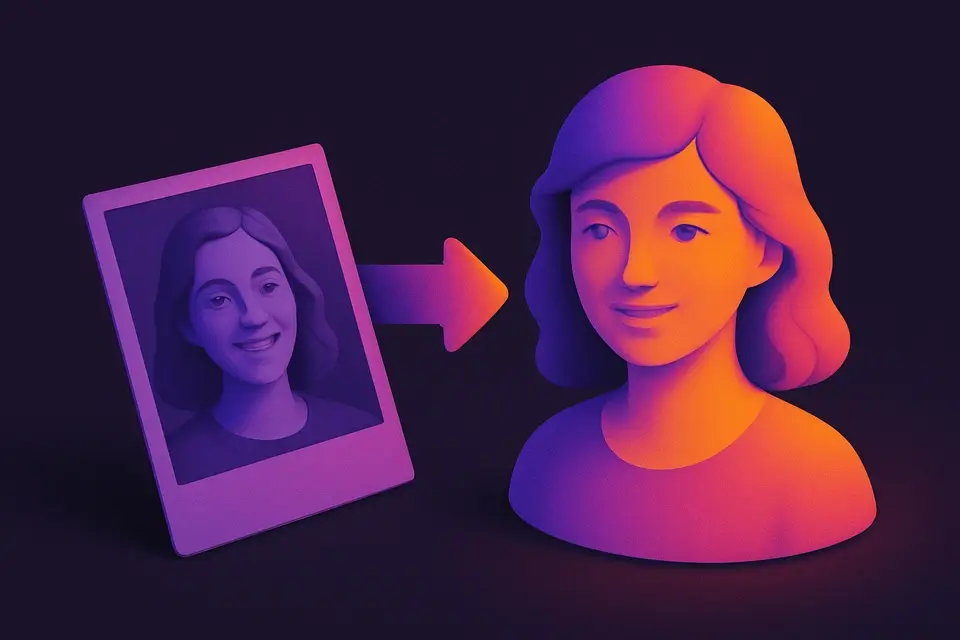
Image Duotone
Apply duotone effect by mapping tones to two custom colors.
Upload Image
Drop or select a photo.
Choose Colors
Pick shadow and highlight colors.
Apply and Download
Click Apply, preview, and download.
What Is Image Duotone?
A Image Duotone is an image processing technique that maps all image tones to a gradient between two chosen colors, effectively creating a duotone effect. Graphic designers and digital artists use it to achieve a distinctive two-tone aesthetic in their work, solving the problem of adding visual interest to images without resorting to complex editing techniques.
The tool solves the specific problem of manually adjusting color gradients for each image, which can be time-consuming and requires a good understanding of color theory. It achieves this by allowing users to select shadow and highlight colors using input fields, which are then used to generate a duotone filter that applies the chosen colors to the image based on its brightness values.
What makes it different is its ability to apply predefined presets with specific color combinations, such as '#001f3f' and '#ff6b6b', allowing users to quickly experiment with different duotone effects. It also features a canvas element where the processed image is rendered, enabling real-time previewing of the resulting duotone image before downloading it as a PNG file. By using this approach, it effectively creates a color gradient map that enhances the visual appeal of the original image, making it ideal for applications where a unique, two-tone aesthetic is desired.
Why Use Image Duotone?
-
Custom shadow/highlight colors
-
Preset color combos
-
Modern design aesthetic
-
Smooth gradient mapping
Common Use Cases
Web Design
Duotone hero images.
Brand Identity
Apply brand colors as duotone.
Social Media
On-brand graphics.
Editorial Design
Magazine featured images.
Technical Guide
The tool works by using the React library to create a user interface for selecting an image and adjusting its duotone effect. When an image is dropped into the FileDropzone component, it creates a URL object for the file using the URL.createObjectURL method, which allows the image to be loaded into a canvas element. The canvas element is then used to render the image and apply the duotone filter. This filter works by iterating over each pixel in the image data, calculating its luminance value using the formula t = (d[i]*0.299+d[i+1]*0.587+d[i+2]*0.114)/255, where d[i] represents the red, green, and blue color channels of the pixel. The tool then uses linear interpolation to calculate the output color for each channel, based on the shadow and highlight colors selected by the user.
The hexToRgb function is used to convert the hexadecimal color values entered by the user into RGB format, which can be used in the canvas element's context. The presets feature allows users to quickly apply predefined duotone effects, such as '#001f3f' and '#ff6b6b', by mapping these color combinations to specific shadow and highlight colors. When the user clicks the Apply button, the processImage function is called, which renders the filtered image onto the canvas element using the ctx.putImageData method. The resulting image can then be downloaded as a PNG file using the canvas.toDataURL method, or reset to its original state using the URL.revokeObjectURL method.
The tool uses React Hooks such as useState and useCallback to manage its state and optimize performance. For example, the handleFile function is memoized using useCallback to prevent unnecessary re-renders when the user selects a new image file. The useEffect Hook is also used to ensure that the image URL object is revoked when the component unmounts, preventing memory leaks. By combining these technologies and algorithms, the tool provides an efficient and intuitive way to apply duotone effects to images in the browser.
Tips & Best Practices
-
1Complementary colors are most striking
-
2Dark shadow + bright highlight for contrast
-
3Use brand colors for consistency
-
4High-contrast photos work best
Related Tools
Image to Grayscale
Convert color images to grayscale (black and white) with adjustable intensity.
🖼️ Image Tools
Image Sepia Filter
Apply a warm sepia tone filter to images for a vintage, antique photograph look.
🖼️ Image Tools
Image Hue Rotate
Rotate the hue of all colors in an image for creative color-shifting effects.
🖼️ Image Tools
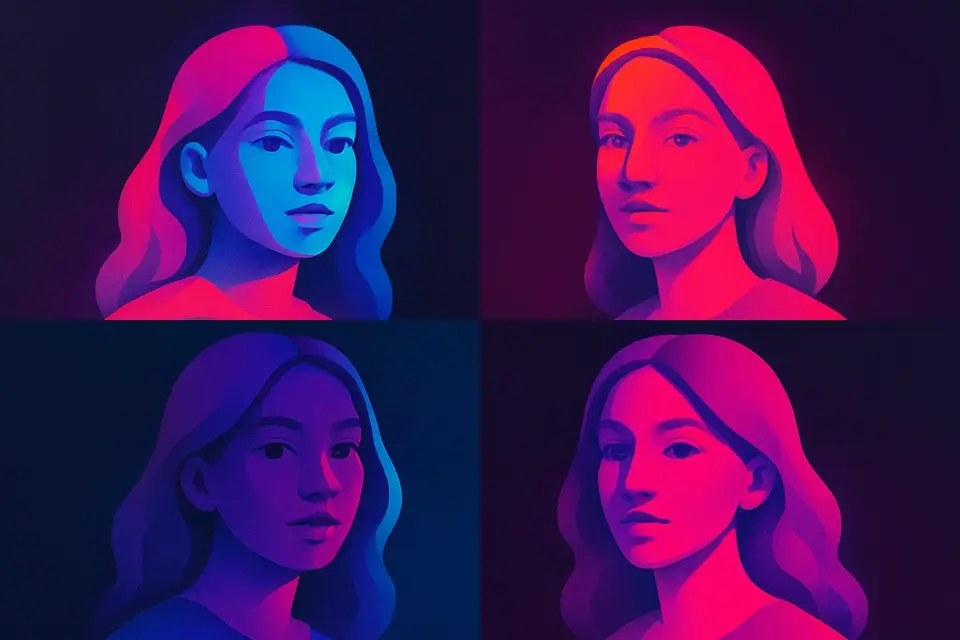
Image Pop Art
Create Andy Warhol-style pop art with bold colors.
🖼️ Image ToolsFrequently Asked Questions
Q What is duotone?
Q Best color combos?
Q More than two colors?
Q Why use duotone?
About This Tool
Image Duotone is a free online tool by FreeToolkit.ai. All processing happens directly in your browser — your data never leaves your device. No registration or installation required.