Apply Sepia Tone to Photos Online Apply a warm sepia tone filter to images for a vintage, antique photograph look.
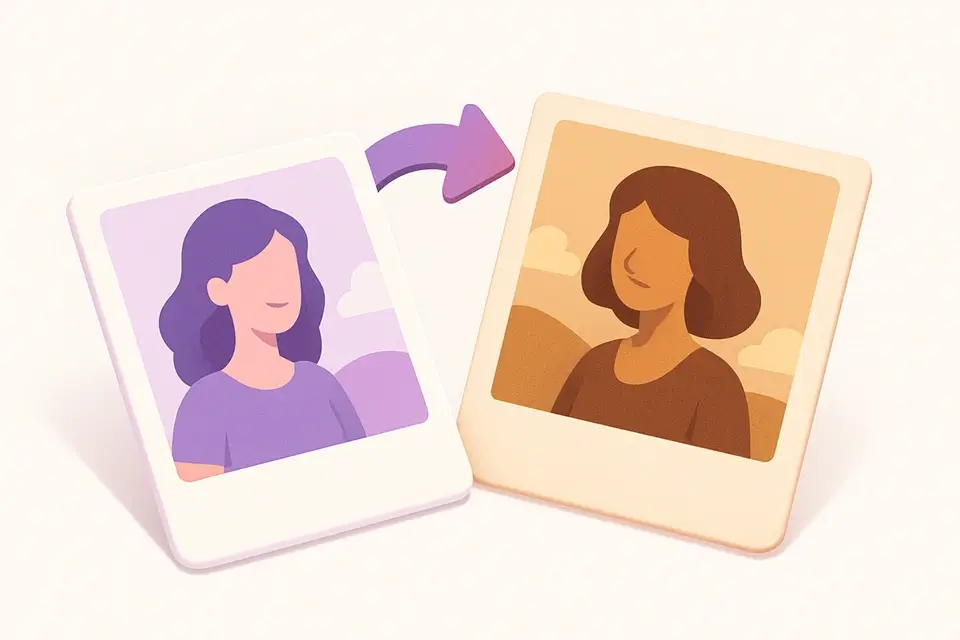
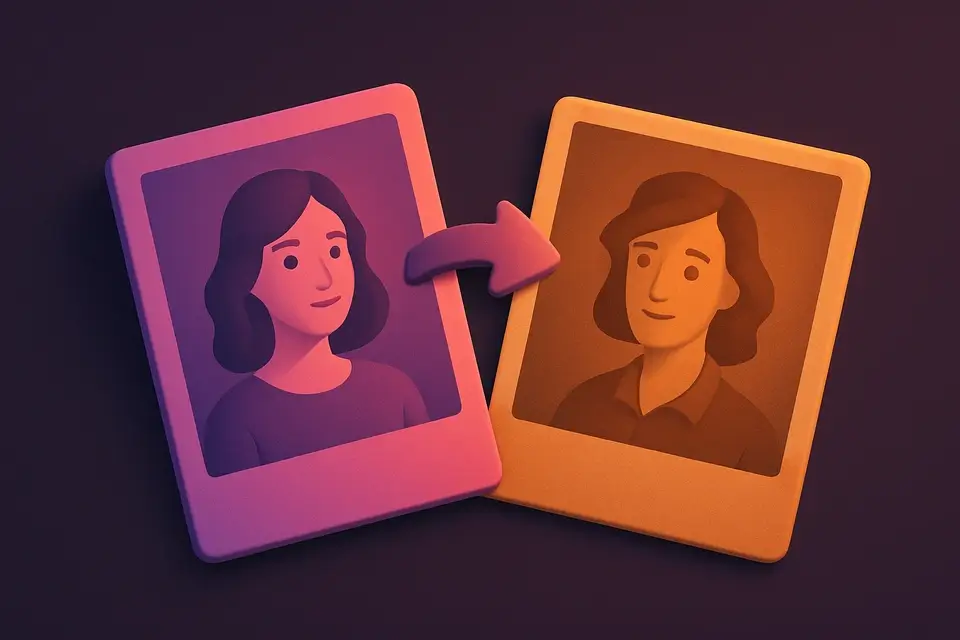
Image Sepia Filter
Apply a warm sepia tone filter to images for a vintage, antique photograph look.
Upload Your Image
Drop or select an image to apply the sepia filter to.
Adjust Intensity
Control the sepia effect strength with the intensity slider.
Apply and Download
Click Apply Sepia, preview the vintage result, and download.
What Is Image Sepia Filter?
A sepia filter applies a warm, brownish-yellow tone to images that mimics antique photographs. The sepia effect was originally caused by chemical toning in darkroom photography. This tool recreates that look digitally by applying a standard sepia color transformation matrix to each pixel. The intensity slider controls the effect strength from a subtle warm tint to full sepia conversion.
Why Use Image Sepia Filter?
-
Authentic sepia tone using standard color matrix
-
Adjustable intensity from subtle warmth to full vintage
-
Instant preview of the sepia effect
-
Professional results matching CSS/Photoshop sepia
Common Use Cases
Vintage Photography
Give modern photos an authentic antique look.
Wedding Photography
Create romantic vintage-toned versions of wedding photos.
Social Media Aesthetics
Apply warm sepia tones for a cohesive vintage aesthetic.
Historical Projects
Make modern photos look period-appropriate.
Technical Guide
Sepia conversion applies a color transformation matrix: R_out = R*0.393 + G*0.769 + B*0.189, G_out = R*0.349 + G*0.686 + B*0.168, B_out = R*0.272 + G*0.534 + B*0.131. Values are clamped to 0-255. The intensity parameter interpolates between original and sepia values. This matrix produces warm brownish-yellow tones matching the chemical sepia toning process.
Tips & Best Practices
-
1Use 70-80% intensity for the most natural vintage look
-
2Combine with our Contrast tool to enhance the vintage effect
-
3Lower intensity (20-40%) gives a subtle warm tint
-
4Works best on portraits and landscape photographs
Related Tools
Image to Grayscale
Convert color images to grayscale (black and white) with adjustable intensity.
🖼️ Image Tools
Image Brightness
Adjust the brightness of images to make them lighter or darker.
🖼️ Image Tools
Image Contrast
Adjust image contrast to enhance or reduce the difference between light and dark areas.
🖼️ Image Tools
Image Hue Rotate
Rotate the hue of all colors in an image for creative color-shifting effects.
🖼️ Image ToolsFrequently Asked Questions
Q What is sepia tone?
Q How is sepia different from grayscale?
Q Is the sepia effect the same as CSS sepia()?
Q Can I combine sepia with other effects?
Q Does sepia work on any image?
About This Tool
Image Sepia Filter is a free online tool by FreeToolkit.ai. All processing happens directly in your browser — your data never leaves your device. No registration or installation required.