Image Pencil Sketch Convert photos into pencil sketch drawings.
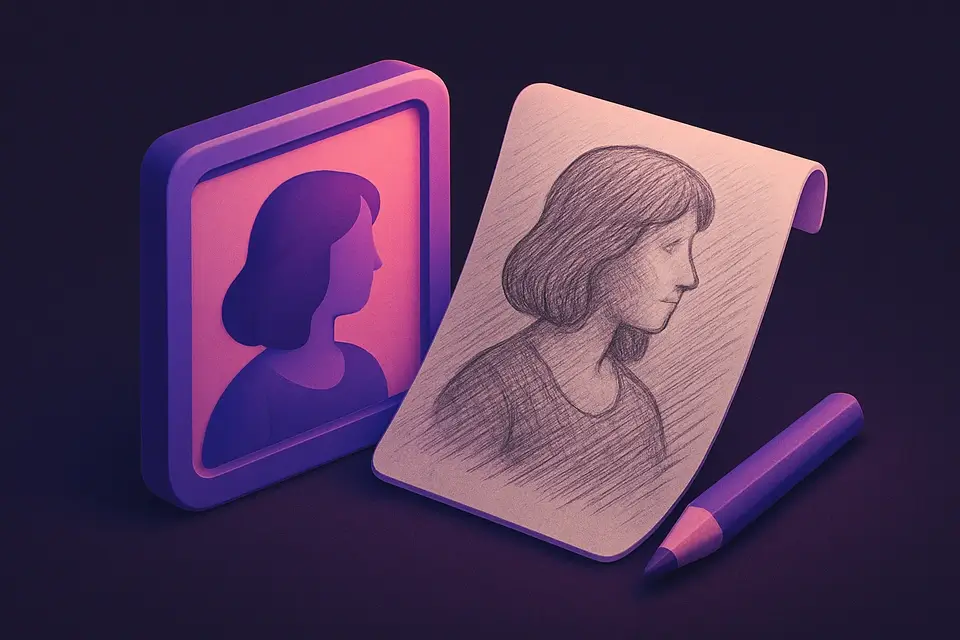
Image Pencil Sketch
Convert photos into pencil sketch drawings.
Upload Image
Drop or select a photo.
Adjust Detail
Control line strength.
Apply and Download
Click Apply, preview, and download.
What Is Image Pencil Sketch?
Converts photos to pencil sketches by: 1) grayscale conversion, 2) inversion, 3) blur of inverted, 4) color dodge blend of grayscale with blurred inverse.
Why Use Image Pencil Sketch?
-
Realistic pencil sketch effect
-
Adjustable detail level
-
Color dodge blending
-
Client-side processing
Common Use Cases
Portrait Sketches
Convert portraits to pencil art.
Coloring Pages
Generate sketch outlines.
Artistic Prints
Sketch-style artwork for printing.
Design Mockups
Hand-drawn style illustrations.
Technical Guide
Grayscale → invert → blur inverted → color dodge: output = min(255, (gray * 256) / (256 - blurred_inverted)). Blur controls detail level.
Tips & Best Practices
-
1Higher blur = smoother sketch
-
2Lower blur = more detail
-
3High-contrast photos work best
-
4Portraits and architecture ideal
Related Tools
Image to Grayscale
Convert color images to grayscale (black and white) with adjustable intensity.
🖼️ Image Tools
Image Edge Detect
Detect and highlight edges using Sobel operator convolution.
🖼️ Image Tools
Image Oil Paint
Transform photos into oil painting style with brush stroke simulation.
🖼️ Image Tools
Image Emboss
Apply an emboss effect to create a raised, 3D relief appearance.
🖼️ Image ToolsFrequently Asked Questions
Q Best photos?
Q Adjust darkness?
Q Same as edge detection?
Q Color sketch?
About This Tool
Image Pencil Sketch is a free online tool by FreeToolkit.ai. All processing happens directly in your browser — your data never leaves your device. No registration or installation required.