Preview Repeating Tile Patterns Online Preview how an image looks when repeated as a seamless tile pattern.

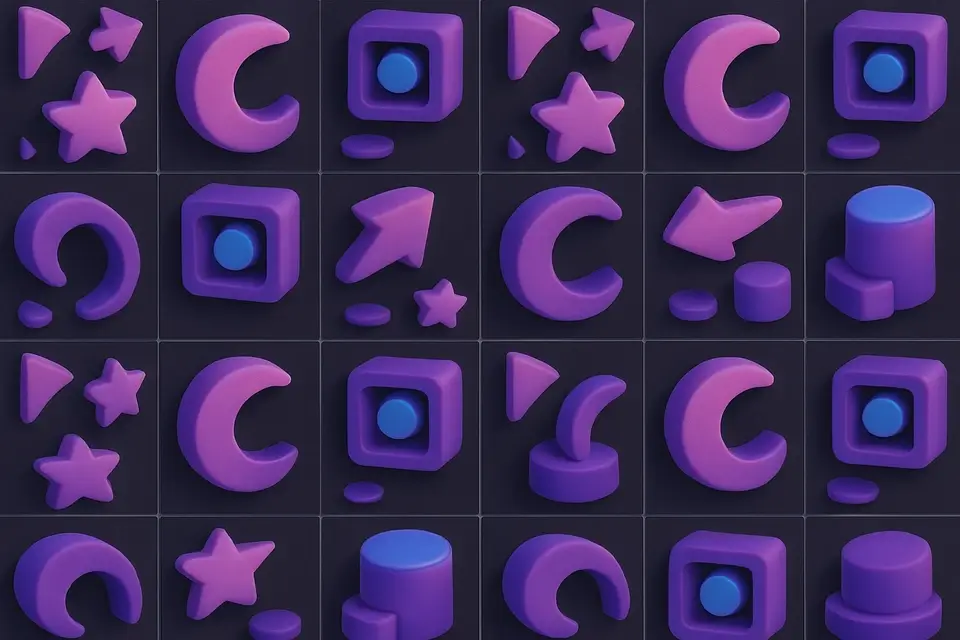
Tiled Image Preview
Preview how an image looks when repeated as a seamless tile pattern.
Upload Image
Drop or select an image or pattern tile to preview.
Adjust Grid
Set the number of horizontal and vertical repeats and scale.
Download
Preview the tiled result and download the full tiled image.
What Is Tiled Image Preview?
A tiled image preview tool that repeats an image in a grid to show how it looks as a seamless pattern. Adjust the number of horizontal and vertical repeats (1-10 each) and scale each tile. Essential for testing whether textures, patterns, or backgrounds tile seamlessly. Seams between tiles reveal where patterns break. The output can be downloaded as a single combined image.
Why Use Tiled Image Preview?
-
Adjustable grid from 1×1 to 10×10 tiles
-
Scale control for each tile (10-200%)
-
Instantly reveals tiling seams and artifacts
-
Download the full tiled composition
Common Use Cases
Pattern Testing
Verify that texture patterns tile seamlessly.
Web Backgrounds
Preview how background images repeat on a page.
Textile Preview
See how fabric or wallpaper patterns look when repeated.
Game Textures
Test tile textures for visible seams in game environments.
Technical Guide
The tile image is drawn onto canvas repeatedly in a grid. Each tile is drawn at scaled dimensions using drawImage with width and height multiplied by the scale factor. The output canvas size is tiles_x × tile_width × scale by tiles_y × tile_height × scale. Canvas drawImage handles the interpolation during scaling. The resulting composition is exported as PNG.
Tips & Best Practices
-
1Look for visible seams at tile boundaries
-
2Reduce scale to see more tiles in the preview
-
3Perfect tiling shows no visible boundaries
-
4Use with our Pattern Generator to create tileable textures
Related Tools
Image Splitter
Split an image into a grid of equally sized tiles for puzzles, printing, or Instagram grids.
🖼️ Image Tools
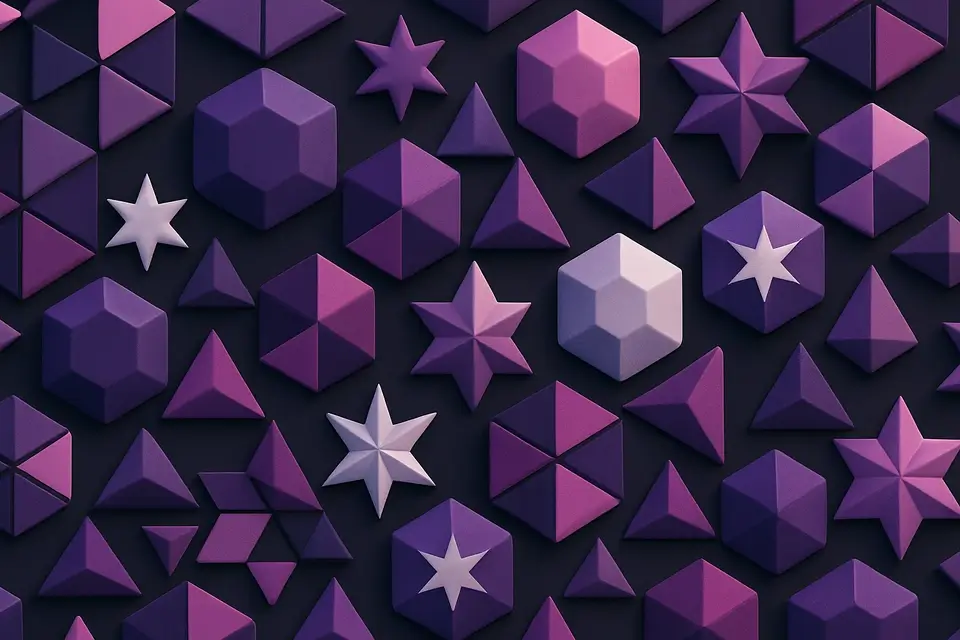
Geometric Pattern Generator
Generate geometric patterns with shapes like hexagons, triangles, stars, and circles.
🖼️ Image Tools
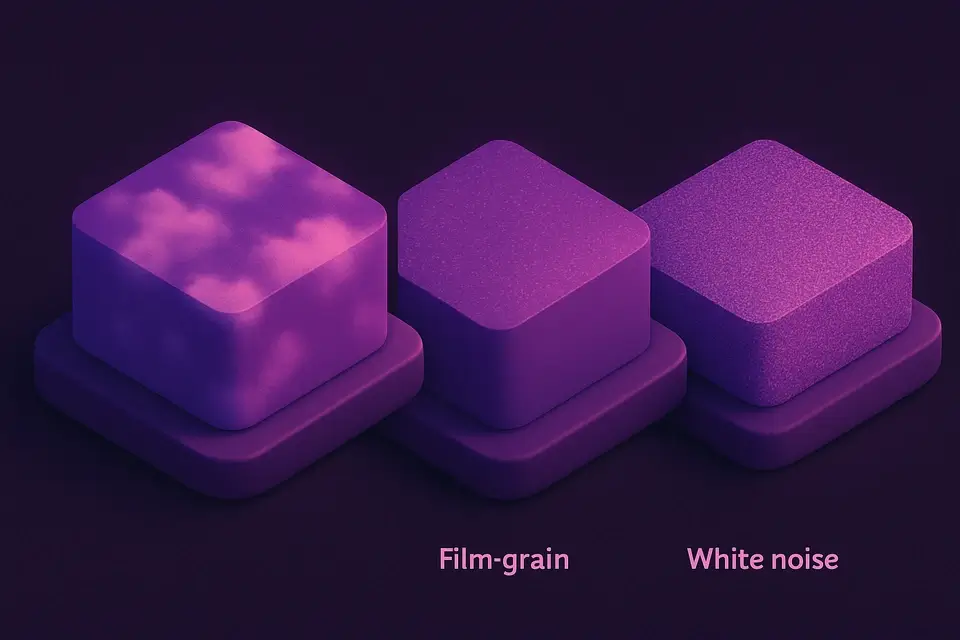
Noise Texture Generator
Generate procedural noise textures: Perlin, white noise, grain, and cloud effects.
🖼️ Image Tools

Favicon Generator
Generate favicons in multiple sizes (16x16, 32x32, 48x48 and more) from any image.
🖼️ Image ToolsFrequently Asked Questions
Q What is the maximum number of tiles?
Q How do I test if a pattern tiles seamlessly?
Q What is the scale range per tile?
Q Can I download the tiled composition?
Q What should I do with large images?
About This Tool
Tiled Image Preview is a free online tool by FreeToolkit.ai. All processing happens directly in your browser — your data never leaves your device. No registration or installation required.