Animated PNG Creator Create animated APNG files from image sequences with full-color support.
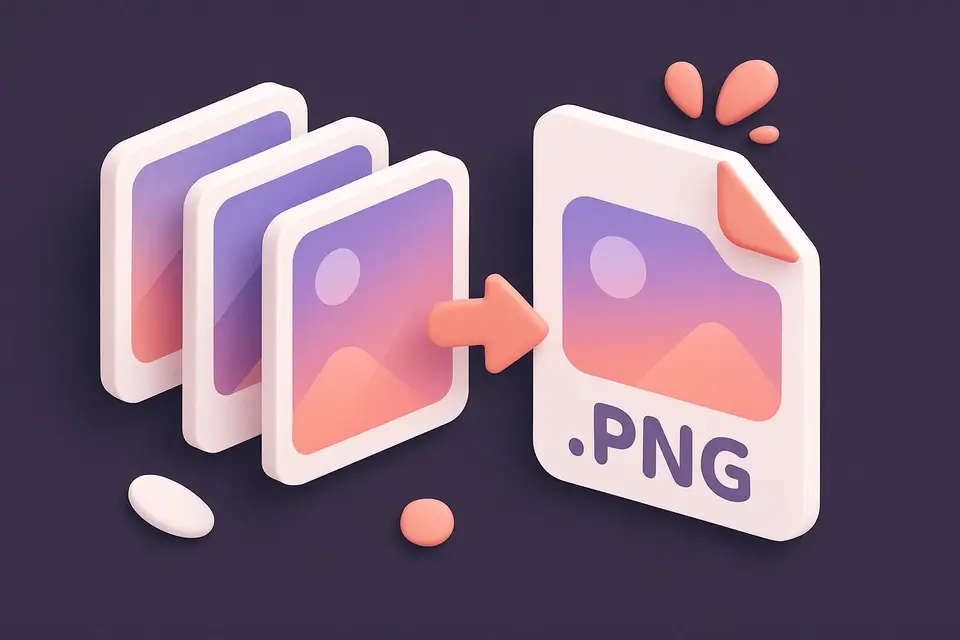
Animated PNG Creator
Create animated APNG files from image sequences with full-color support.
Add Frames
Drop or select images to use as APNG animation frames.
Set Delay
Configure the delay between frames in milliseconds.
Create APNG
Generate and download the animated PNG file.
What Is Animated PNG Creator?
An APNG (Animated PNG) creator that assembles image frames into an animated PNG file. Unlike GIF, APNG supports full 24-bit color and alpha transparency, producing higher quality animations. The tool renders each frame to canvas, exports as PNG, then constructs the binary by adding animation control (acTL) and frame control (fcTL/fdAT) chunks to the standard PNG structure. Supported in all modern browsers.
Why Use Animated PNG Creator?
-
Full 24-bit color (vs GIF's 256 colors)
-
Alpha transparency support
-
Higher quality than GIF for complex images
-
Falls back to first frame in non-APNG viewers
Common Use Cases
High-Quality Animation
Animations requiring more than 256 colors or smooth gradients.
Transparent Overlays
Animated stickers or overlays with alpha transparency.
Web Design
Animated icons and illustrations with precise color.
App Assets
Loading spinners and animations for web/mobile apps.
Technical Guide
The APNG builder parses each exported PNG to extract IDAT compressed data chunks. The output file starts with the first frame's IHDR chunk, followed by an acTL (animation control) chunk specifying frame count and loop count. Each frame gets an fcTL (frame control) chunk with dimensions, position, delay, and disposal. The first frame's data stays as IDAT; subsequent frames use fdAT chunks with sequence numbers.
Tips & Best Practices
-
1APNG files are larger than GIFs — use for quality-critical animations
-
2All modern browsers support APNG
-
3Non-supporting viewers see the first frame as a static PNG
-
4Keep frame count reasonable for manageable file sizes
Related Tools
Image Compress
Compress images by adjusting quality to reduce file size while maintaining visual quality.
🖼️ Image Tools
Image Format Converter
Convert images between JPG, PNG, and WebP formats with quality control.
🖼️ Image Tools
Images to GIF
Create animated GIF files from a sequence of images with customizable frame delay.
🖼️ Image Tools
WebP Animation Creator
Create animated WebP files from image sequences for efficient web animations.
🖼️ Image ToolsFrequently Asked Questions
Q What browsers support APNG?
Q What's the difference between APNG and GIF?
Q Are APNG files larger than GIF?
Q What happens in browsers that don't support APNG?
Q Do APNG animations loop?
About This Tool
Animated PNG Creator is a free online tool by FreeToolkit.ai. All processing happens directly in your browser — your data never leaves your device. No registration or installation required.