Pomodoro Technique Focus Timer Full Pomodoro productivity timer with customizable work/break intervals and session tracking.
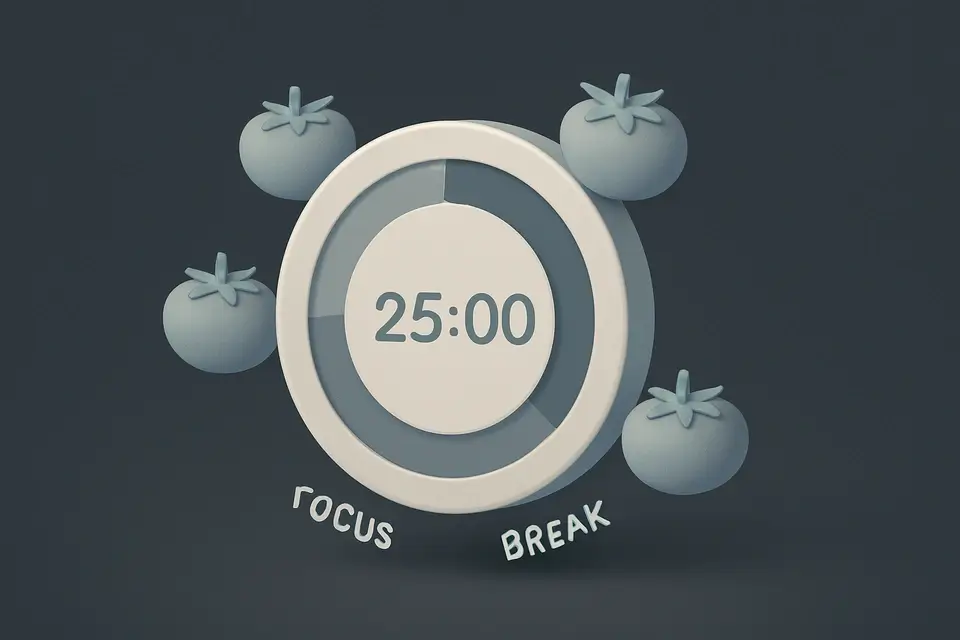
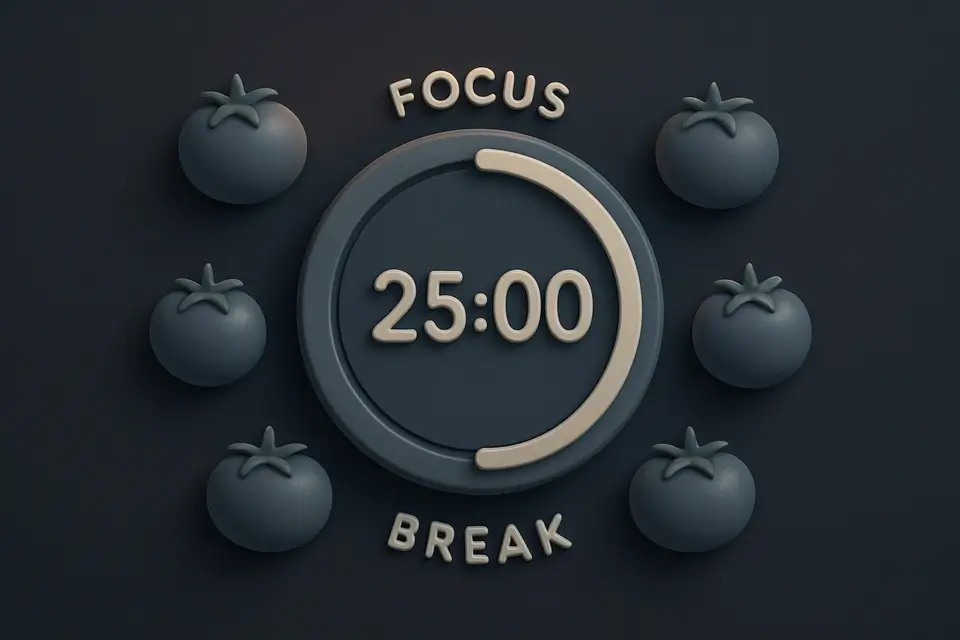
Pomodoro Timer
Full Pomodoro productivity timer with customizable work/break intervals and session tracking.
Set Intervals
Configure work (25 min), short break (5), long break (15).
Start the Timer
Begin focused work session.
Follow the Rhythm
Work, break, repeat. Long break every 4 sessions.
What Is Pomodoro Timer?
A Pomodoro Timer is a time management tool that implements the Pomodoro Technique by Francesco Cirillo, helping users stay focused and avoid distractions during work sessions. Developers, designers, and writers use it to boost their productivity, as it solves the specific problem of maintaining concentration over long periods of time. By using this technique, individuals can complete tasks more efficiently and take regular breaks to recharge.
The tool is designed to automatically switch between focus intervals, known as pomodoros, and break times, eliminating the need for manual tracking. It features customizable durations for work sessions, short breaks, and long breaks, allowing users to tailor the experience to their needs. For example, the code includes input fields for setting work duration, short break duration, and long break duration, making it easy to adjust the timer according to individual preferences.
What makes this tool different is its ability to track progress and provide insights into work habits, such as counting completed sessions and calculating total minutes focused. The focus timer also includes a feature to switch modes automatically after each session, ensuring a smooth transition between work and break times. By utilizing features like automatic switching and customizable durations, users can optimize their workflow and make the most out of their productivity timer, ultimately preventing burnout and maintaining concentration throughout the day.
Why Use Pomodoro Timer?
-
Scientifically-backed technique
-
Customizable durations
-
Automatic switching
-
Session counter
-
Audio alerts
Common Use Cases
Deep Work
Focused coding, writing, or design.
Studying
Structured study with breaks.
Remote Work
Structure workday with focus/break periods.
Technical Guide
Under the hood, it utilizes React's useState and useEffect hooks to manage its state and side effects. The timer is implemented using setInterval with 1-second ticks, which decrements the secondsLeft counter every second. A state machine controls the mode, switching between work, short break, and long break based on the sessionsCompleted count and longBreakInterval setting. When the secondsLeft counter reaches zero, it automatically switches to the next mode after a brief delay using setTimeout. The tool also uses React's useCallback hook to memoize functions like getDuration and switchMode, improving performance by reducing unnecessary re-renders.
The code employs various data structures, including objects to store mode-specific durations and colors, and arrays to map modes to their corresponding labels. It also utilizes JavaScript's Math library for calculations, such as determining the progress of the timer and formatting time in minutes and seconds. The Web Audio API is not used in this implementation, instead relying on React's event handling and DOM manipulation capabilities to update the timer display and handle user interactions. When the component unmounts, it cleans up any pending intervals using clearInterval to prevent memory leaks.
The settings section of the tool allows users to customize the work duration, short break duration, long break duration, and long break interval using HTML input fields and React's onChange event handler. These values are stored in state variables and used to update the timer's behavior accordingly. The tool also tracks progress by counting completed sessions and calculating total minutes focused, displaying this information in a grid of glass cards. By combining these features and technologies, it provides a customizable and effective way to implement the Pomodoro Technique and boost productivity.
Tips & Best Practices
-
1Adjust workDuration to optimize focus sessions
-
2Switch modes using switchMode function
-
3Reset timer with reset button
-
4Monitor progress with formatTime function
-
5Configure longBreakInterval for customized breaks
Related Tools


Countdown to Date
Create a live countdown timer to any future date showing days, hours, minutes, and seconds.
🧰 Miscellaneous
Fullscreen Clock
Display a beautiful full-screen digital or analog clock for presentations and ambient displays.
🧰 Miscellaneous

Kanban Board
Organize tasks with a drag-and-drop Kanban board featuring customizable columns and color-coded cards.
🧰 Miscellaneous
Habit Tracker
Track daily habits with visual streak counting, completion tracking, and progress visualization.
🧰 MiscellaneousFrequently Asked Questions
Q What is the Pomodoro Technique?
Q How many Pomodoro sessions should I do per day?
About This Tool
Pomodoro Timer is a free online tool by FreeToolkit.ai. All processing happens directly in your browser — your data never leaves your device. No registration or installation required.