Track Your Daily Habits & Build Streaks Track daily habits with visual streak counting, completion tracking, and progress visualization.
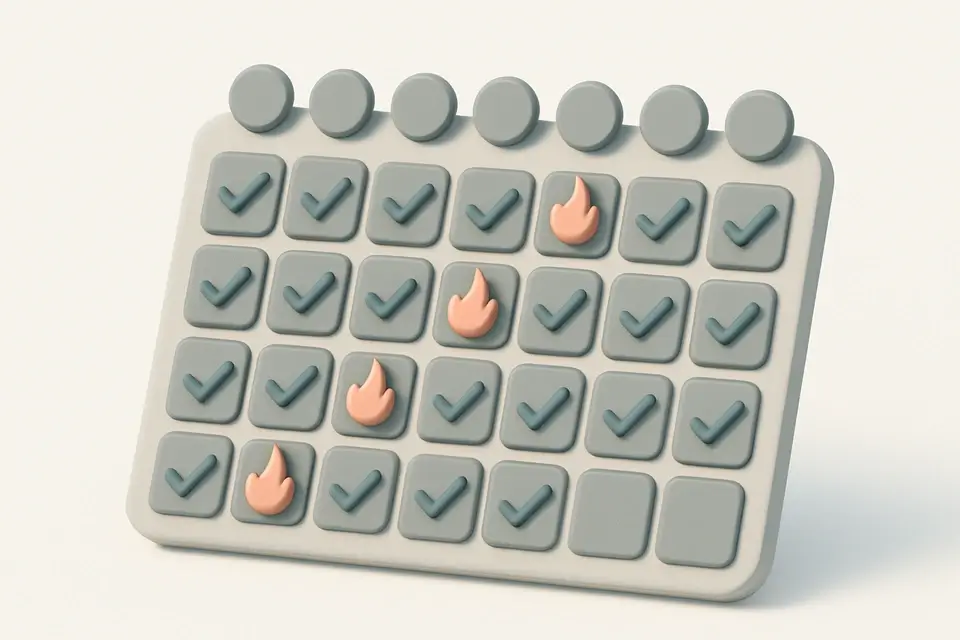
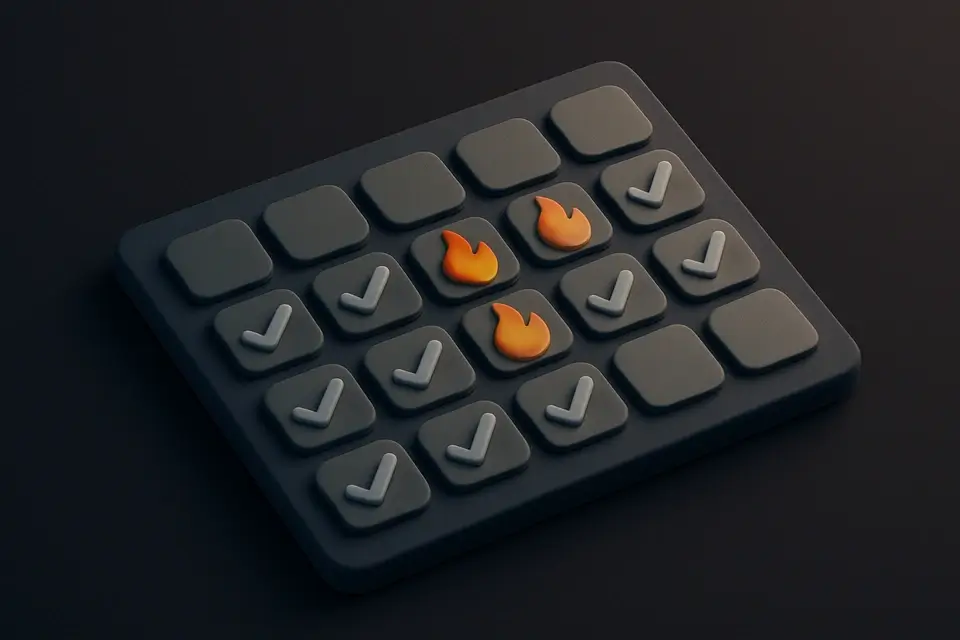
Habit Tracker
Track daily habits with visual streak counting, completion tracking, and progress visualization.
Add Habits
Enter habits to track daily.
Check Off
Mark habits complete to build streaks.
Track Streaks
View your current streak, longest streak, and completion rate.
What Is Habit Tracker?
A Habit Tracker is a digital tool that allows users to monitor and maintain their daily habits through a visual interface, typically used by individuals seeking to build positive routines and increase productivity. It solves the specific problem of forgetfulness and lack of motivation by providing a clear record of progress, which is particularly useful for individuals with busy schedules or those who struggle with consistency.
The tool is commonly used by students, athletes, and professionals who need to track their daily habits and stay motivated to achieve their goals. One key feature that sets it apart is the inclusion of a streak counter, which displays the number of consecutive days a habit has been completed, serving as a powerful motivator to continue the streak.
It also calculates the completion rate over a set period, in this case, the last 7 days, and displays it as a percentage, giving users a clear idea of their progress. This feature is particularly useful when used as a daily habit tracker or a free online habit tracker, allowing users to easily track their habits and streaks from anywhere. The combination of these features makes it an effective habit streak tracker app, helping users stay on track and build lasting habits through the power of tracking and visual motivation.
Why Use Habit Tracker?
-
Visual streak counting
-
Multiple habits
-
Current and longest streaks
-
Simple check-off
-
No signup
Common Use Cases
Health
Track exercise, water, meditation.
Learning
Streaks for reading, coding, languages.
Productivity
Daily planning, inbox zero.
Technical Guide
The Habit Tracker uses the React library to manage its state and render the user interface. It employs the useState hook to store an array of habit objects, each containing a unique id, name, and completion log as an array of YYYY-MM-DD strings. The addHabit function utilizes the useCallback hook to memoize the function and prevent unnecessary re-renders. When adding a new habit, it checks if the input is not empty and then updates the habits state by appending a new habit object with a unique id generated using Date.now().toString().
The deleteHabit function filters out the habit object with the matching id from the habits array. The toggleDay function iterates through the habits array to find the habit object with the matching id, and then toggles the completion status of the specified date by either adding or removing it from the completedDates array. The getLast7Days function generates an array of YYYY-MM-DD strings representing the last 7 days by subtracting each day's date from the current date using a for loop.
The getStreak function calculates the current streak by iterating backward from today and counting consecutive days that are present in the habit's completion log. It uses a for loop to decrement the date and checks if the resulting YYYY-MM-DD string is included in the completedDates array. The getCompletionRate function calculates the completion rate over the last 7 days by filtering the days array to include only dates that are present in the habit's completion log, then dividing the length of the filtered array by 7 and multiplying by 100.
The Habit Tracker also uses JavaScript's built-in Date object and its methods, such as toISOString() and toLocaleDateString(), to handle date-related operations. The gridTemplateColumns CSS property is used to define a grid layout for displaying the habit names and their corresponding completion status over the last 7 days. The style attribute is used to dynamically set the width of the progress bar based on the calculated completion rate.
Tips & Best Practices
-
1Start with 2-3 habits
-
2Check off at same time daily
-
3Celebrate milestones: 7, 21, 30, 100 days
Related Tools

Countdown to Date
Create a live countdown timer to any future date showing days, hours, minutes, and seconds.
🧰 Miscellaneous

Kanban Board
Organize tasks with a drag-and-drop Kanban board featuring customizable columns and color-coded cards.
🧰 Miscellaneous
Pomodoro Timer
Full Pomodoro productivity timer with customizable work/break intervals and session tracking.
🧰 Miscellaneous

Checklist Generator
Create interactive checklists with checkboxes, progress tracking, and easy item management.
🧰 MiscellaneousFrequently Asked Questions
Q Does the habit tracker save my data?
Q What happens if I miss a day?
About This Tool
Habit Tracker is a free online tool by FreeToolkit.ai. All processing happens directly in your browser — your data never leaves your device. No registration or installation required.