Create and Track Your Checklists Online Create interactive checklists with checkboxes, progress tracking, and easy item management.
Checklist Generator
Create interactive checklists with checkboxes, progress tracking, and easy item management.
Add Items
Enter items or paste a list.
Check Off
Click checkboxes for strikethrough.
Track Progress
Completion percentage and remaining items.
What Is Checklist Generator?
A Checklist Generator is a web-based application designed to create interactive checklists with features like checkboxes, progress bars, and strikethrough styling for completed tasks. Typically, project managers, developers, and individuals who need to organize tasks use it to stay on top of their work. One specific problem it solves is the difficulty in tracking progress when dealing with multiple tasks, as it allows users to visualize their progress through a progress bar that updates in real-time.
This tool differs from others in its category due to its ability to add items individually or paste lists, making it easy to import existing to-do lists. The code also features a unique identifier for each item, generated using the Date.now() function, ensuring that each task can be uniquely identified and updated. For instance, when an item is completed, its text is struck through, providing visual feedback to the user.
The tool's functionality extends beyond basic checklist creation, allowing users to create multiple lists, delete items, and even copy entire checklists with a single button click. Its online nature makes it accessible from anywhere, and features like progress tracking make it an effective to-do list maker. By using it, users can create checklists with ease and track their progress, making it a valuable companion for anyone looking to boost their productivity with a reliable online checklist.
Why Use Checklist Generator?
-
Quick entry with paste
-
Progress bar
-
Strikethrough styling
-
Edit and delete
-
No account needed
Common Use Cases
To-Do Lists
Daily task tracking.
Packing Lists
Travel preparation.
QA Checklists
Testing and review procedures.
Technical Guide
The Checklist Generator uses React to manage its state and handle user interactions. It relies on the useState hook to store checklist data in memory, with each checklist represented as an object containing a unique id, title, and array of items. Items are objects themselves, consisting of a unique id generated using Date.now(), text describing the task, and a done flag indicating completion status. When a user toggles an item's completion status, the tool updates the corresponding item object in state and applies a CSS strikethrough style to the item's text.
The tool calculates progress as a percentage by dividing the number of completed items by the total number of items in the current checklist, then multiplying by 100. This value is used to set the width of a progress bar element, providing visual feedback on task completion. When a user pastes multiple lines of text into the item input field, the tool splits the input string into individual lines using newline characters as delimiters, then creates new item objects for each line and adds them to the current checklist.
The Checklist Generator also uses browser APIs like navigator.clipboard.writeText to copy checklist data to the system clipboard when the user clicks the Copy Checklist button. The copied text is formatted with a title, separator line, and list of items marked as completed or not, making it easy to paste into other applications or share with others. Overall, the tool's implementation combines React state management, CSS styling, and browser APIs to provide an interactive checklist experience.
The Checklist Generator handles user input through event handlers attached to form elements, such as the item input field and buttons. For example, when a user presses Enter in the item input field, the tool prevents the default form submission behavior and instead calls the addItem function to create a new item object and add it to the current checklist. Similarly, when a user clicks the Add All Lines button, the tool splits the input string into individual lines and creates new item objects for each line, then adds them to the checklist in a single operation.
By using React's useCallback hook to memoize functions like addItem and toggleItem, the Checklist Generator ensures that these functions are only recreated when their dependencies change, reducing unnecessary re-renders and improving performance. The tool also uses React's useState hook with an initial value to set up its state, allowing it to manage complex checklist data in a predictable and efficient manner.
Tips & Best Practices
-
1Paste multiple items (one per line)
-
2Break large tasks into smaller items for clearer progress tracking
-
3Check items off to watch the progress bar advance
Related Tools

Kanban Board
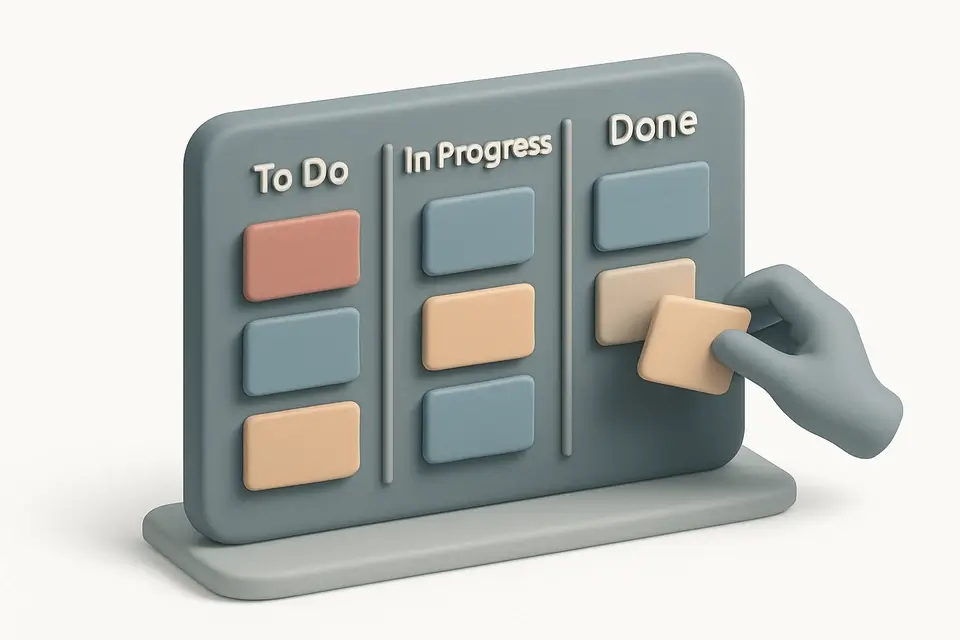
Organize tasks with a drag-and-drop Kanban board featuring customizable columns and color-coded cards.
🧰 Miscellaneous

Habit Tracker
Track daily habits with visual streak counting, completion tracking, and progress visualization.
🧰 Miscellaneous
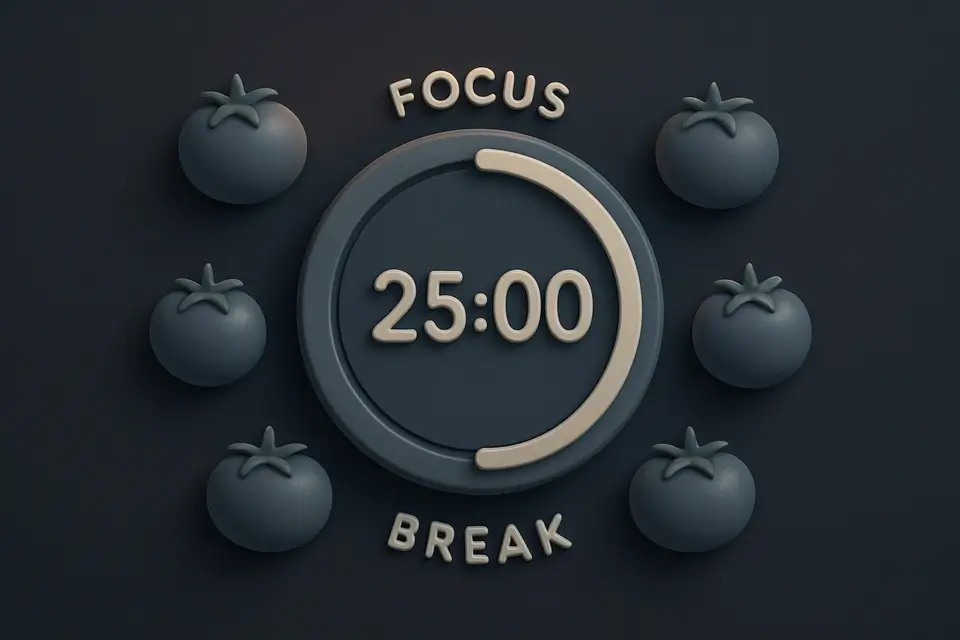
Pomodoro Timer
Full Pomodoro productivity timer with customizable work/break intervals and session tracking.
🧰 Miscellaneous
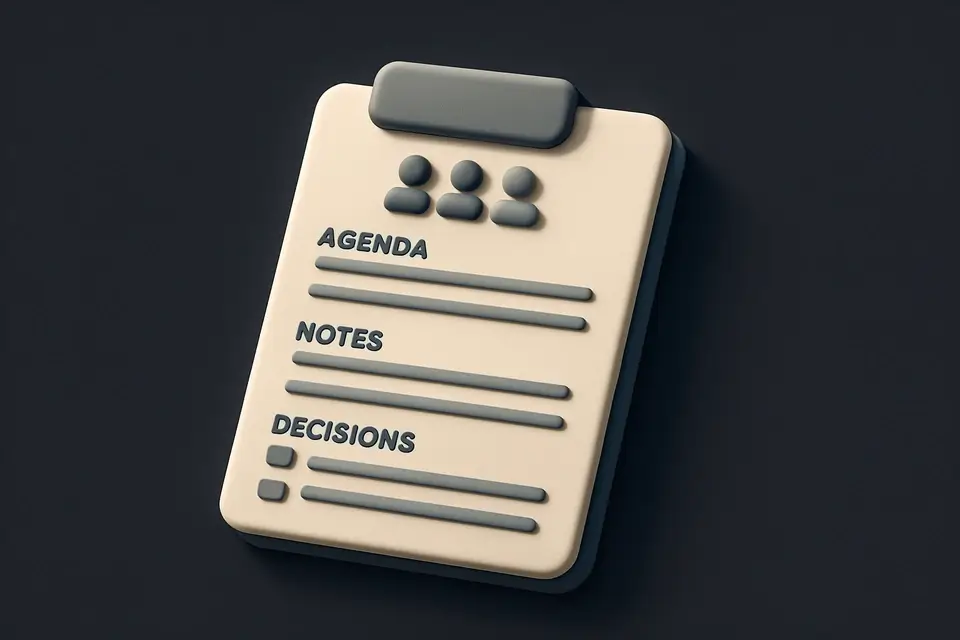
Meeting Notes Template
Structured meeting notes template with agenda, attendees, action items, and decision tracking.
🧰 MiscellaneousFrequently Asked Questions
Q Can I save my checklist?
Q Is there a limit to how many items I can add?
About This Tool
Checklist Generator is a free online tool by FreeToolkit.ai. All processing happens directly in your browser — your data never leaves your device. No registration or installation required.