Organize Your Meeting Minutes Online Structured meeting notes template with agenda, attendees, action items, and decision tracking.
Meeting Notes Template
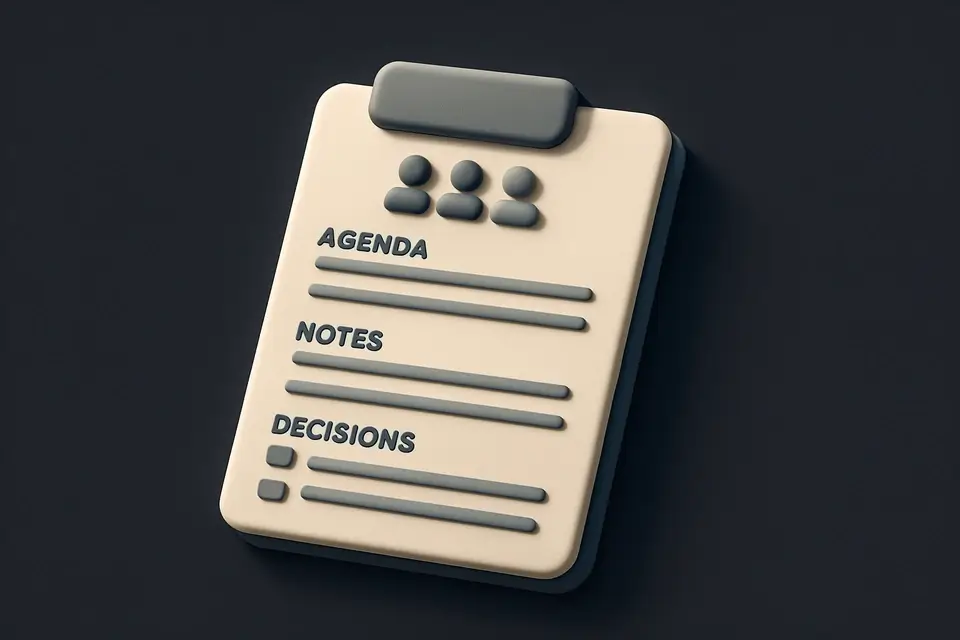
Structured meeting notes template with agenda, attendees, action items, and decision tracking.
Fill in Meeting Details
Title, date, time, location, attendees.
Record Discussion and Action Items
Agenda, decisions, action items.
Export or Print Your Notes
Copy or print for distribution.
What Is Meeting Notes Template?
A Meeting Notes Template is a structured format used to record and organize meeting minutes, typically including sections for metadata, attendees, agenda, discussion, decisions, and action items with assignees. It is commonly used by project managers, team leads, and assistants who need to keep track of meeting discussions and outcomes. One specific problem it solves is the difficulty in capturing and assigning action items during meetings, which can lead to missed tasks and deadlines.
The tool addresses this issue by allowing users to create and manage action items with ease, including assigning them to specific individuals and marking them as completed. What makes this tool different is its ability to export meeting notes in Markdown format, complete with checkboxes for action items and optional assignee information. For example, the export feature generates a formatted string that includes sections for agenda, notes, decisions, and action items, making it easy to share or store meeting minutes.
It also features a user-friendly interface for adding new action items, including a text input field for the item description and another for assigning it to a specific person. The tool's ability to copy meeting notes to the clipboard or download them as a Markdown file makes it convenient to integrate with other workflows, such as how to take meeting notes or using a meeting agenda template to plan discussions. By incorporating action items into the meeting notes template, users can ensure that tasks are not missed and progress is tracked effectively.
Why Use Meeting Notes Template?
-
Structured format
-
Action items with assignees
-
Easy to distribute
-
Complete records
-
No account needed
Common Use Cases
Team Meetings
Record discussions and action items.
Client Meetings
Document agreed deliverables.
Project Kickoffs
Capture scope and initial actions.
Technical Guide
Under the hood, it utilizes React state to manage metadata such as title, date, and time, storing them in variables like `title`, `date`, and `time`. For attendees, agenda, notes, decisions, and action items, it employs a combination of strings, objects, and arrays. The `actionItems` array, for instance, consists of objects containing properties like `id`, `text`, `assignee`, and `done`. When adding new action items, the `addActionItem` function creates a new object with a unique `id` generated using `Date.now().toString()`, and then appends it to the `actionItems` array. The `toggleAction` and `deleteAction` functions modify this array by updating or removing specific objects based on their `id`.
The tool's export feature relies on the `exportMarkdown` function, which constructs a formatted string in Markdown format using template literals. This function iterates over the `actionItems` array and generates a checkbox for each item, including its description and assignee information if available. The resulting string is then used by the `copyMarkdown` and `downloadMarkdown` functions to copy the meeting notes to the clipboard or save them as a Markdown file, respectively. To achieve this, it utilizes browser APIs like `navigator.clipboard.writeText` for copying text to the clipboard and the `Blob` object along with `URL.createObjectURL` for generating a downloadable file.
The dynamic form sections are built using React components, which render input fields and text areas based on the current state of the application. For example, the agenda section uses a textarea element with a placeholder value, while the action items section employs a list of checkbox elements generated dynamically from the `actionItems` array. When users interact with these form elements, the corresponding React state variables are updated using event handlers like `onChange` and `onKeyDown`. This allows the tool to maintain a consistent and up-to-date representation of the meeting notes, which can then be exported or downloaded in Markdown format.
Tips & Best Practices
-
1Format action items as checkboxes to track progress
-
2Use the 'Add' button to create new action items with assignees
-
3Toggle the checkbox to mark action items as done
-
4Delete unnecessary action items by clicking the '×' button
-
5Export meeting notes in Markdown format for easy sharing
Related Tools
Kanban Board
Organize tasks with a drag-and-drop Kanban board featuring customizable columns and color-coded cards.
🧰 Miscellaneous

Project Timeline Generator
Create simple project timelines and Gantt charts with task scheduling and milestone tracking.
🧰 Miscellaneous
Checklist Generator
Create interactive checklists with checkboxes, progress tracking, and easy item management.
🧰 Miscellaneous

OKR Template
Create Objectives and Key Results (OKR) plans with progress tracking and scoring.
🧰 MiscellaneousFrequently Asked Questions
Q Can I save my meeting notes?
Q How do I export meeting notes to PDF?
About This Tool
Meeting Notes Template is a free online tool by FreeToolkit.ai. All processing happens directly in your browser — your data never leaves your device. No registration or installation required.