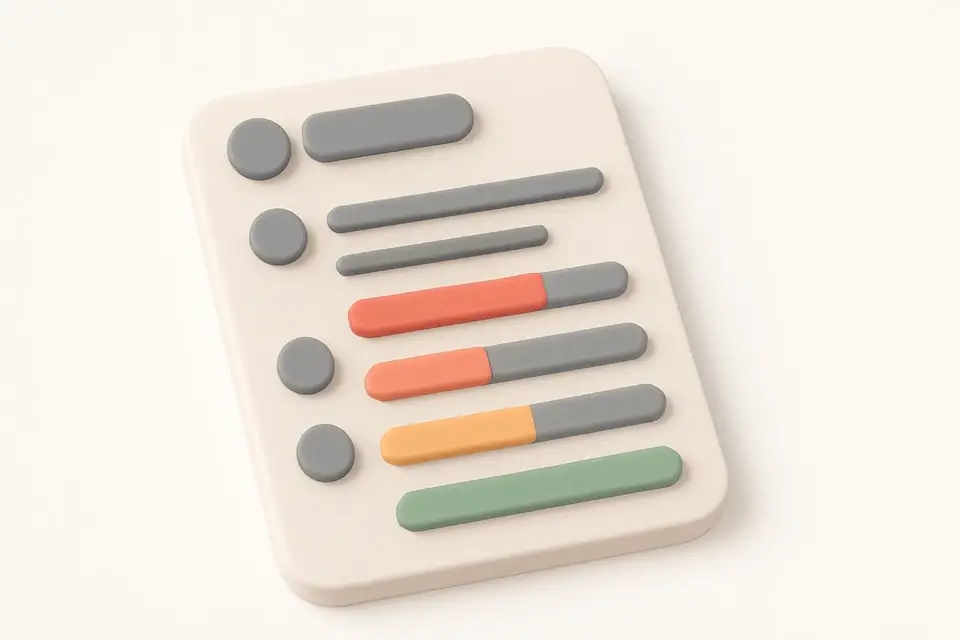
Plan Your Objectives & Key Results Create Objectives and Key Results (OKR) plans with progress tracking and scoring.
OKR Template
Create Objectives and Key Results (OKR) plans with progress tracking and scoring.
Set Objectives
Define 3-5 ambitious objectives.
Add Key Results
2-5 measurable key results per objective.
Track Progress
Update scores (0.0-1.0) as you progress.
What Is OKR Template?
A OKR Template is a structured framework used to define and track objectives and key results, providing a clear plan for achieving specific goals. It is commonly used by teams and organizations, such as Intel, Google, and LinkedIn, to align efforts and measure progress towards ambitious objectives. One specific problem it solves is the difficulty of setting and tracking measurable goals, which can lead to a lack of focus and unclear priorities.
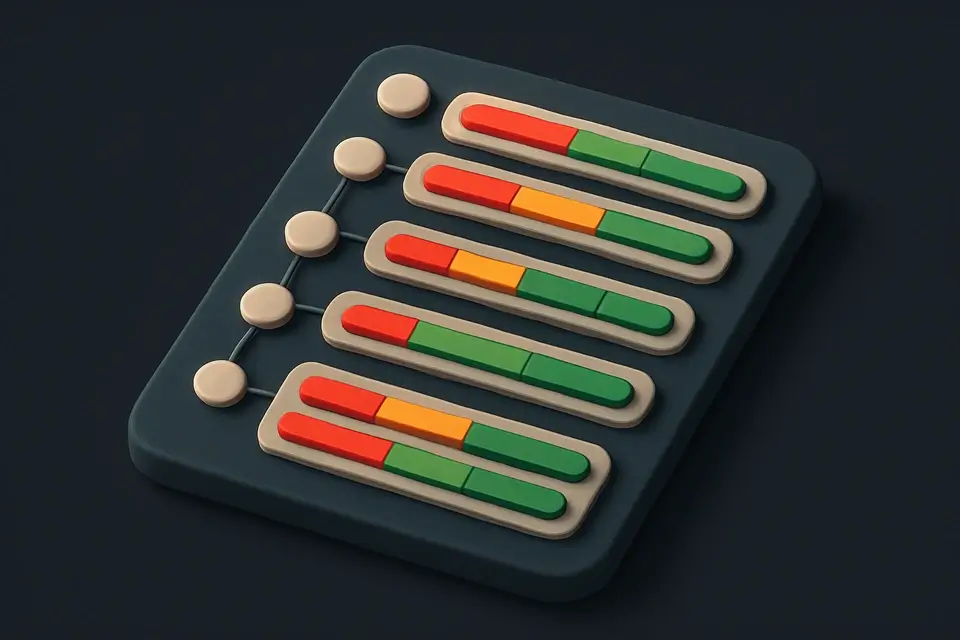
The tool allows users to create and manage objectives, breaking them down into smaller, actionable key results with targets and current values. It also calculates the overall progress towards each objective, providing a visual representation of the progress as a percentage. What makes this tool different is its ability to export the OKR template as a text summary, including the title, period, objectives, and key results, making it easy to share and review.
It includes features such as adding and deleting objectives and key results, updating their text and targets, and calculating the progress towards each objective. The progress is color-coded based on the percentage completed, with green indicating 70% or more, amber indicating 40-69%, and red indicating less than 40%. This makes it a useful okr tracker for teams to monitor their progress and adjust their strategy accordingly, helping them learn how to set okrs for a team effectively using an okr planner.
Why Use OKR Template?
-
Industry-proven framework
-
Objectives + Key Results
-
Progress scoring
-
Multiple objectives
-
No signup
Common Use Cases
Company Goals
Quarterly objectives with measurable results.
Team Planning
Team OKRs cascading from company goals.
Personal Development
Define growth milestones and track personal progress.
Product Strategy
Align product strategy with specific metric targets.
Technical Guide
The tool's core functionality relies on the React library to manage its state and render the user interface. It utilizes the `useState` hook from React to store the title, period, objectives, and copied status in memory. The objectives are represented as an array of objects, each containing a unique identifier, text description, and an array of key results. Key results are also objects with their own identifiers, text descriptions, targets, and current values. When the user interacts with the interface, such as adding or deleting objectives and key results, the `setObjectives` function is called to update the state. This triggers a re-render of the component tree, reflecting the changes in the user interface.
The tool's progress calculation algorithm works by iterating over each objective's key results, calculating the percentage completed for each one, and then taking the mean of these percentages to determine the overall objective score. This score is then used to color-code the progress bar, with values between 0 and 0.3 being red, 0.3 to 0.7 being amber, and 0.7 to 1.0 being green. The `getObjProgress` function implements this logic, using the `reduce` method to sum up the percentages and then dividing by the number of key results. The `progressColor` function takes this score as input and returns the corresponding CSS class for the progress bar.
When exporting the OKR template as a text summary, the tool uses the `navigator.clipboard` API to write the formatted text to the user's clipboard. This allows users to easily share their objectives and key results with others. The `exportText` function generates this formatted text by iterating over the objectives and key results, concatenating their descriptions, targets, and current values into a single string. The resulting text is then passed to the `copy` function, which writes it to the clipboard using the `navigator.clipboard.writeText` method.
Tips & Best Practices
-
13-5 objectives per quarter
-
22-5 key results per objective
-
3Make each key result measurable with specific numbers
-
40.7 = success for stretch goals
Related Tools

Kanban Board
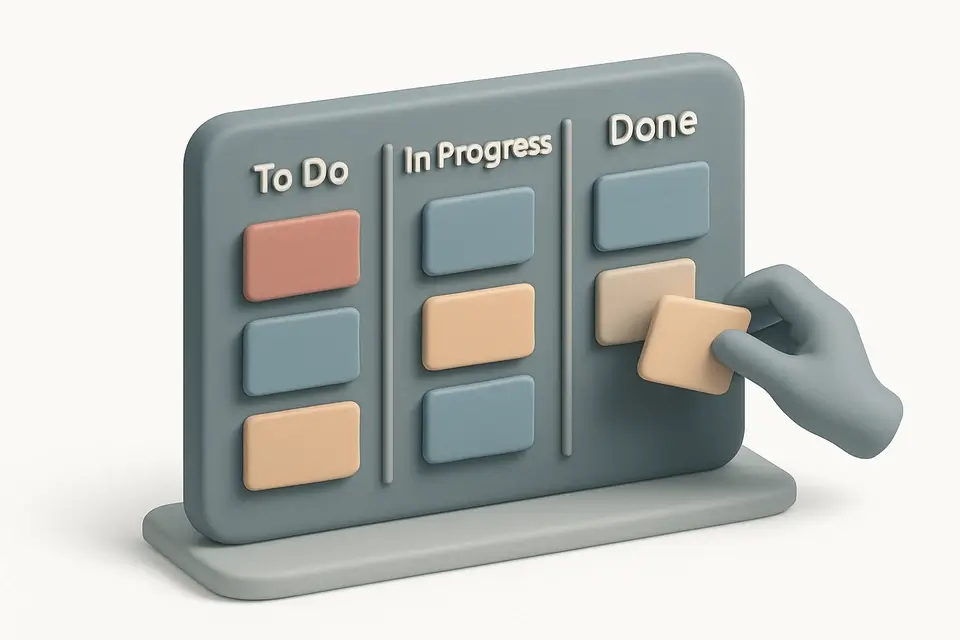
Organize tasks with a drag-and-drop Kanban board featuring customizable columns and color-coded cards.
🧰 Miscellaneous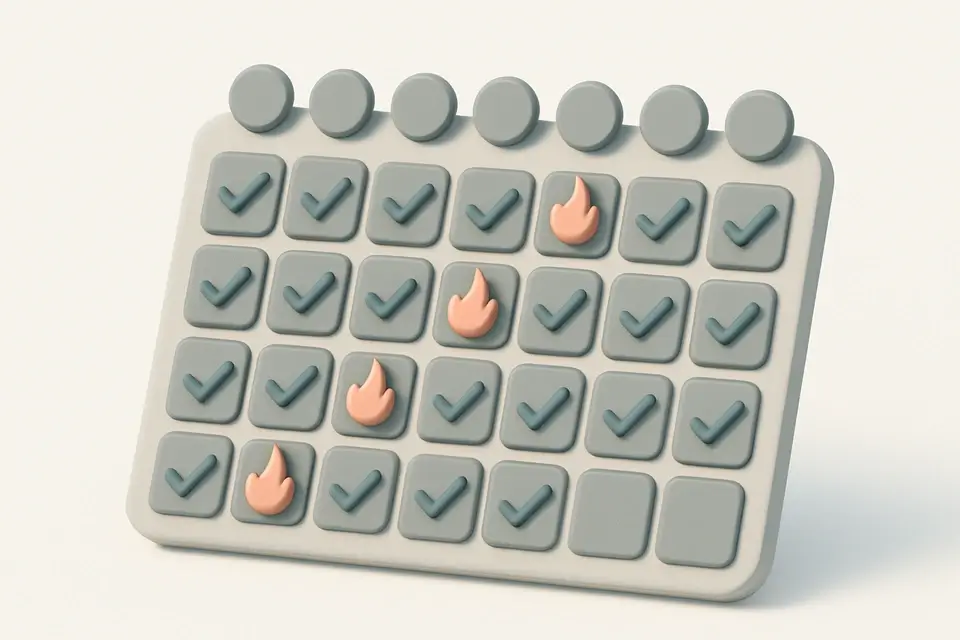
Habit Tracker
Track daily habits with visual streak counting, completion tracking, and progress visualization.
🧰 Miscellaneous

Project Timeline Generator
Create simple project timelines and Gantt charts with task scheduling and milestone tracking.
🧰 Miscellaneous
SWOT Analysis Template
Create SWOT analyses with organized Strengths, Weaknesses, Opportunities, and Threats quadrants.
🧰 MiscellaneousFrequently Asked Questions
Q What is OKR?
Q How does OKR scoring work?
Q What is the difference between OKRs and KPIs?
About This Tool
OKR Template is a free online tool by FreeToolkit.ai. All processing happens directly in your browser — your data never leaves your device. No registration or installation required.