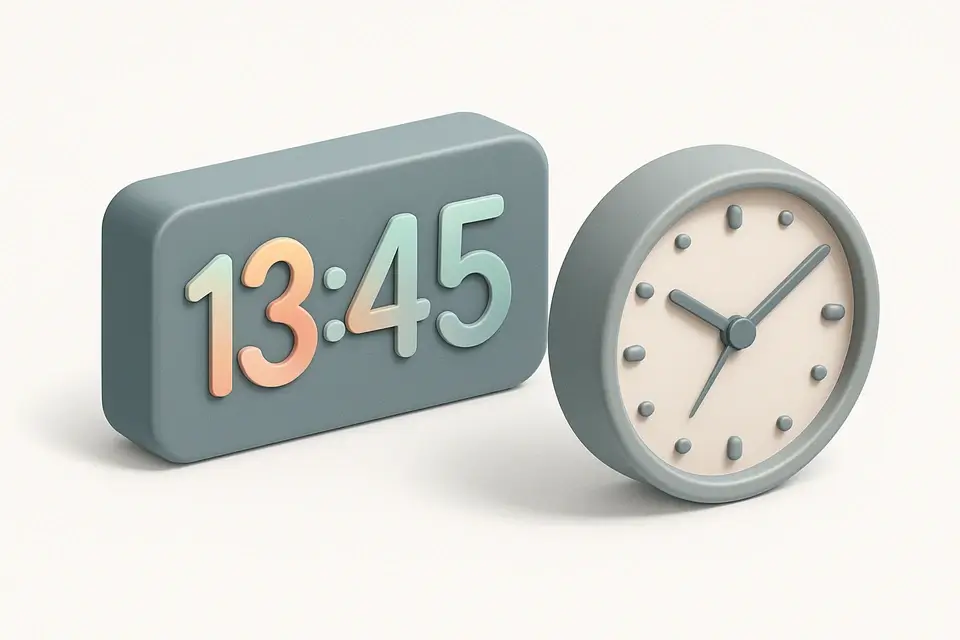
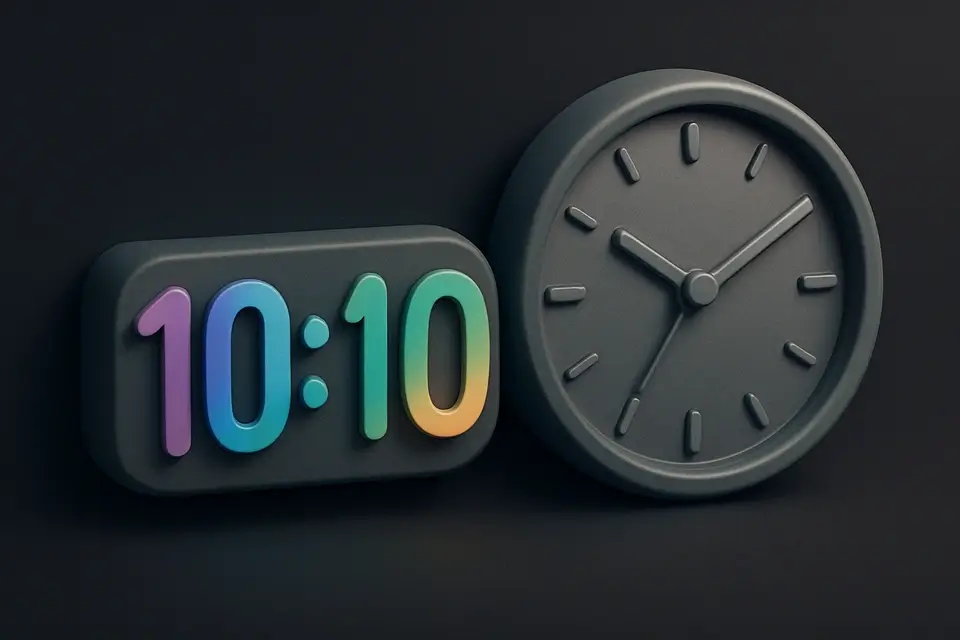
Online Fullscreen Clock with Digital & Analog Modes Display a beautiful full-screen digital or analog clock for presentations and ambient displays.
Fullscreen Clock
Display a beautiful full-screen digital or analog clock for presentations and ambient displays.
Choose Format
Select digital or analog.
Customize
Toggle 12/24-hour and seconds.
Go Fullscreen
Enter fullscreen for maximum visibility.
What Is Fullscreen Clock?
A Fullscreen Clock is a digital tool that displays the current time in a large, easily readable format, making it ideal for presentation settings such as conference rooms and classrooms where a big clock display is necessary. It is typically used by presenters, educators, and event organizers who need to keep their audience aware of the time during meetings or lectures, often utilizing a digital clock online to ensure accurate timekeeping. One specific problem it solves is the lack of a clear and easily visible time display in these environments, which can lead to distractions and decreased productivity.
The tool's ability to toggle between digital and analog displays, as well as its option to show seconds and use 12 or 24-hour format, makes it highly customizable to suit different needs. What sets it apart is its use of the Fullscreen API, allowing users to enter full screen mode with a single button click, creating an immersive experience that fills the entire screen with a large clock face. This feature is particularly useful for ambient displays where a minimalistic and distraction-free interface is desired.
Its digital display features gradient text, while the analog display boasts smooth-sweeping hands, making it a visually appealing addition to any presentation setting. The fact that it uses system time and works offline ensures that it remains accurate and functional even without an internet connection, making it perfect for use as a reliable presentation clock in various settings.
Why Use Fullscreen Clock?
-
Beautiful full-screen display
-
Digital and analog styles
-
12/24-hour options
-
Fullscreen mode
-
Smooth animations
Common Use Cases
Conference Rooms
Meeting time tracking.
Presentations
Visible clock during workshops.
Ambient Display
Desk clock on tablet or monitor.
Technical Guide
The tool uses the `setInterval` function to update the time every 1000 milliseconds, or 1 second, ensuring a smooth and accurate display of the current time. In digital mode, it utilizes Date methods such as `getHours`, `getMinutes`, and `getSeconds` to extract the relevant time components, which are then formatted with zero-padding using the `padStart` method to maintain a consistent display format. The analog display relies on CSS transforms to position the clock hands, calculating their angles based on the current hour, minute, and second values, with adjustments for smooth sweeping motions.
Under the hood, the tool employs React's `useState` and `useEffect` hooks to manage state changes and side effects, such as updating the display when the user toggles between digital and analog modes or adjusts the time format settings. The `useCallback` hook is used to memoize the `drawAnalog` function, which is responsible for rendering the analog clock face on a HTML canvas element, using 2D drawing context methods like `clearRect`, `arc`, and `stroke`. The Fullscreen API is used to enter and exit full screen mode, with event listeners attached to handle changes in the document's fullscreen state. The tool also uses JavaScript's built-in `Date` object to get the current time and format it according to the user's preferences, with options for 12 or 24-hour formats and display of seconds and date information.
The canvas element used for the analog clock face is dynamically resized based on its parent container's dimensions, ensuring a responsive and adaptable display that can be easily integrated into various presentation settings. The tool's use of React and JavaScript technologies enables a flexible and efficient implementation, with a focus on delivering a high-quality user experience through smooth animations and precise timekeeping. The `toLocaleDateString` method is used to format the date according to the user's locale, providing a localized display of the current date.
Tips & Best Practices
-
1Digital for readability at distance
-
224-hour avoids AM/PM confusion
-
3Great on tablets as desk clocks
Related Tools
Countdown to Date
Create a live countdown timer to any future date showing days, hours, minutes, and seconds.
🧰 Miscellaneous
Dead Pixel Tester
Test your screen for dead or stuck pixels by cycling through full-screen solid colors.
🧰 Miscellaneous
Screen Resolution Display
View your current screen resolution, viewport size, device pixel ratio, and display information.
🧰 Miscellaneous
Pomodoro Timer
Full Pomodoro productivity timer with customizable work/break intervals and session tracking.
🧰 MiscellaneousFrequently Asked Questions
Q Does the fullscreen clock work offline?
Q How accurate is the fullscreen clock?
About This Tool
Fullscreen Clock is a free online tool by FreeToolkit.ai. All processing happens directly in your browser — your data never leaves your device. No registration or installation required.