Audio Reverb Effect Add reverb effects to audio files to simulate room acoustics.
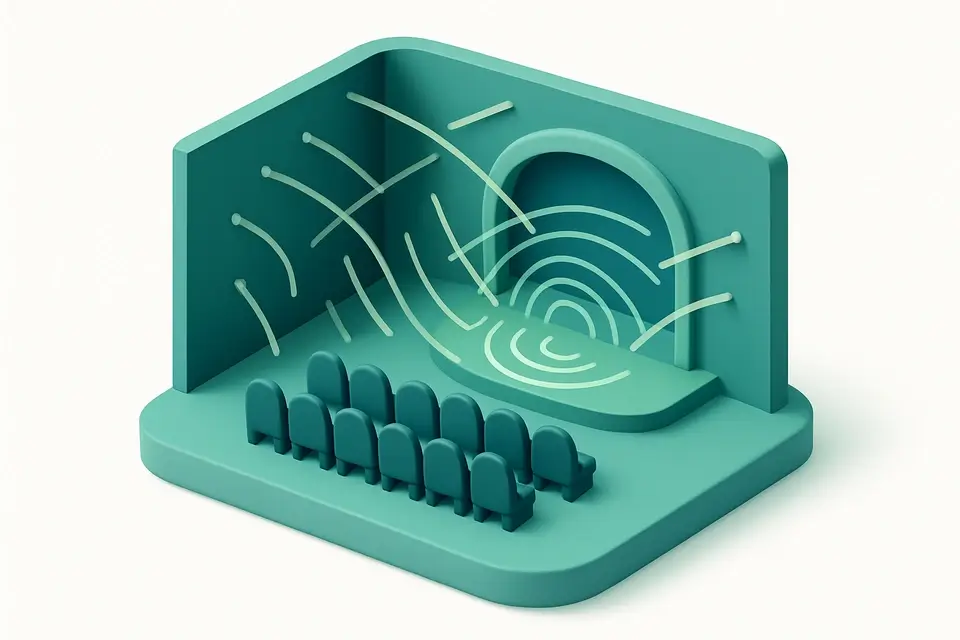

Audio Reverb Effect
Add reverb effects to audio files to simulate room acoustics.
Upload Audio
Drop your audio file or click to browse.
Choose Reverb
Select a room type and adjust the decay time and mix.
Download
Download your audio with reverb effect applied.
What Is Audio Reverb Effect?
The Audio Reverb Effect adds room simulation to your audio files. Reverb recreates the natural sound reflections that occur in physical spaces — from small rooms to large concert halls. The tool generates impulse responses algorithmically using the Web Audio API's ConvolverNode. Choose from presets like Small Room, Hall, Cathedral, and Plate reverb, or fine-tune the decay time and wet/dry mix for custom results. Reverb adds depth, warmth, and spatial character to recordings. All processing is client-side.
Why Use Audio Reverb Effect?
-
Multiple reverb presets (room, hall, cathedral, plate)
-
Adjustable decay time and wet/dry mix
-
Algorithmically generated impulse responses
-
Fully browser-based — no uploads needed
Common Use Cases
Vocal Enhancement
Add warmth and depth to vocal recordings with subtle room reverb.
Music Production
Place instruments in a virtual acoustic space for a polished mix.
Podcast Production
Add subtle room tone to dry recordings for a more natural sound.
Sound Design
Create cavernous, ethereal, or atmospheric audio effects.
Technical Guide
The reverb uses the Web Audio API's ConvolverNode with algorithmically generated impulse responses (IR). The IR is created by filling an AudioBuffer with decaying noise: samples are generated as random values multiplied by an exponential decay envelope (Math.exp(-n / (sampleRate * decayTime))). Different room types vary the decay time, pre-delay, early reflection density, and frequency content of the noise. A ConvolverNode is loaded with the IR and connected in the signal chain. Wet/dry mixing uses parallel GainNodes. The OfflineAudioContext renders the complete audio plus the reverb tail (original duration + decay time). The output is encoded as a WAV file. For higher-quality reverb presets, the IR includes filtered bands to simulate frequency-dependent absorption.
Tips & Best Practices
-
1Subtle reverb (10-20% wet) adds natural depth without muddying the audio
-
2Short decay (0.3-0.8s) simulates small rooms; long decay (2-5s) simulates halls
-
3Too much reverb makes speech hard to understand — use sparingly on voice
-
4Plate reverb works great on vocals and snare drums for a classic sound
Related Tools
Audio Fade In/Out
Add fade-in and fade-out effects to audio files.
🎵 Audio Tools
Audio Equalizer
Apply EQ adjustments to boost or cut frequency bands in audio.
🎵 Audio Tools
Audio Echo Effect
Add echo and delay effects to audio files.
🎵 Audio Tools

Audio Chorus Effect
Add chorus effect to audio for a thicker, richer sound.
🎵 Audio ToolsFrequently Asked Questions
Q What is reverb?
Q What is a convolution reverb?
Q What reverb types are available?
Q Can I adjust how much reverb is applied?
Q Is the processing local?
About This Tool
Audio Reverb Effect is a free online tool by FreeToolkit.ai. All processing happens directly in your browser — your data never leaves your device. No registration or installation required.