Add a Chorus Effect to Your Audio Add chorus effect to audio for a thicker, richer sound.

Audio Chorus Effect
Add chorus effect to audio for a thicker, richer sound.
Upload Audio
Drop your audio file or click to browse.
Adjust Chorus
Set the depth, rate, and mix of the chorus effect.
Download
Download your audio with chorus effect applied.
What Is Audio Chorus Effect?
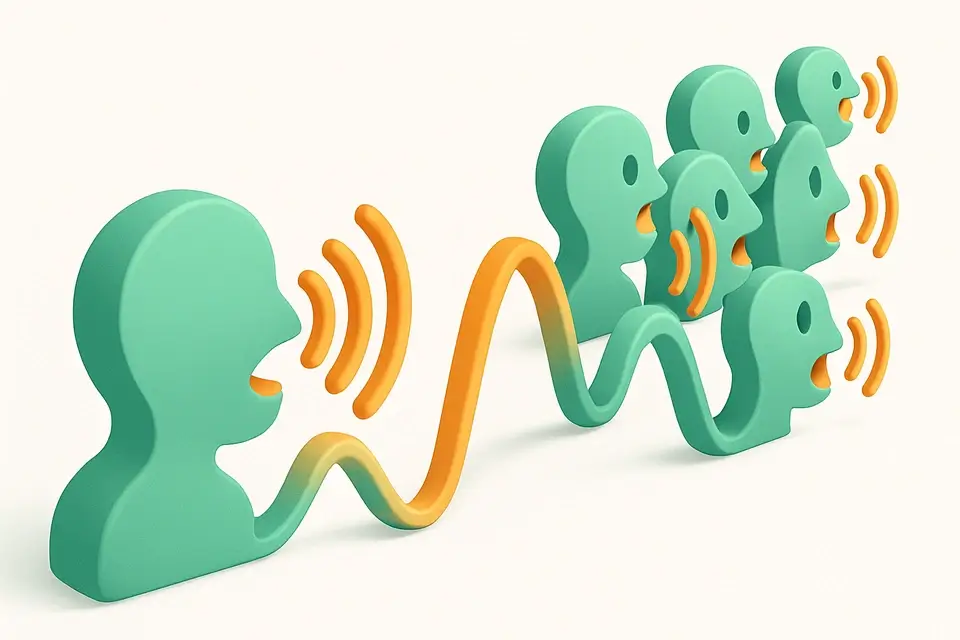
The Audio Chorus Effect creates a thicker, richer sound by simulating multiple slightly detuned copies of the original audio played together. The effect works by mixing the original signal with one or more delayed copies whose delay time is modulated by a low-frequency oscillator (LFO). This creates subtle pitch and timing variations that make a single voice or instrument sound like multiple players. Uses the Web Audio API's DelayNode and OscillatorNode for the LFO modulation. Great for enriching vocals, guitars, synths, and any audio source.
Why Use Audio Chorus Effect?
-
Create rich, thick sound from a single audio source
-
Adjustable depth, rate, and mix controls
-
Real-time preview of the effect
-
Completely browser-based and private
Common Use Cases
Vocal Enhancement
Make solo vocals sound fuller and more present with subtle chorus.
Guitar Effects
Add classic chorus shimmer to guitar recordings.
Synth Pads
Thicken synthesizer pads and lead sounds.
Sound Design
Create lush, animated textures from simple audio sources.
Technical Guide
The chorus effect is implemented using a modulated delay line. A DelayNode is set to a base delay of 20-30ms. An OscillatorNode (LFO) generates a low-frequency sine wave (rate: 0.5-5 Hz) connected to the delay's delayTime parameter via a GainNode (depth: 1-10ms). This modulates the delay time, creating pitch variations as the delay time increases and decreases. The modulated signal is mixed with the dry signal using wet/dry GainNodes. For a stereo chorus, two delay lines with different LFO phases (0° and 180°) are used, one per channel. The processing is rendered through an OfflineAudioContext. The depth parameter controls the modulation amount, rate controls the LFO speed, and mix controls the wet/dry balance. Output is encoded as WAV.
Tips & Best Practices
-
1Subtle chorus (low depth, 20-30% mix) adds warmth without being obvious
-
2Slower LFO rates (0.5-1 Hz) produce a gentle, sweeping effect
-
3Faster rates (3-5 Hz) create a vibrato-like warble effect
-
4Chorus works especially well on clean guitar, vocals, and synth pads
Related Tools
Audio Pitch Shifter
Shift the pitch of audio files up or down without changing speed.
🎵 Audio Tools
Audio Equalizer
Apply EQ adjustments to boost or cut frequency bands in audio.
🎵 Audio Tools
Audio Echo Effect
Add echo and delay effects to audio files.
🎵 Audio Tools

Audio Reverb Effect
Add reverb effects to audio files to simulate room acoustics.
🎵 Audio ToolsFrequently Asked Questions
Q What is the chorus effect?
Q What does depth control?
Q What does rate control?
Q Is chorus different from reverb?
Q Is processing done locally?
About This Tool
Audio Chorus Effect is a free online tool by FreeToolkit.ai. All processing happens directly in your browser — your data never leaves your device. No registration or installation required.