Audio Pitch Shifter Shift the pitch of audio files up or down without changing speed.
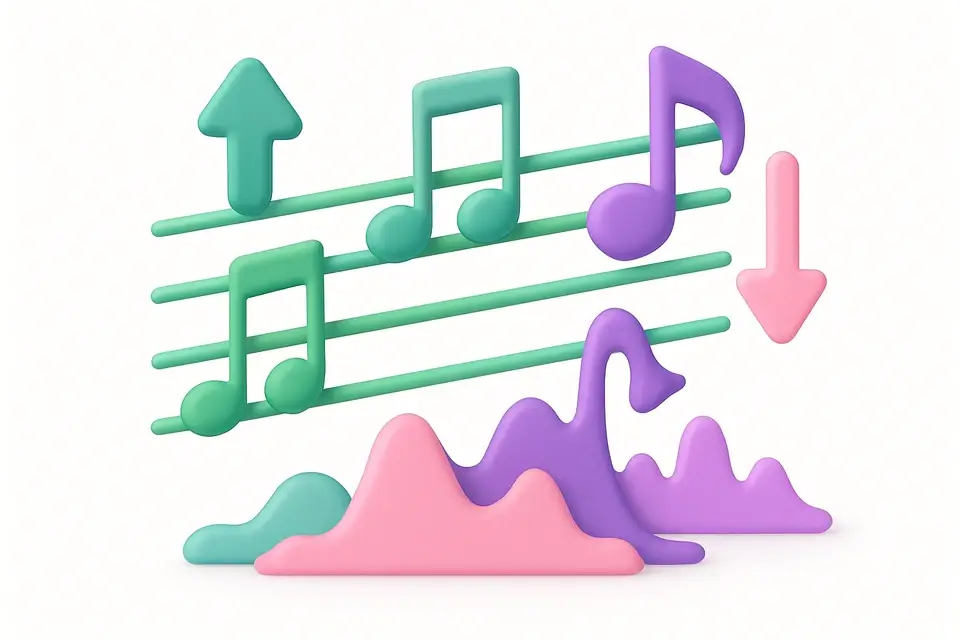
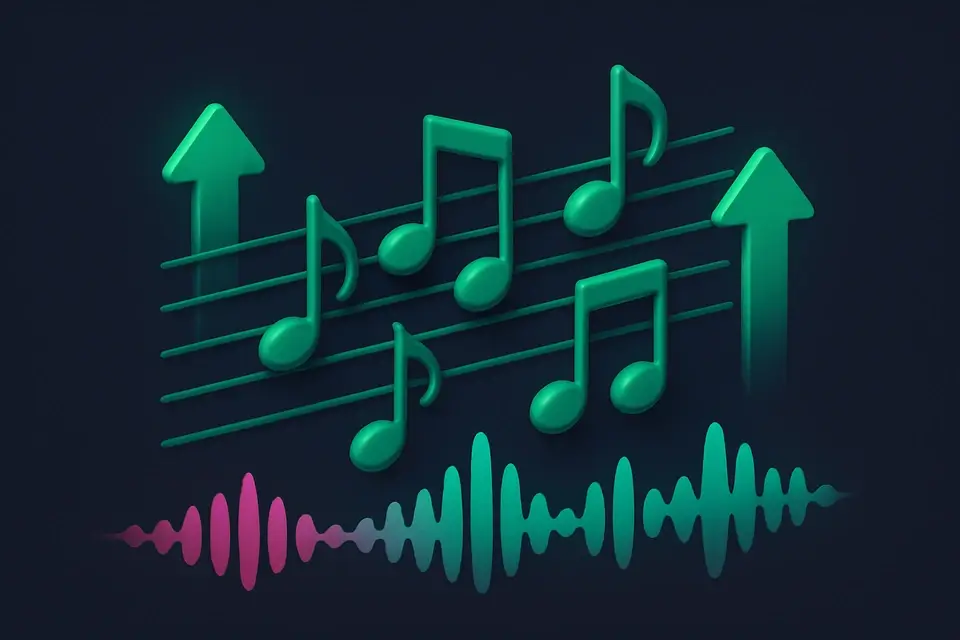
Audio Pitch Shifter
Shift the pitch of audio files up or down without changing speed.
Upload Audio
Drop your audio file or click to browse.
Adjust Pitch
Set the pitch shift in semitones (up or down).
Download
Download the pitch-shifted audio file.
What Is Audio Pitch Shifter?
The Audio Pitch Shifter raises or lowers the pitch of audio files without changing the playback speed. Shift vocals to a different key, transpose music to match your vocal range, or create special effects by extreme pitch shifting. The tool uses the Web Audio API's detune parameter for precise semitone-based pitch control while maintaining the original tempo through time-stretching compensation. All processing is done locally in your browser for complete privacy. Supports MP3, WAV, OGG, and other common formats.
Why Use Audio Pitch Shifter?
-
Precise semitone-based pitch control (±12 semitones)
-
Maintains original speed/tempo while shifting pitch
-
Real-time preview before downloading
-
Client-side processing — files stay private
Common Use Cases
Music Transposition
Transpose songs to a different key to match your vocal range.
Vocal Effects
Create chipmunk, deep voice, or other pitch-based vocal effects.
Music Production
Pitch-shift samples and loops to fit your project's key.
Practice
Shift backing tracks to practice instruments in a different key.
Technical Guide
Pitch shifting uses the Web Audio API's AudioBufferSourceNode.detune property, which shifts pitch in cents (1/100th of a semitone). The user-specified semitone value is converted to cents: cents = semitones * 100. To maintain the original duration while changing pitch, the tool compensates with playback rate adjustment: playbackRate = Math.pow(2, semitones/12) in the opposite direction, effectively detuning without speed change. The audio is processed through an OfflineAudioContext sized to the original duration. The source node's detune is set to the target value, and playbackRate is adjusted inversely to maintain tempo. The rendered output is encoded as a 16-bit PCM WAV file. This approach provides clean pitch shifting for moderate shifts (±6 semitones) with some artifacts at extreme values.
Tips & Best Practices
-
1One semitone = one half step on a piano (e.g., C to C#)
-
2Shifting by ±12 semitones equals one full octave up or down
-
3Small pitch shifts (1-3 semitones) produce the most natural results
-
4Extreme pitch shifts will introduce noticeable artifacts in the audio
Related Tools
Audio Volume Changer
Increase or decrease the volume of any audio file.
🎵 Audio Tools
Audio Speed Changer
Change the playback speed of audio files without affecting pitch.
🎵 Audio Tools
Audio Reverse
Reverse any audio file to play it backwards.
🎵 Audio Tools
Audio Echo Effect
Add echo and delay effects to audio files.
🎵 Audio ToolsFrequently Asked Questions
Q What is a semitone?
Q Does pitch shifting change the speed?
Q How far can I shift the pitch?
Q Will it sound natural?
Q Is processing done locally?
About This Tool
Audio Pitch Shifter is a free online tool by FreeToolkit.ai. All processing happens directly in your browser — your data never leaves your device. No registration or installation required.