Octal Calculator Perform octal (base-8) arithmetic with decimal, binary, and hex conversions.
Octal Calculator
Perform octal (base-8) arithmetic with decimal, binary, and hex conversions.
Choose Operation
Select add, subtract, multiply, or divide.
Enter Octal Numbers
Type numbers using digits 0-7 only.
View Multi-Base Results
See the result in octal, decimal, binary, and hexadecimal.
What Is Octal Calculator?
An octal calculator performs arithmetic on base-8 numbers, which use only the digits 0 through 7. The octal system has historical significance in computing — it was widely used in early minicomputers and mainframes because each octal digit represents exactly 3 binary bits, making conversion straightforward. Today, octal remains relevant in Unix/Linux file permissions (chmod 755), some programming contexts, and as an intermediate between binary and more complex bases. This calculator performs addition, subtraction, multiplication, and integer division on octal numbers, displaying results in all four common bases (octal, decimal, binary, hexadecimal) for easy cross-reference.
Why Use Octal Calculator?
-
Dedicated octal arithmetic operations
-
Real-time decimal preview of octal inputs
-
Multi-base output (octal, decimal, binary, hex)
-
Essential for Unix file permission calculations
-
Clean, simple interface for base-8 work
Common Use Cases
Linux Administration
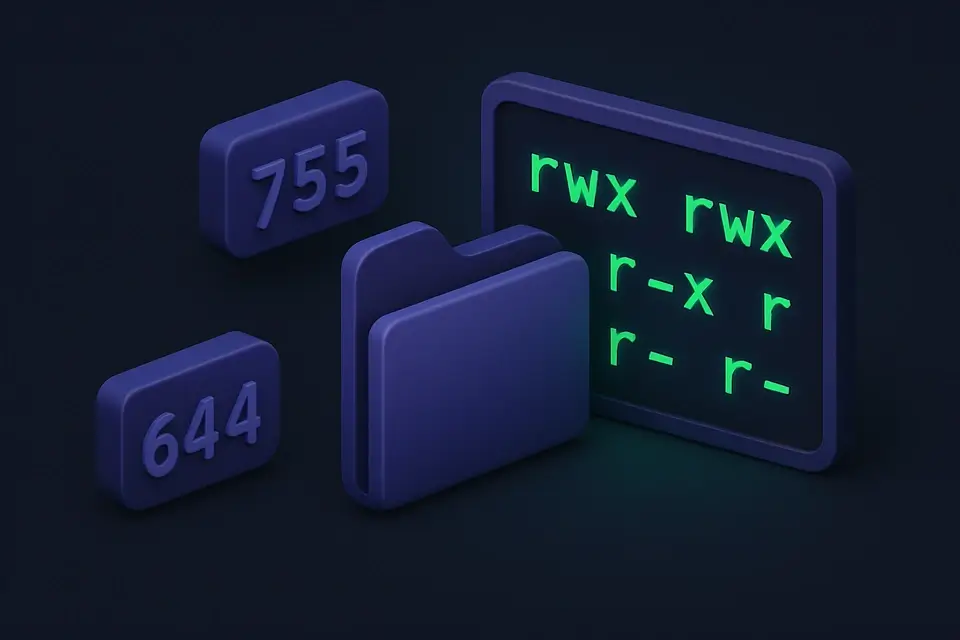
Calculate file permissions using octal notation (chmod 755, 644, etc.).
Legacy Systems
Work with older computing systems that use octal representation.
Computer Science Education
Learn base-8 arithmetic and its relationship to binary.
Digital Systems
Work with systems where 3-bit groupings are natural.
Technical Guide
Octal (base-8) uses digits 0-7, where each digit represents exactly 3 binary bits: 0=000, 1=001, 2=010, ..., 7=111. Arithmetic follows standard positional notation rules: carry occurs when a column sum reaches 8. The most common modern use is Unix file permissions, where three octal digits represent owner/group/other permissions (read=4, write=2, execute=1, summed per category). The calculator parses octal strings using parseInt(value, 8), validates that only digits 0-7 are present, performs integer operations, and formats results using toString(8) for octal, toString(2) for binary, and toString(16) for hex output.
Tips & Best Practices
-
1Each octal digit maps to exactly 3 binary bits
-
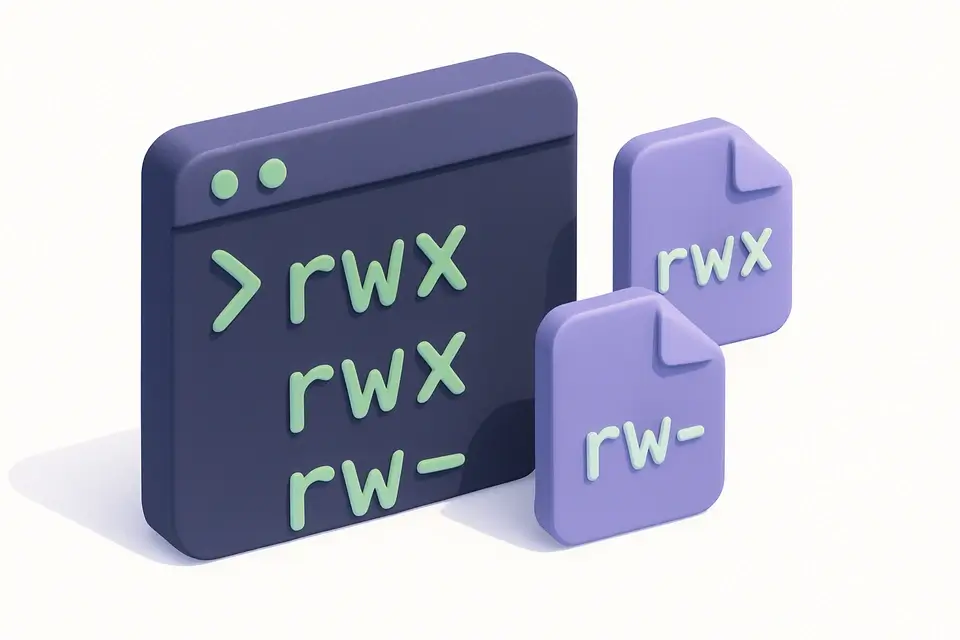
2Unix permissions: 7=rwx, 6=rw-, 5=r-x, 4=r--, 0=---
-
3Only digits 0-7 are valid in octal
-
4Octal 10 = decimal 8 (not ten!)
-
5Converting between octal and binary: group binary digits in threes
Related Tools


Binary Calculator
Perform binary arithmetic and bitwise operations (AND, OR, XOR, NOT).
🔢 Math & Calculators
Hexadecimal Calculator
Perform hexadecimal arithmetic and bitwise operations with multi-base output.
🔢 Math & Calculators
Number Base Converter
Convert numbers between any bases from 2 to 36, including binary, octal, decimal, and hex.
🔢 Math & Calculators

Mortgage Calculator
Calculate monthly mortgage payments, total interest, and view amortization schedule.
🔢 Math & CalculatorsFrequently Asked Questions
Q What digits are valid in octal?
Q Why is octal used for file permissions?
Q How do I convert octal to decimal?
Q Is octal still used in modern computing?
Q How does octal relate to binary?
About This Tool
Octal Calculator is a free online tool by FreeToolkit.ai. All processing happens directly in your browser — your data never leaves your device. No registration or installation required.