Insert Blank Pages into PDF Documents Insert blank pages into a PDF at specified positions.
PDF Add Blank Pages
Insert blank pages into a PDF at specified positions.
Upload PDF
Drop your PDF file to modify.
Set Position
Choose where to insert blank pages.
Download
Get your PDF with blank pages added.
What Is PDF Add Blank Pages?
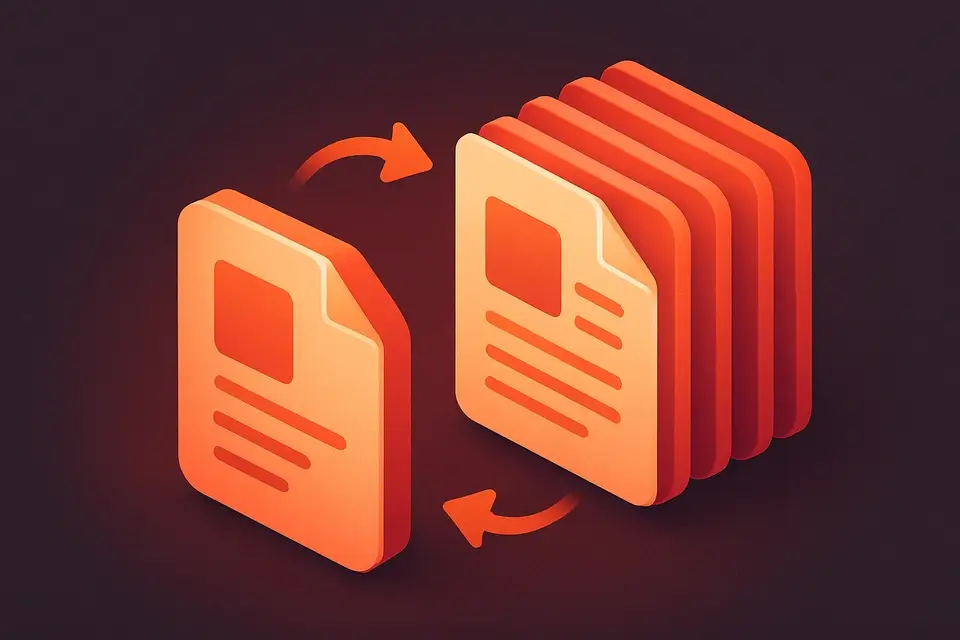
The PDF Add Blank Pages tool lets you insert blank pages into your PDF at any position. Add pages at the beginning, end, after every existing page, or at specific page numbers. Control how many to insert at each position. They match the dimensions of the first page in your document. Ideal for preparing documents for duplex printing, adding note-taking space, or creating section separators. All processing is done locally in your browser.
Why Use PDF Add Blank Pages?
-
Multiple insertion modes (start, end, after each, custom)
-
Configurable number of blank pages
-
Blank pages match existing page dimensions
-
No server upload — processes in your browser
Common Use Cases
Duplex Printing
Add blank backs for single-sided content printed double-sided.
Notes Space
Insert blank pages for handwritten annotations.
Section Breaks
Add separator pages between document sections.
Booklet Prep
Pad page count for booklet printing requirements.
Technical Guide
Uses pdf-lib to load the source PDF and insert new blank pages. The tool reads the first page dimensions to create matching blank pages. Supports four insertion modes: start (insertPage at index 0), end (addPage), after-each (reverse iteration with insertPage), and custom positions (comma-separated page numbers). Multiple blank pages can be inserted at each position. The modified document is saved and offered for download.
Tips & Best Practices
-
1Use "after each" for duplex printing preparation
-
2Custom positions use 1-based page numbers
-
3Blank pages match first page dimensions
-
4Combine with page numbering after adding blanks
Related Tools

Frequently Asked Questions
Q Do blank pages match my document size?
Q Can I add different sized blank pages?
Q What does "after each" do?
Q Are custom positions 0-based or 1-based?
Q Is there a limit on pages to add?
About This Tool
PDF Add Blank Pages is a free online tool by FreeToolkit.ai. All processing happens directly in your browser — your data never leaves your device. No registration or installation required.