Reorder & Rearrange PDF Pages in Your Browser Reorder PDF pages.
PDF Reorder Pages
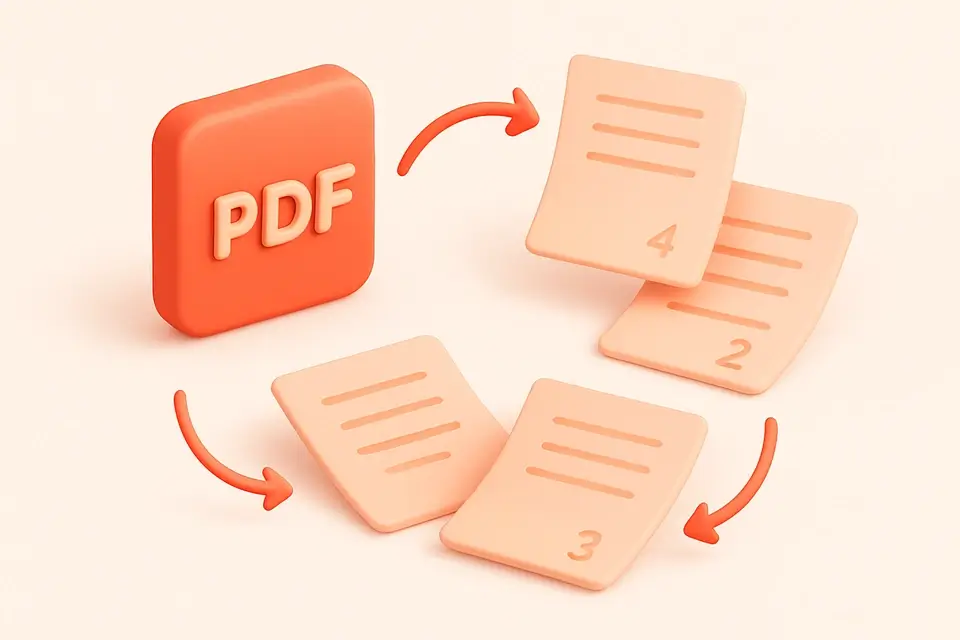
Reorder PDF pages.
Upload PDF
Upload your PDF file or drag and drop it into the tool.
Enter page order
Type page numbers separated by commas to specify the new order.
Download reordered PDF
Download your reordered PDF when ready.
What Is PDF Reorder Pages?
A PDF Reorder Pages is a utility that rearranges the order of pages within a Portable Document Format file, allowing users to reorganize and customize their documents as needed. Typically, individuals working with digital documents, such as editors, designers, or researchers, use this type of tool to solve specific problems like correcting page order errors in PDF files. One particular issue it addresses is the need to reorder pages after combining multiple PDFs or scanning documents out of order.
The tool's key feature is its ability to process PDFs entirely client-side, eliminating the need for server-side processing and ensuring user data remains private. It also provides an intuitive interface for specifying page orders using a comma-separated list of page numbers, giving users fine-grained control over how their pages are rearranged. For instance, if you want to reorder a 5-page PDF, you can simply enter "3, 1, 2, 4, 5" in the input field and it will rearrange your pages accordingly.
What sets this tool apart is its flexibility in handling page reordering, including the option to duplicate or omit pages by repeating numbers or leaving them out of the input list. This makes it a convenient solution for tasks like creating custom PDF handouts or rearranging scanned documents online without requiring specialized software. When you need to reorder PDF pages and want to do so quickly and securely, using a free pdf reorder pages tool online can be an efficient way to get the job done, allowing you to focus on more important aspects of your work, such as how to reorder pdf pages effectively for optimal readability.
Why Use PDF Reorder Pages?
-
Visual drag-and-drop interface for reordering pages
-
Client-side processing—no uploads
-
Free
-
One-click download
Common Use Cases
Development
Quick PDF edits during development.
Review
Validate document structure.
Docs
Reorder configs and manuals.
Learning
Experiment interactively.
Technical Guide
The tool utilizes client-side JavaScript with React to process PDF files, relying on the `pdf-lib` library to load and manipulate PDF documents. When a user drops a PDF file into the tool, it triggers the `handleFile` function, which loads the file as an array buffer and passes it to `PDFDocument.load`. This method returns a `PDFDocument` object, allowing the tool to access the document's page count and other properties. The page order is then parsed from the user's input using the `parsePageOrder` function, which splits the comma-separated string into individual page numbers, filters out invalid entries, and returns an array of page indices.
The `process` function is responsible for reordering the pages based on the user's input. It creates a new `PDFDocument` object and uses the `copyPages` method to copy the specified pages from the original document to the new one. The copied pages are then added to the new document in the desired order. Finally, the tool saves the reordered document as a blob and creates an object URL using the `URL.createObjectURL` method, allowing the user to download the resulting PDF file. Throughout this process, React's state management and memoization features ensure that the UI remains responsive and efficient, even when dealing with large PDF files. The tool also leverages browser APIs like the Clipboard API to enable seamless interactions, such as downloading the reordered PDF file.
Tips & Best Practices
-
1Enter page numbers separated by commas to rearrange them
-
2Omit a page number to remove it from the reordered PDF
-
3Repeat a page number to duplicate that page
-
4Use the Reset button to revoke the object URL and clear all inputs
-
5Click Download Reordered PDF to save the result as a new file
-
6Specify valid page numbers between 1 and the total page count to avoid errors
Related Tools







Frequently Asked Questions
Q Is reordering PDF pages free?
Q Is it safe to reorder PDFs online?
Q Can I reorder PDFs offline?
Q Which browsers support this tool?
Q Can I use this for commercial PDFs?
About This Tool
PDF Reorder Pages is a free online tool by FreeToolkit.ai. All processing happens directly in your browser — your data never leaves your device. No registration or installation required.