Copy or Repeat PDF Pages Duplicate specific pages within a PDF document.
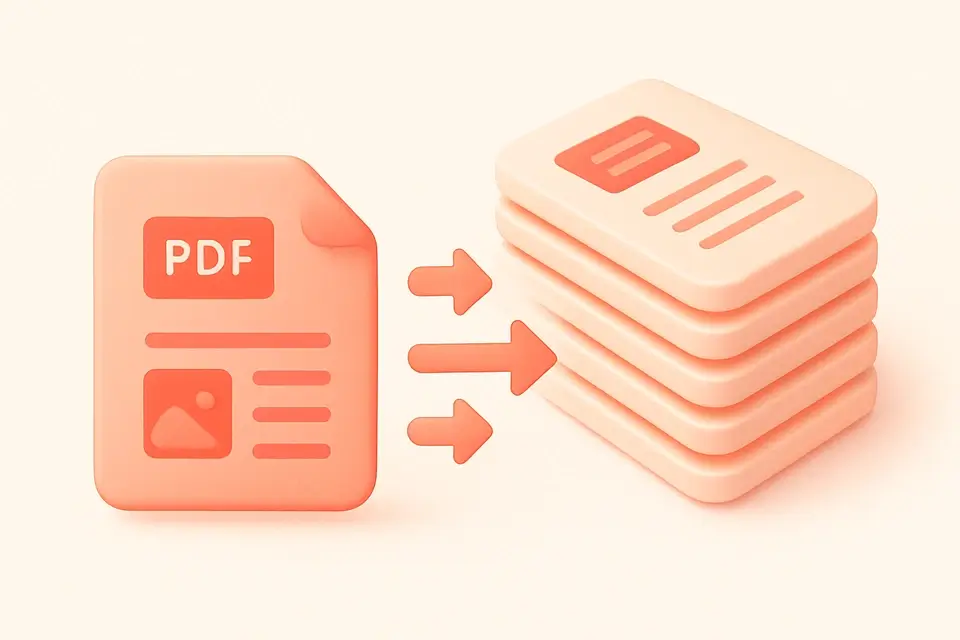
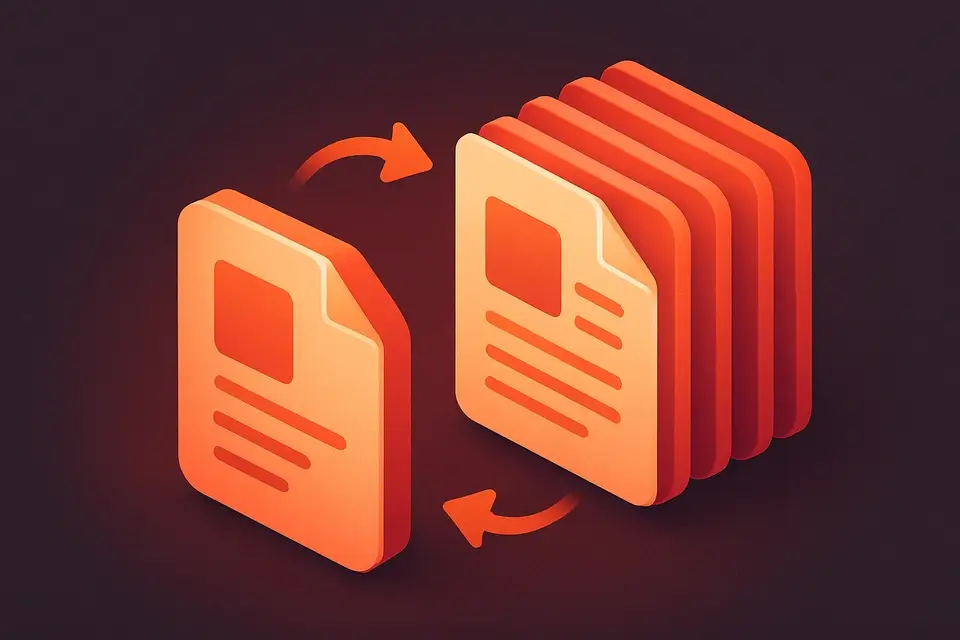
PDF Duplicate Pages
Duplicate specific pages within a PDF document.
Upload PDF
Drop your PDF file.
Select Pages
Choose all pages or specific page numbers.
Download
Get your PDF with duplicated pages.
What Is PDF Duplicate Pages?
A PDF Duplicate Pages is a utility that creates multiple copies of selected pages within a Portable Document Format file, allowing users to duplicate all pages or specify individual page numbers to copy. Developers and document creators use it to solve the specific problem of generating test documents or producing practice worksheets with repeated content, such as quizzes or exercises, where each question or task needs to appear multiple times.
It tackles this challenge by enabling users to set the number of copies from 2 to 20 per page, making it ideal for creating multi-up printing layouts. What makes this tool different is its ability to process PDFs entirely in the browser, ensuring privacy and speed, and its feature to retain all original content, formatting, and quality when duplicating pdf pages. The tool also includes an option to input specific page numbers, which are then parsed and validated to ensure they fall within the valid range of the document's total page count.
The ability to repeat pdf pages with precision and control over the number of copies per page is a key feature that sets it apart from other pdf page duplicator tools. By using this tool, users can easily create duplicate pdf pages for various purposes, such as generating test documents or producing practice worksheets, making it a useful utility for those who need to copy pdf pages with ease and flexibility.
Why Use PDF Duplicate Pages?
-
Duplicate all pages or specific selections
-
Configurable copies per page (2-20)
-
Maintains original page quality
-
Fast client-side processing
Common Use Cases
Print Multiples
Create multiple copies of a form or flyer on separate pages.
Practice Sheets
Duplicate worksheet pages for students.
Testing
Generate multi-page test documents from templates.
Backup
Create page copies within a single document.
Technical Guide
The tool works by utilizing the pdf-lib library to load the source PDF file into memory as an array buffer, which is then used to create a new PDFDocument object. This object represents the original PDF and allows for manipulation of its contents. When the user selects specific pages or chooses to duplicate all pages, the corresponding page indices are parsed and validated to ensure they fall within the valid range of the document's total page count. The copyPages method from pdf-lib is then used to create copies of the selected pages, which are subsequently added to a new PDFDocument object in sequential order. This process is repeated for each specified number of copies per page, resulting in a new PDF containing the duplicated pages.
The tool also leverages browser APIs such as URL.createObjectURL and Blob to generate a downloadable output file. When the user initiates the duplication process, the tool creates a new Blob object containing the duplicated PDF data and uses URL.createObjectURL to create an object URL that can be used to download the resulting PDF file. The resulting PDF is generated in memory without requiring any server-side processing, ensuring privacy and speed. The use of React hooks such as useState and useEffect allows for efficient management of state changes and side effects throughout the duplication process.
In terms of data structures, the tool relies on arrays to store page indices and copies per page, while objects are used to represent the PDFDocument instances and their associated properties. The pdf-lib library provides a JavaScript API for working with PDF files, allowing the tool to manipulate PDF contents using standard JavaScript data types and structures. By combining these technologies, the tool is able to provide a robust and efficient solution for duplicating PDF pages in the browser.
The file format used by the tool is the standard Portable Document Format (PDF), which is widely supported by most browsers and devices. The pdf-lib library provides support for loading and saving PDF files in this format, ensuring that the resulting duplicated PDF files are compatible with a wide range of applications and systems. Overall, the tool's use of established technologies such as React, pdf-lib, and browser APIs enables it to provide a reliable and efficient solution for duplicating PDF pages.
Tips & Best Practices
-
1Use specific pages to duplicate only what you need
-
2Combine with PDF split to extract duplicated sections
-
3Page numbers are 1-based in the input
-
4Output preserves original page dimensions and content
Related Tools
Frequently Asked Questions
Q Can I duplicate just one page?
Q What order are duplicated pages in?
Q Is there a maximum number of copies?
Q Does this modify the original file?
About This Tool
PDF Duplicate Pages is a free online tool by FreeToolkit.ai. All processing happens directly in your browser — your data never leaves your device. No registration or installation required.