Generate Clay-Like 3D UI Effects Create clay-like 3D UI effects with rounded corners, inner shadows, and soft highlights.
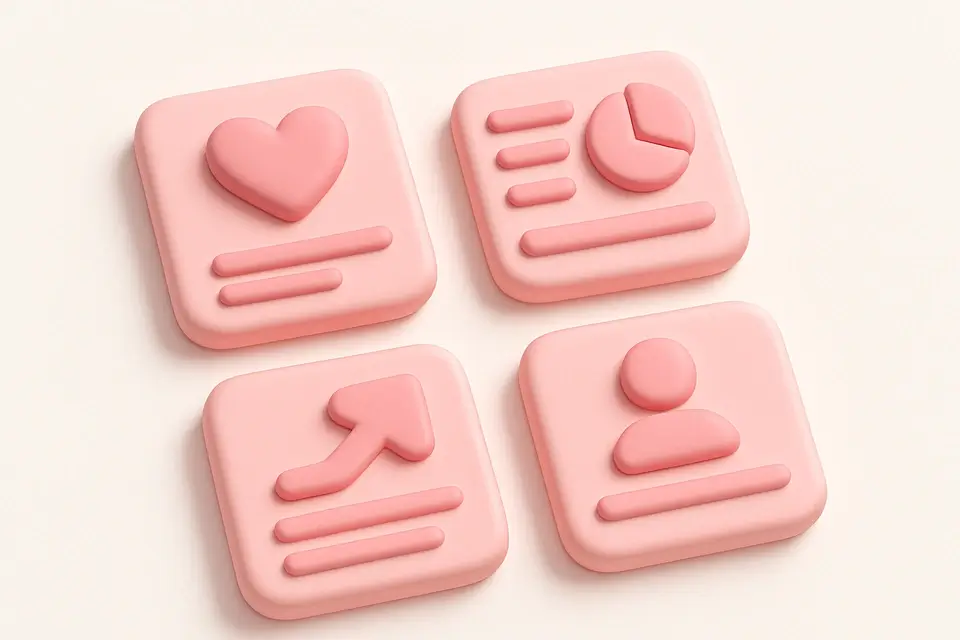

Claymorphism Generator
Create clay-like 3D UI effects with rounded corners, inner shadows, and soft highlights.
Choose colors
Select a pastel background color and matching border color for the clay effect.
Adjust 3D parameters
Control border radius, depth, border width, and inner shadow highlight.
Copy the CSS
Preview the clay-like element and copy the generated CSS styles.
What Is Claymorphism Generator?
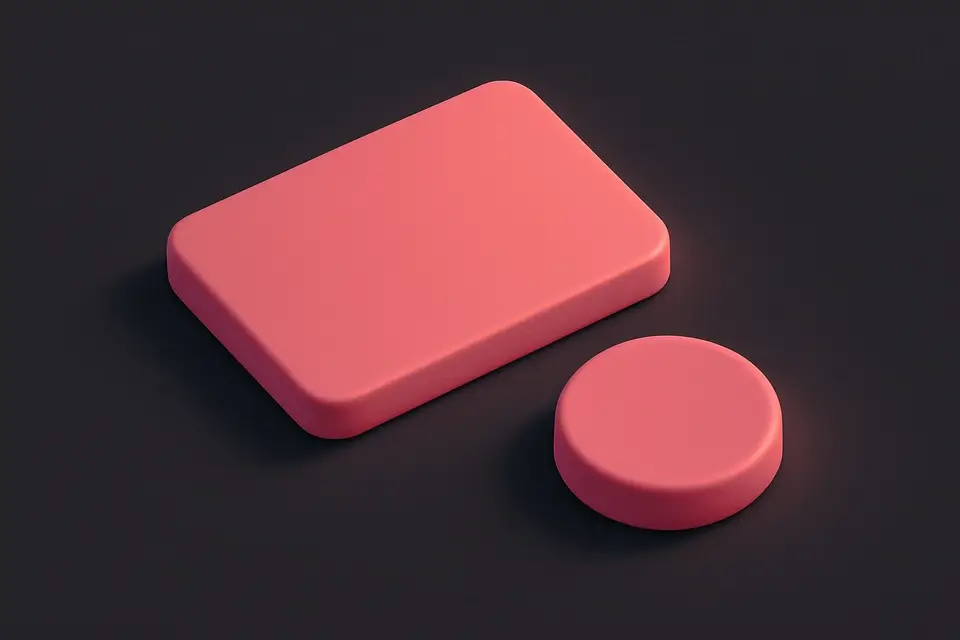
The Claymorphism Generator creates clay-like 3D UI effects that make elements look like soft, rounded objects. Claymorphism is a design trend characterized by pastel colors, high border radius, layered shadows creating depth, and inner highlights that give a three-dimensional, toy-like appearance. This tool provides controls for background and border colors, border radius, depth (which affects shadow intensity), border width, and an inner light highlight toggle. The combination of an outer shadow, a subtle inner dark shadow, and an inner light highlight creates the characteristic clay-like appearance. The effect works best with pastel or muted colors on light backgrounds. The preview shows the element on a neutral background to demonstrate the 3D clay effect.
Why Use Claymorphism Generator?
-
Easy-to-use controls for all claymorphism parameters
-
Toggleable inner light highlight for enhanced 3D effect
-
Preview on neutral background to visualize the clay appearance
-
Pastel color palette suggestions for authentic claymorphic look
Common Use Cases
Playful UI Cards
Create toy-like, friendly card designs for creative and children-oriented apps.
Feature Showcases
Design eye-catching feature cards with a 3D clay aesthetic.
Icon Containers
Wrap icons in claymorphic containers for a modern, tactile look.
Mobile App UI
Build friendly, approachable mobile app interfaces with clay-like elements.
Technical Guide
Claymorphism achieves its 3D clay-like appearance through layered box-shadow values. The outer shadow (e.g., 10px 10px 20px rgba(0,0,0,0.15)) creates depth by placing a soft shadow below and to the right. An inset shadow (e.g., inset -5px -5px 5px rgba(0,0,0,0.05)) adds subtle darkness at the bottom-right interior. An additional inset shadow (e.g., inset 5px 5px 5px rgba(255,255,255,0.6)) creates a light highlight at the top-left interior, mimicking a light source. The high border-radius (20-40px) gives the rounded, soft appearance. Pastel background colors with matching borders complete the clay aesthetic. The border adds definition without being harsh. For the best effect, use colors with low saturation and high lightness. The depth parameter scales all shadow values proportionally for consistent 3D appearance at different intensities.
Tips & Best Practices
-
1Use pastel colors with low saturation for authentic clay appearance
-
2Keep border-radius high (20-40px) for the soft, rounded look
-
3Enable inner highlight for a more pronounced 3D effect
-
4Place on light neutral backgrounds for the best visual impact
Related Tools
CSS Box Shadow Generator
Generate CSS box shadows with multiple layers, inset options, and real-time preview.
🎨 CSS & Design
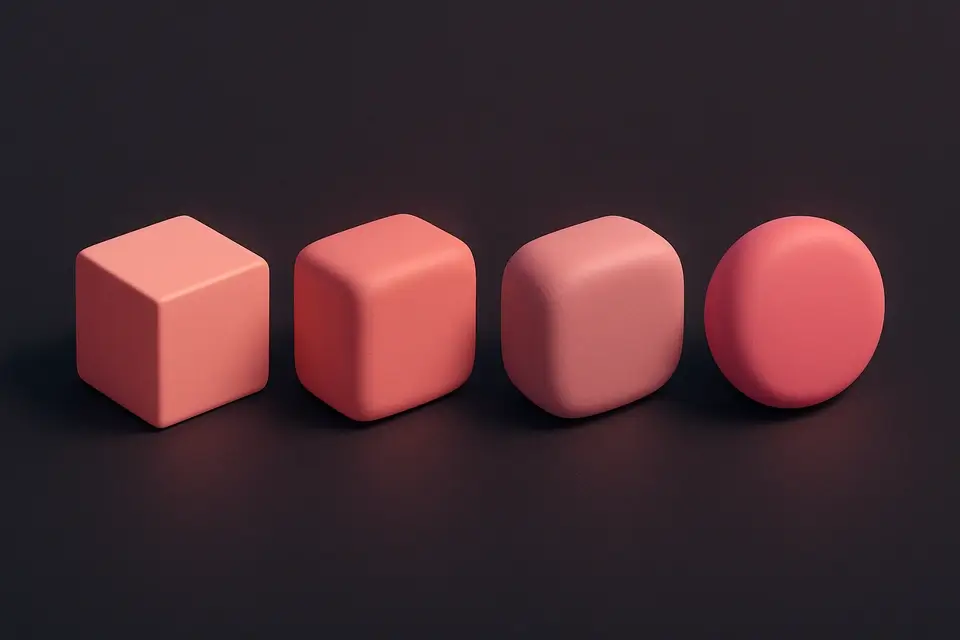
CSS Border Radius Generator
Generate CSS border-radius values with per-corner control and visual preview.
🎨 CSS & Design
Glassmorphism Generator
Create frosted glass UI effects with backdrop blur, transparency, and saturation controls.
🎨 CSS & Design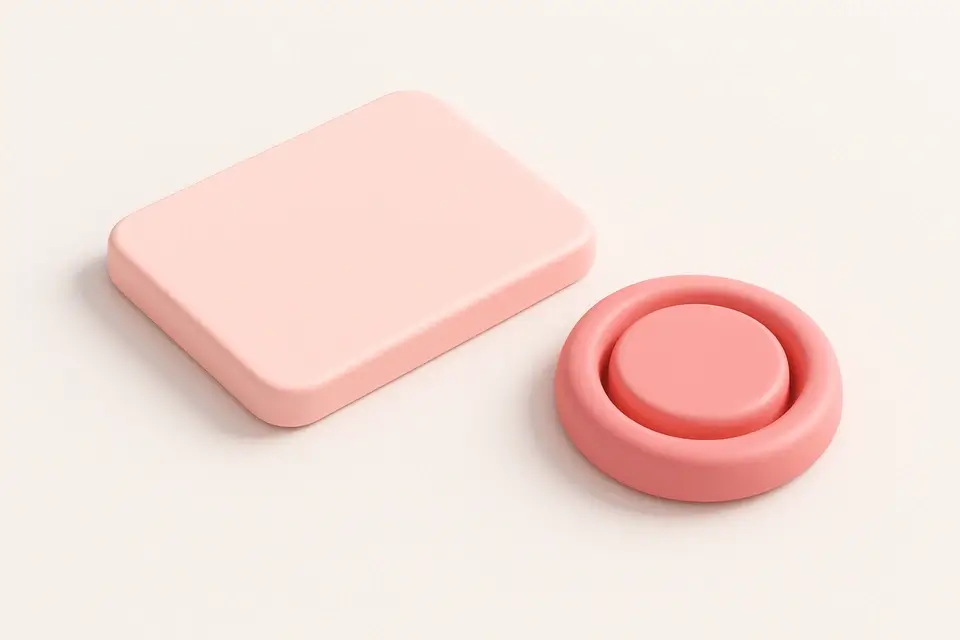
Neumorphism Generator
Generate neumorphic (soft UI) designs with light and dark shadow pairs.
🎨 CSS & DesignFrequently Asked Questions
Q What colors work best for claymorphism?
Q How is claymorphism different from neumorphism?
Q Is claymorphism practical for production apps?
Q Can I animate claymorphic elements?
Q Does claymorphism affect performance?
About This Tool
Claymorphism Generator is a free online tool by FreeToolkit.ai. All processing happens directly in your browser — your data never leaves your device. No registration or installation required.