Glassmorphism Generator Create frosted glass UI effects with backdrop blur, transparency, and saturation controls.
Glassmorphism Generator
Create frosted glass UI effects with backdrop blur, transparency, and saturation controls.
Adjust glass parameters
Control blur intensity, opacity, saturation, border opacity, and shadow.
Preview on gradient
See the glass effect over a colorful gradient background.
Copy the CSS
Copy the complete glassmorphism CSS with webkit prefixes.
What Is Glassmorphism Generator?
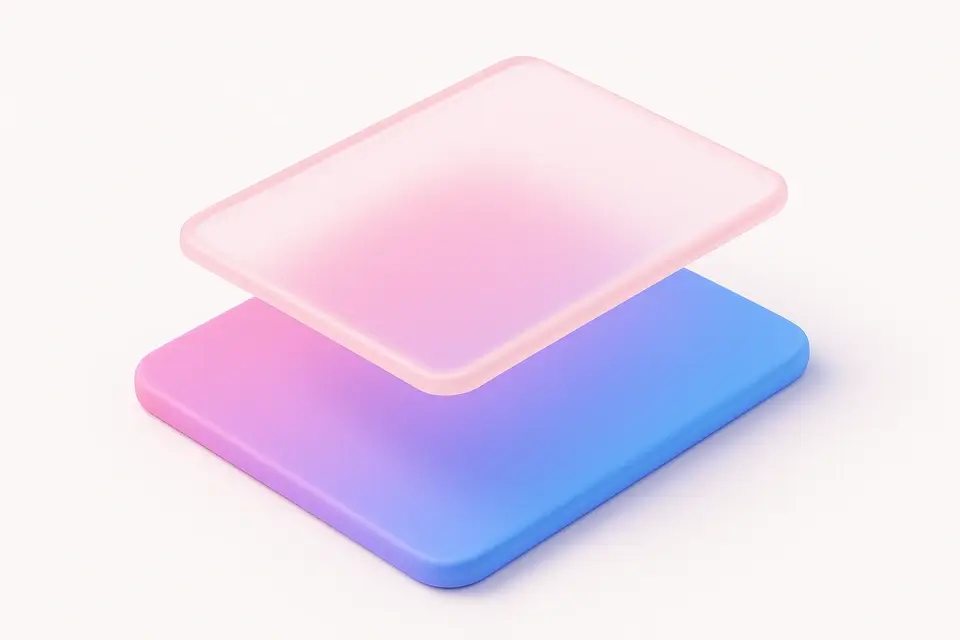
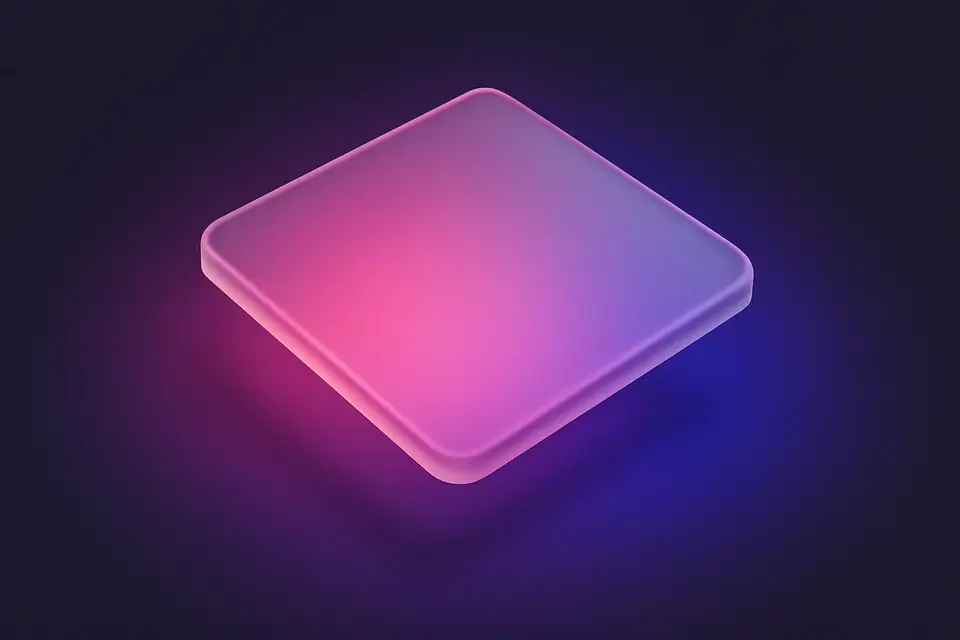
The Glassmorphism Generator creates the popular frosted glass UI effect using CSS backdrop-filter. Glassmorphism is a design trend characterized by semi-transparent backgrounds with background blur, creating an effect similar to frosted glass. The key visual elements are: a translucent background that shows blurred content behind it, a subtle border for definition, and often a slight shadow for depth. This tool provides fine-grained control over all parameters: blur intensity, background opacity, saturation (which enhances colors seen through the glass), border opacity, border radius, and shadow opacity. The preview displays the glass element over a vibrant gradient so you can see the blur and transparency effects clearly. The generated CSS includes webkit prefixes for Safari compatibility.
Why Use Glassmorphism Generator?
-
Fine-grained controls for blur, opacity, saturation, and border
-
Preview on gradient background to visualize the glass effect
-
Includes -webkit-backdrop-filter for Safari compatibility
-
Adjustable shadow and border radius for complete customization
Common Use Cases
Modern UI Cards
Create contemporary glass-effect cards for modern web interfaces.
Navigation Bars
Build frosted glass navigation bars that blur the page content behind them.
Modal Backgrounds
Apply glass effect to modal overlays for elegant, transparent dialogs.
Sidebar Panels
Design translucent sidebar panels that complement colorful backgrounds.
Technical Guide
Glassmorphism relies on the backdrop-filter CSS property, specifically the blur() and saturate() functions. backdrop-filter applies effects to the area behind an element, unlike filter which affects the element itself. The element must have a semi-transparent background (using rgba or hsla) for the blur to be visible. The blur() value in pixels controls the frosted effect intensity—10-20px is typical. saturate() above 100% enhances the colors visible through the glass. The border uses a slightly higher opacity version of the background color for definition. box-shadow adds depth. The -webkit-backdrop-filter prefix is required for Safari. For fallback, provide a more opaque background for browsers that do not support backdrop-filter. Use @supports (backdrop-filter: blur(1px)) for feature detection. Performance note: backdrop-filter can be expensive on large elements or when stacking multiple blurred layers.
Tips & Best Practices
-
1Use 10-20px blur for a clear frosted effect
-
2Keep background opacity between 15-30% for best glass appearance
-
3Increase saturation above 150% to enhance colors through the glass
-
4Place over colorful or image backgrounds for the most impactful effect
Related Tools


CSS Box Shadow Generator
Generate CSS box shadows with multiple layers, inset options, and real-time preview.
🎨 CSS & Design
CSS Card Generator
Build glassmorphic card designs with backdrop blur, transparency, and shadow controls.
🎨 CSS & Design
Neumorphism Generator
Generate neumorphic (soft UI) designs with light and dark shadow pairs.
🎨 CSS & Design

Claymorphism Generator
Create clay-like 3D UI effects with rounded corners, inner shadows, and soft highlights.
🎨 CSS & DesignFrequently Asked Questions
Q Is glassmorphism supported in all browsers?
Q Why can I not see the glass effect?
Q Is glassmorphism accessible?
Q What is the performance impact?
Q Can I animate glassmorphism?
About This Tool
Glassmorphism Generator is a free online tool by FreeToolkit.ai. All processing happens directly in your browser — your data never leaves your device. No registration or installation required.