Smart Quotes Converter Convert between straight quotes and typographic smart quotes.

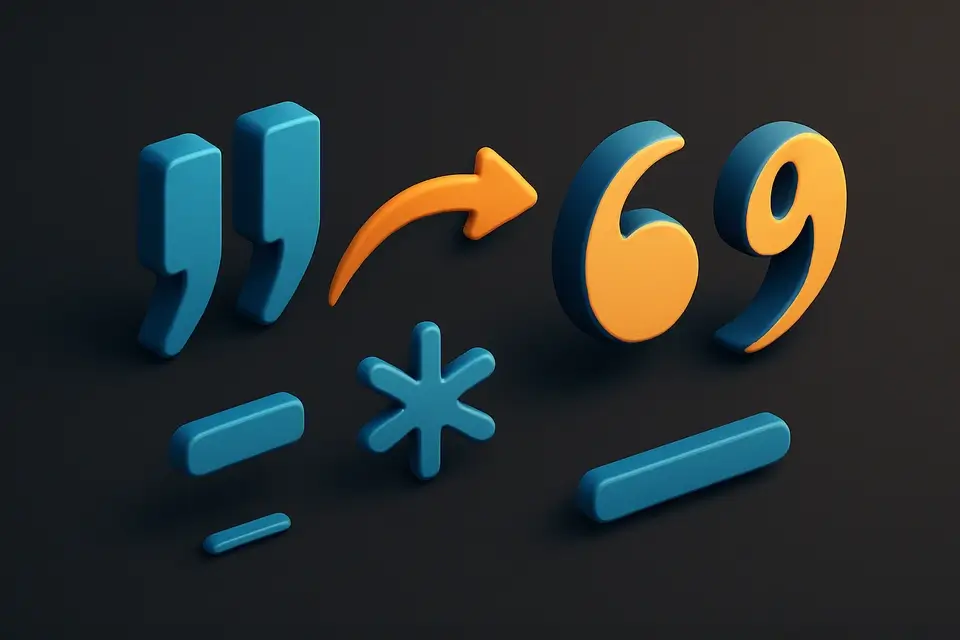
Smart Quotes Converter
Convert between straight quotes and typographic smart quotes.
Paste Text
Paste text with straight or smart quotes.
Choose Direction
Select whether to convert to smart or straight quotes.
Copy Result
Copy the text with converted quotes.
What Is Smart Quotes Converter?
A Smart Quotes Converter is a text processing utility that transforms straight quotation marks into typographically correct curly (smart) quotes, or converts smart quotes back to straight quotes. Developers and writers use it to ensure their text is formatted correctly for different mediums, such as professional publishing or code repositories. One specific problem it solves is the incorrect pairing of opening and closing quotation marks, which can lead to formatting issues in published works.
The tool correctly pairs opening and closing quotation marks for both double and single quotes, replacing straight quotes with curly quotes like \u201C and \u201D, and converting three consecutive periods into an ellipsis character (\u2026) and double hyphens into an em dash (\u2014). What makes it different is its ability to handle both directions of conversion, from straight quotes to smart quotes and vice versa, allowing users to convert straight quotes to curly quotes online or remove smart quotes from text when needed.
It also handles single quotes, replacing them with \u2018 and \u2019, and supports conversion of other typographic characters like en dashes (\u2013) and em dashes (\u2014), making it a useful utility for anyone who needs to convert straight quotes to smart quotes or remove unwanted typographic quotes from their text. The tool's direction can be switched using radio buttons, allowing users to easily switch between converting to smart quotes or straight quotes.
Why Use Smart Quotes Converter?
-
Improve typography in articles, blog posts, and documents
-
Convert smart quotes to straight for use in code
-
Ensure consistent quote style across content
-
Handle ellipsis and em dash conversion simultaneously
Common Use Cases
Publishing
Convert drafts to use proper typographic quotes before publishing.
Code Preparation
Replace smart quotes with straight equivalents for use in programming.
Content Migration
Normalize quote styles when migrating content between systems.
Copy Editing
Ensure consistent typography across documents.
Technical Guide
The converter uses regex pattern matching to identify quote characters and their context. For straight-to-smart conversion, it first handles quoted strings (matching pairs), then uses lookbehind assertions to determine whether a remaining quote should be an opening or closing mark based on its position relative to whitespace or line boundaries. Double quotes become U+201C (left double quotation mark) and U+201D (right double quotation mark). Single quotes become U+2018 (left single quotation mark) and U+2019 (right single quotation mark). The reverse direction maps all Unicode quotation mark variants back to ASCII straight quotes. Additional typography conversions include triple periods to ellipsis (U+2026) and double hyphens to em dash (U+2014).
Tips & Best Practices
-
1Smart quotes are standard in professional typesetting
-
2Always convert to straight quotes before pasting into code
-
3The tool also converts ... to … and -- to — in smart mode
-
4Check apostrophes after conversion — they should be right single quotes
Related Tools


Find and Replace
Find and replace text with support for regex, case sensitivity, and bulk operations.
📝 Text Tools

HTML Entity Encoder
Encode special characters as HTML entities for safe HTML insertion.
📝 Text Tools

HTML Entity Decoder
Decode HTML entities back to their original characters.
📝 Text Tools

Unicode Text Generator
Convert text to Unicode styled variants — bold, italic, script, fraktur, and more.
📝 Text ToolsFrequently Asked Questions
Q What are smart quotes?
Q Why would I want straight quotes?
Q Does it handle apostrophes?
Q What other characters are converted?
Q Does it work with nested quotes?
About This Tool
Smart Quotes Converter is a free online tool by FreeToolkit.ai. All processing happens directly in your browser — your data never leaves your device. No registration or installation required.