Generate Monochromatic Palettes from Any Color Generate a monochromatic color palette from any base color.
Monochromatic Palette Generator
Generate a monochromatic color palette from any base color.
Pick a Base Color
Select your base color using the color picker or type a HEX code.
Adjust Steps
Set how many shades to generate (3 to 15).
Copy Palette
Copy individual colors or the entire palette.
What Is Monochromatic Palette Generator?
A monochromatic palette generator creates a range of tints and shades from a single base color by varying only the lightness while keeping the hue and saturation constant. This produces a harmonious, unified color scheme that is guaranteed to look cohesive because every color in the palette is a lighter or darker version of the same hue. Monochromatic palettes are widely used in professional design for their elegant simplicity and visual consistency. They are particularly effective for creating depth, hierarchy, and visual interest without introducing competing colors. The generator lets you control how many steps to include, producing anything from a simple three-shade set to a full fifteen-step gradient spanning from near-white to near-black in your chosen hue.
Why Use Monochromatic Palette Generator?
-
Guaranteed color harmony — all colors share the same hue
-
Adjustable number of steps from 3 to 15 for any use case
-
Shows lightness percentage for each generated shade
-
Perfect for creating UI color scales and design tokens
-
One-click copy for individual colors or entire palette
Common Use Cases
Design Systems
Create color scales for design tokens: primary-50 through primary-900.
Data Visualization
Generate sequential color scales for heatmaps and choropleth maps.
UI Design
Build button hover states, backgrounds, and borders from a single brand color.
Web Styling
Define CSS custom properties for a complete monochromatic color system.
Technical Guide
The generator converts the base color to HSL, keeps hue and saturation constant, and distributes lightness values evenly between 95% (near-white) and 10% (near-dark). For N steps, each shade's lightness is calculated as: L = 95 - (i / (N-1)) × 85, where i is the step index. This creates an even visual distribution across the lightness range. The HSL model is ideal for this because lightness is perceptually meaningful — equal lightness steps produce visually equal brightness differences. In contrast, generating monochromatic palettes in RGB would require complex calculations to achieve perceptually even steps. The resulting colors are converted to HEX for maximum compatibility.
Tips & Best Practices
-
1Use 9–11 steps to create Tailwind-style color scales (50, 100, 200...900)
-
2The lightest shades work well for backgrounds, middle for text, darkest for borders
-
3Pair a monochromatic palette with one accent color for sophisticated designs
-
4Keep the base color at 50% lightness for the most balanced palette range
-
5Monochromatic palettes are the safest choice for accessibility-conscious designs
Related Tools
Complementary Color Generator
Generate complementary color pairs with light and dark variations.
🎨 Color Tools

Triadic Color Scheme
Generate triadic color schemes with three colors 120° apart on the wheel.
🎨 Color Tools
Analogous Color Scheme
Generate analogous color palettes with adjustable angle and count.
🎨 Color Tools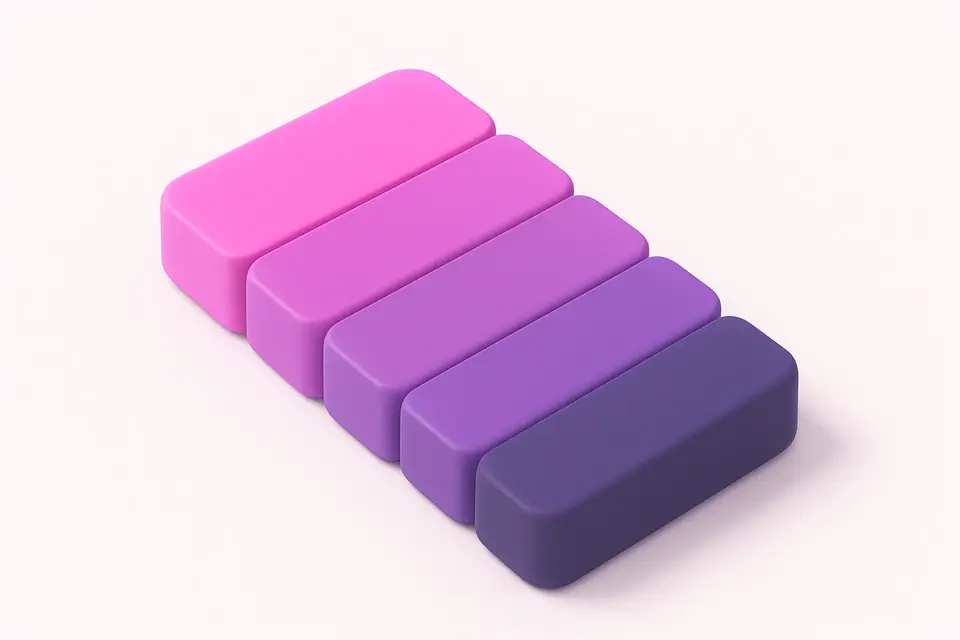
Color Shade Generator
Generate darker shades of any color with adjustable step count.
🎨 Color Tools
Color Tint Generator
Generate lighter tints of any color with adjustable step count.
🎨 Color ToolsFrequently Asked Questions
Q What is a monochromatic color scheme?
Q Are monochromatic color schemes boring?
Q How many shades should a monochromatic palette have?
Q Can monochromatic palettes work for dark mode?
About This Tool
Monochromatic Palette Generator is a free online tool by FreeToolkit.ai. All processing happens directly in your browser — your data never leaves your device. No registration or installation required.