Generate Harmonious Analogous Color Palettes Generate analogous color palettes with adjustable angle and count.
Analogous Color Scheme
Generate analogous color palettes with adjustable angle and count.
Pick Base Color
Choose your starting color.
Set Angle & Count
Adjust the angle between colors and total number of colors.
Copy Palette
Copy individual or all colors.
What Is Analogous Color Scheme?
An analogous color scheme generator creates palettes using colors that sit next to each other on the color wheel. These neighboring colors share similar hues, creating naturally harmonious, cohesive palettes that feel unified and soothing. You can control the angle step between colors (5–60°) and the total count (3–9 colors, always odd for symmetry around the base). Analogous schemes are ubiquitous in nature — think of autumn leaves (reds, oranges, yellows) or ocean scenes (blues, teals, greens). They are the safest, most universally pleasing color scheme and are widely used in branding, web design, and art. The low contrast between adjacent colors creates a sense of continuity and flow, making them ideal for backgrounds, gradients, and atmospheric designs.
Why Use Analogous Color Scheme?
-
Most naturally harmonious color scheme available
-
Adjustable angle step for tighter or wider color spread
-
Control the number of colors (3 to 9) for any use case
-
Found everywhere in nature — universally pleasing to the eye
-
Low risk of clashing colors — great for any skill level
Common Use Cases
Background Designs
Create smooth, pleasing backgrounds and gradients using neighboring colors.
Nature-Inspired Palettes
Mimic natural color combinations like sunsets, forests, and ocean scenes.
Calm & Professional UI
Design interfaces that feel soothing and cohesive with low-contrast color relationships.
Abstract Art
Create flowing, harmonious abstract compositions with smooth color transitions.
Technical Guide
Analogous colors are calculated by adding and subtracting multiples of the angle step from the base hue. For N colors (always odd for symmetry), the hues are: H - floor(N/2)×A, ..., H-A, H, H+A, ..., H + floor(N/2)×A, where A is the angle step. All values are taken modulo 360. The base color sits at the center of the range. Saturation and lightness are kept constant across all colors. The visual harmony of analogous colors is explained by the opponent-process theory of color vision — adjacent hues stimulate similar cone cell responses, creating a smooth perceptual transition. The angle step controls how diverse the palette is: 5–15° creates very subtle variations (almost monochromatic); 20–30° is the sweet spot for most designs; 40–60° pushes toward a wider range that starts to lose the "neighboring" quality.
Tips & Best Practices
-
1Use 20–30° angle steps for the most balanced analogous palettes
-
2Add a complementary accent color to an analogous base for a "analogous + accent" scheme
-
3Narrow angle steps (5–15°) work great for subtle gradient-style palettes
-
4Wider angle steps (40–60°) create more diverse palettes while maintaining harmony
-
5Analogous schemes rarely need more than 5 colors — simplicity is their strength
Related Tools


Color Picker
Interactive color picker with HEX, RGB, HSL, and CMYK outputs.
🎨 Color Tools
Monochromatic Palette Generator
Generate a monochromatic color palette from any base color.
🎨 Color Tools
Complementary Color Generator
Generate complementary color pairs with light and dark variations.
🎨 Color Tools

Triadic Color Scheme
Generate triadic color schemes with three colors 120° apart on the wheel.
🎨 Color Tools
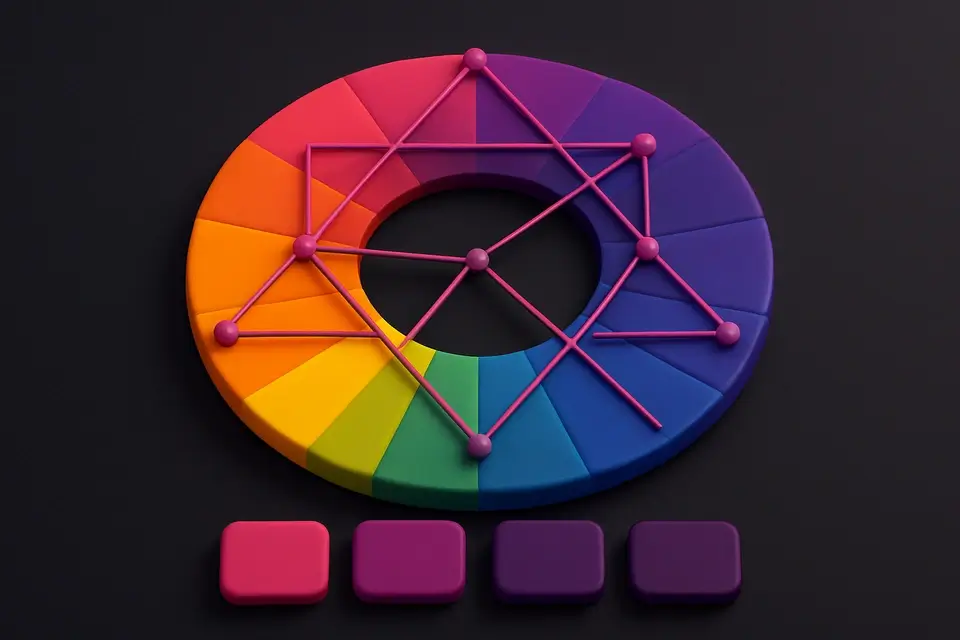
Color Harmony Wheel
Interactive color wheel with five harmony types and visual selection.
🎨 Color ToolsFrequently Asked Questions
Q What are analogous colors?
Q How many analogous colors should I use?
Q Do analogous schemes have enough contrast?
About This Tool
Analogous Color Scheme is a free online tool by FreeToolkit.ai. All processing happens directly in your browser — your data never leaves your device. No registration or installation required.