Explore Color Harmonies on the Wheel Interactive color wheel with five harmony types and visual selection.
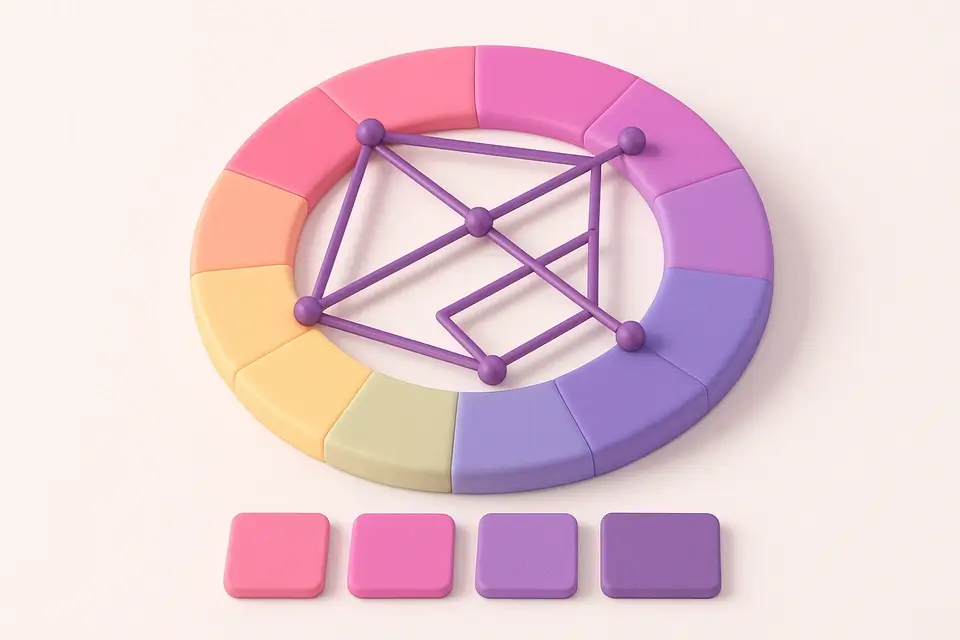
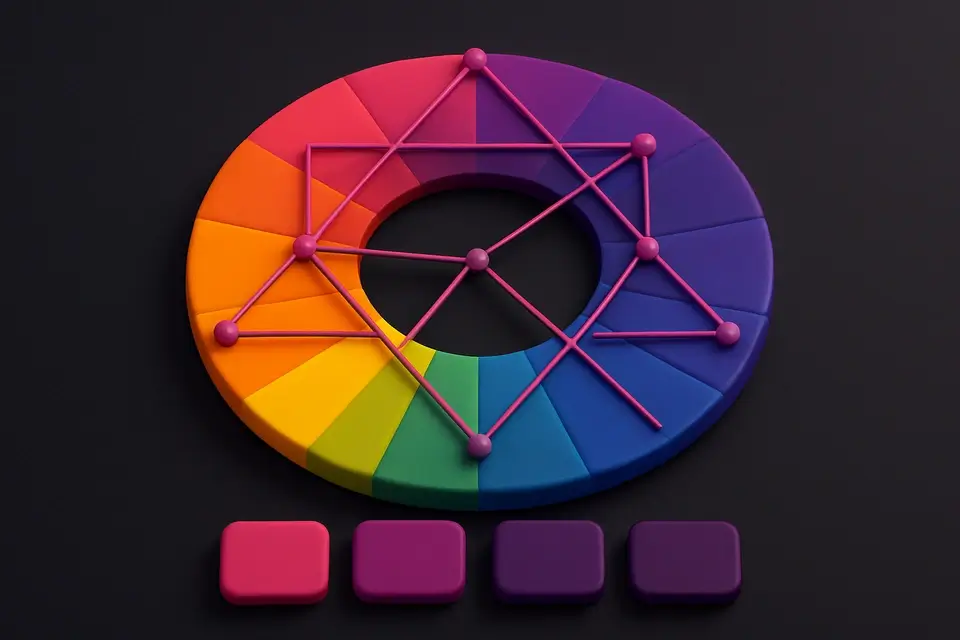
Color Harmony Wheel
Interactive color wheel with five harmony types and visual selection.
Choose Harmony Type
Select complementary, triadic, tetradic, analogous, or split-complementary.
Click the Wheel
Click on the color wheel to set your base hue, or use the slider.
Explore & Copy
See harmony colors visualized on the wheel and copy the palette.
What Is Color Harmony Wheel?
The Color Harmony Wheel is an interactive tool that combines a visual color wheel with five classic color harmony rules. Select a harmony type and click on the wheel (or use sliders) to see how colors relate to each other in that scheme. The harmony lines and dots overlay directly on the wheel, making abstract color theory concepts visually intuitive. You can see at a glance how complementary colors sit across from each other, how triadic colors form equilateral triangles, and how analogous colors cluster together. This is both a practical tool for generating harmonious palettes and an educational resource for understanding color theory. The wheel renders using Canvas API, showing the full hue spectrum with your chosen saturation and lightness, with interactive harmony points overlaid.
Why Use Color Harmony Wheel?
-
Five harmony types in one interactive tool
-
Visual harmony lines on the color wheel for intuitive understanding
-
Click-to-select interaction on the wheel for natural color exploration
-
Adjustable saturation and lightness affect all harmony colors simultaneously
-
Combines education and practical palette generation
Common Use Cases
Color Theory Education
Visualize how different harmony rules create relationships on the color wheel.
Quick Palette Generation
Generate any type of harmonious palette with a few clicks.
Design Exploration
Experiment with different harmonies by switching types and rotating the wheel.
Client Presentations
Show clients why certain color combinations work by demonstrating harmony rules visually.
Technical Guide
The wheel is rendered on an HTML5 Canvas element using polar coordinates. For each angle (0–359°), a pie slice is drawn using arc() with the corresponding HSL color. The harmony points are calculated based on the selected harmony type: complementary adds 180°, triadic adds 120° and 240°, tetradic adds 90°/180°/270°, analogous adds ±30°, and split-complementary adds 150° and 210°. Harmony lines connect the points, and dots mark each color position. The wheel responds to click events by converting Cartesian mouse coordinates to polar angle: angle = atan2(y - cy, x - cx), converted from radians to degrees with a 90° offset (since hue 0° is at the top). The saturation and lightness sliders affect the entire wheel rendering and all harmony calculations simultaneously.
Tips & Best Practices
-
1Click directly on the wheel for the most natural color selection experience
-
2Try the same base hue with different harmonies to see how the palette changes
-
3Reduce saturation for more professional, muted palettes suitable for corporate designs
-
4Use the wheel to explain color theory concepts to team members or clients
-
5Analogous harmonies cluster together; complementary harmonies span the wheel — notice the pattern
Related Tools
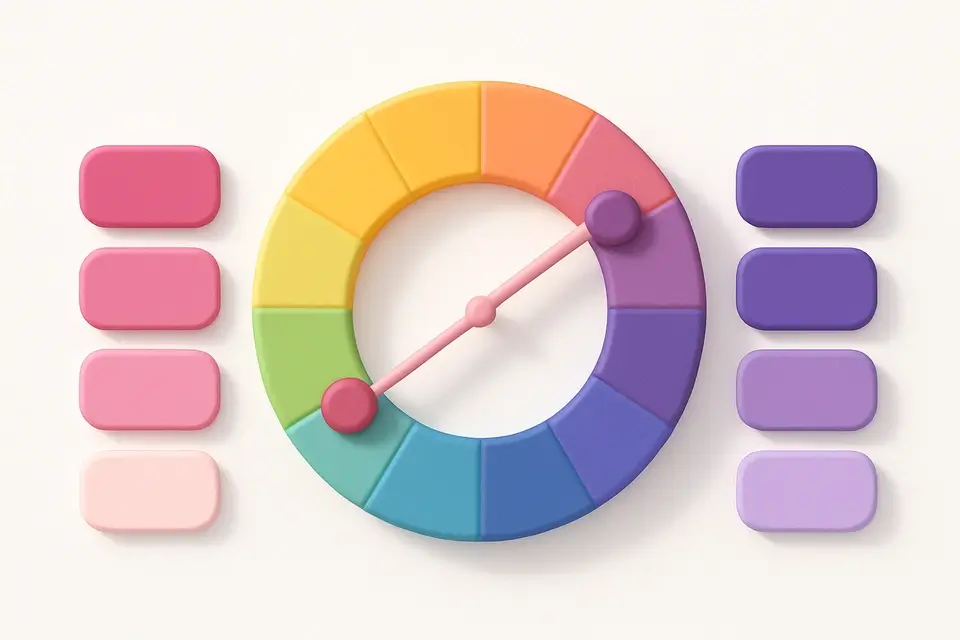
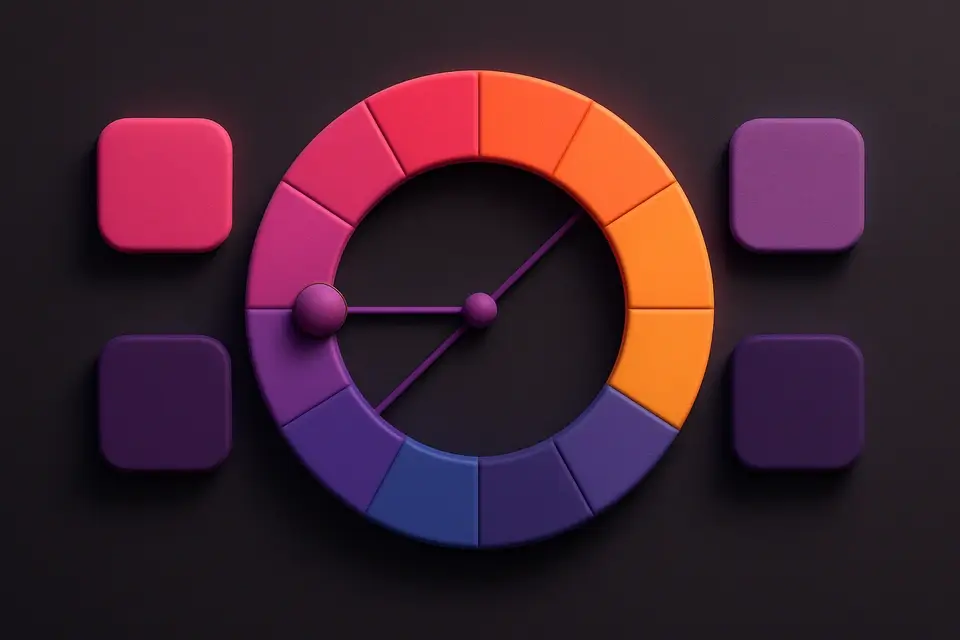
Complementary Color Generator
Generate complementary color pairs with light and dark variations.
🎨 Color Tools

Triadic Color Scheme
Generate triadic color schemes with three colors 120° apart on the wheel.
🎨 Color Tools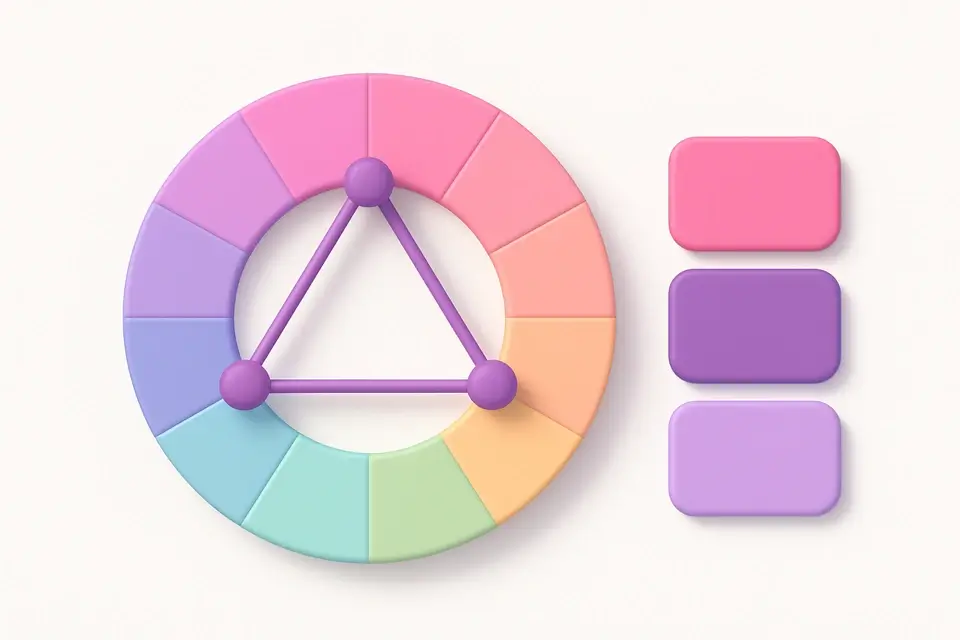
Split-Complementary Scheme
Generate split-complementary palettes with adjustable split angle.
🎨 Color Tools
Analogous Color Scheme
Generate analogous color palettes with adjustable angle and count.
🎨 Color Tools

Tetradic Color Scheme
Generate tetradic (rectangular) color schemes with four colors 90° apart.
🎨 Color ToolsFrequently Asked Questions
Q What is color harmony?
Q What harmony type should I choose?
Q Can I click on the wheel to pick colors?
About This Tool
Color Harmony Wheel is a free online tool by FreeToolkit.ai. All processing happens directly in your browser — your data never leaves your device. No registration or installation required.