Tetradic Color Scheme Generator Generate tetradic (rectangular) color schemes with four colors 90° apart.
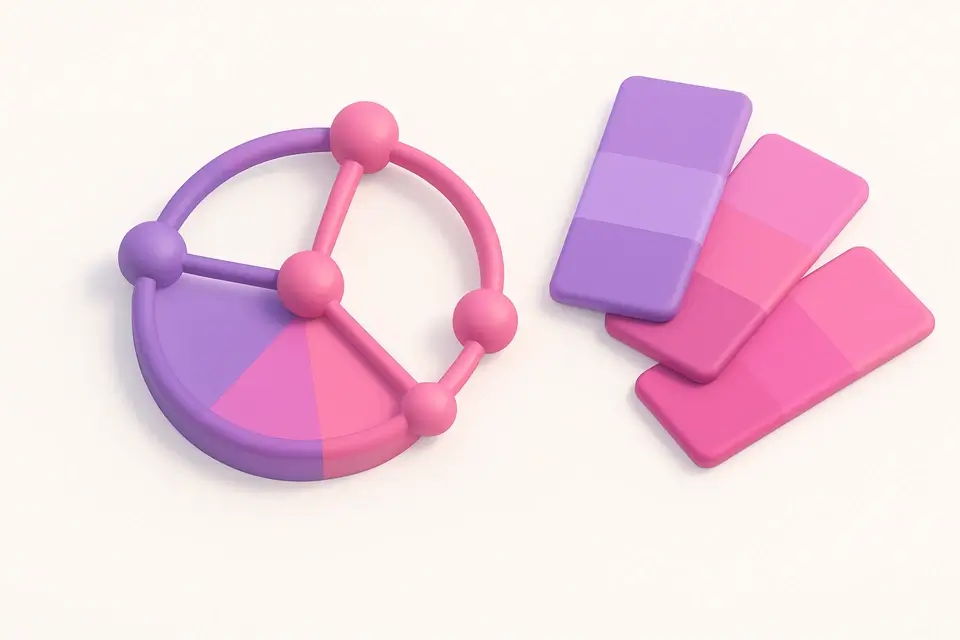

Tetradic Color Scheme
Generate tetradic (rectangular) color schemes with four colors 90° apart.
Pick Base Color
Choose your starting color.
View Four Colors
See four colors spaced 90° apart on the color wheel.
Copy Palette
Copy individual or all colors.
What Is Tetradic Color Scheme?
A tetradic color scheme generator creates four-color palettes by spacing colors 90° apart around the color wheel, forming a square (or rectangle) pattern. This scheme contains two pairs of complementary colors, giving you the richest possible palette with both contrast and harmony. The four-color structure provides maximum variety while maintaining mathematical balance — every color has both a complement and two analogous-adjacent colors in the set. Tetradic schemes are ideal for complex designs with many elements that need distinct color coding, such as dashboards, data visualizations, multi-section websites, or rich editorial layouts. The challenge with these schemes is balancing four strong colors, which is why hierarchy (one dominant, others supporting) is even more important than with simpler schemes.
Why Use Tetradic Color Scheme?
-
Richest possible color scheme with four balanced colors
-
Contains two complementary pairs for strong contrast options
-
Perfect for complex designs needing many distinct colors
-
Shows hue angle for each color for color theory learning
-
One-click copy for each color and full palette
Common Use Cases
Dashboard Design
Color-code four sections or data categories with maximum visual distinction.
Editorial Design
Create rich magazine layouts with four harmonious colors for headings, body, accents, and backgrounds.
Game UI
Assign four player colors, faction colors, or resource types with tetradic harmony.
Data Visualization
Distinguish four data series in charts with balanced color contrast.
Technical Guide
The tetradic (square) scheme places four colors at 0°, 90°, 180°, and 270° offsets from the base hue. This creates two complementary pairs: the base with its 180° complement, and the 90° color with the 270° color. The square arrangement ensures maximum hue variety while maintaining geometric balance. In practice, pure tetradic schemes with all four colors at equal saturation and intensity can feel overwhelming. The standard approach is to designate one color as dominant (used for the largest areas), another as secondary, and the remaining two as accents. Alternatively, using different lightness levels for each color creates natural hierarchy. This scheme is the most flexible but also the most challenging to use well — it offers twice the complexity of complementary schemes.
Tips & Best Practices
-
1Always establish clear hierarchy: one dominant, one secondary, two accents
-
2Vary lightness and saturation between the four colors for natural visual hierarchy
-
3Tetradic schemes give two built-in complementary pairs for contrast opportunities
-
4Use the most saturated version of only one color to prevent visual chaos
-
5Add neutral colors (white, gray, black) to ground tetradic palettes
Related Tools
Complementary Color Generator
Generate complementary color pairs with light and dark variations.
🎨 Color Tools

Triadic Color Scheme
Generate triadic color schemes with three colors 120° apart on the wheel.
🎨 Color Tools
Split-Complementary Scheme
Generate split-complementary palettes with adjustable split angle.
🎨 Color Tools
Analogous Color Scheme
Generate analogous color palettes with adjustable angle and count.
🎨 Color Tools

Color Harmony Wheel
Interactive color wheel with five harmony types and visual selection.
🎨 Color ToolsFrequently Asked Questions
Q What is the difference between tetradic and double complementary?
Q When should I use tetradic over triadic?
Q How do I prevent tetradic schemes from looking chaotic?
About This Tool
Tetradic Color Scheme is a free online tool by FreeToolkit.ai. All processing happens directly in your browser — your data never leaves your device. No registration or installation required.