Decode Percent-Encoded URLs to Readable Text Decode percent-encoded URL strings back to readable text.
URL Decoder
Decode percent-encoded URL strings back to readable text.
Paste Encoded URL
Paste the percent-encoded URL or string.
View Decoded Output
Percent-encoded sequences are converted back to characters.
Copy Decoded Text
Copy the decoded readable text.
What Is URL Decoder?
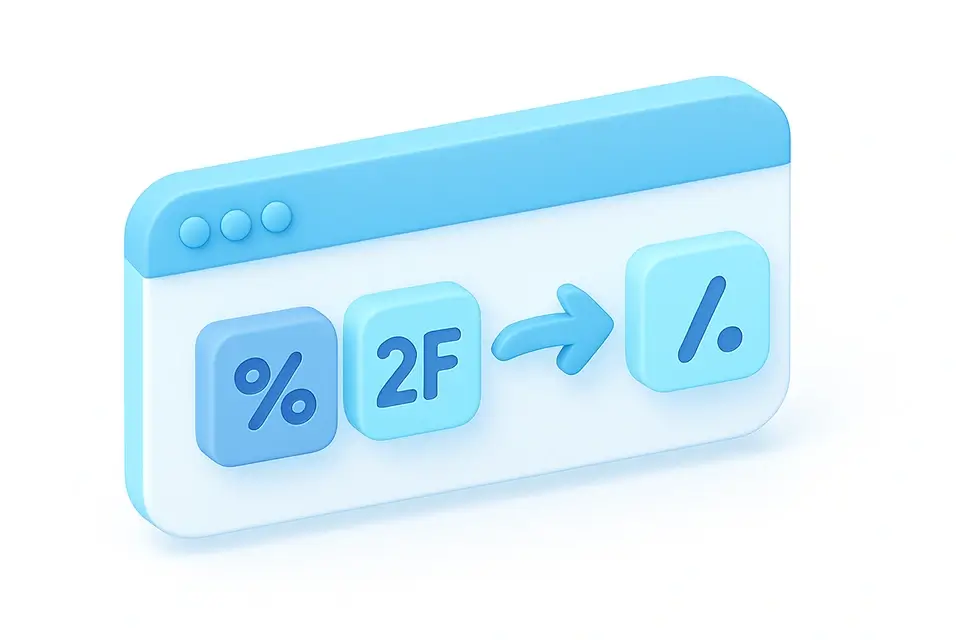
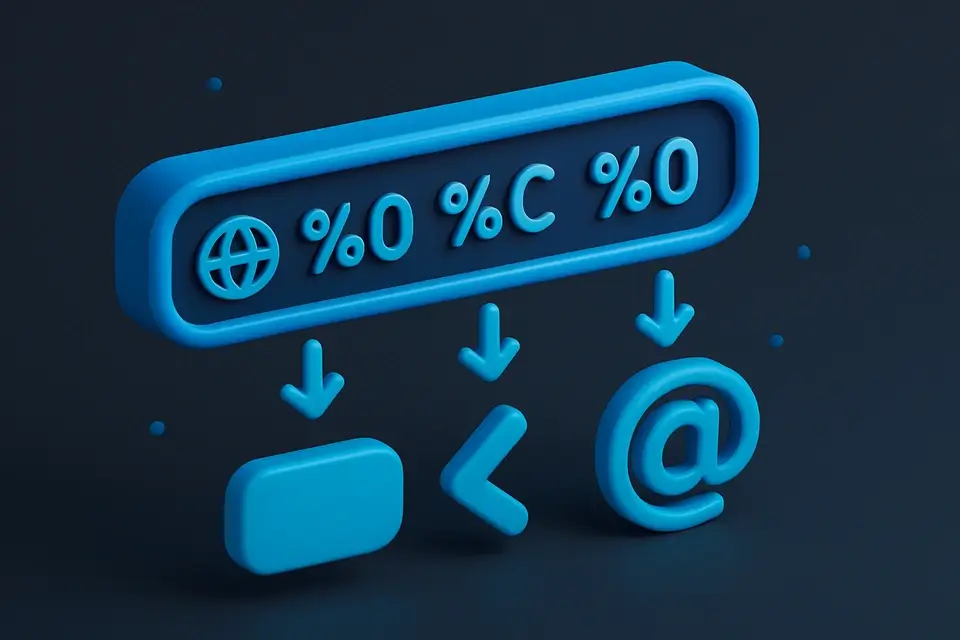
A URL Decoder is a tool that converts percent-encoded URL strings back to readable text, reversing the process of percent encoding to reveal the original characters. Developers and testers use it to decode URL query string parameters and understand the actual content of encoded strings, making it easier to read and debug API requests. One specific problem it solves is handling sequences like %20, which becomes a space, and %26, which becomes &, allowing users to correctly interpret the data.
The tool's input field is designed to accept URL-encoded text, with a placeholder prompting users to paste the text they want to decode. When processing the input, it uses the decodeURIComponent function to reverse the percent encoding, reassembling multi-byte UTF-8 sequences into their original characters. If the input string is not a valid URL-encoded string, it catches the error and returns an "Invalid URL-encoded string" message.
What makes this tool different is its ability to handle decoding online, allowing users to quickly decode url strings without having to write custom code or use a programming environment. It also provides a clear output label, making it easy to distinguish between the input and decoded text. Users can find it by searching for how to decode a percent-encoded url or looking for a url decode tool that supports decoding query string parameters using decodeURIComponent online.
Why Use URL Decoder?
-
Read and understand encoded URL parameters
-
Debug API requests with encoded query strings
-
Decode URLs copied from browser address bars
-
Convert percent-encoded filenames back to readable names
Common Use Cases
API Debugging
Decode encoded API request URLs to inspect parameter values.
URL Analysis
Reveal the actual content behind long percent-encoded URLs.
Data Extraction
Extract readable query string values from log files or analytics data.
Link Inspection
Check what a percent-encoded link actually points to.
Technical Guide
The UrlDecoder component relies on React's useCallback hook to memoize the onProcess function, which takes an input string and attempts to decode it using the decodeURIComponent function from JavaScript's standard library. This function iterates over each character in the input string, converting percent-encoded sequences like %20 back into their corresponding byte values, and reassembling multi-byte UTF-8 sequences into Unicode characters. If the input contains invalid percent-encoding sequences, such as %ZZ or incomplete sequences, decodeURIComponent throws a URIError that is caught by the tool and reported to the user.
Under the hood, decodeURIComponent uses a combination of bitwise operations and lookup tables to efficiently convert percent-encoded sequences back into their original byte values. The function preserves plus signs (+) as-is, since they are used in application/x-www-form-urlencoded format to represent spaces, whereas standard percent-encoding uses %20 for this purpose. When the tool is rendered, it uses the TextToolLayout component from the @/components/shared module, passing in the onProcess function and other props like inputPlaceholder and outputLabel to customize its appearance and behavior.
The use of React's useCallback hook ensures that the onProcess function is only recreated when the component's dependencies change, which helps to prevent unnecessary re-renders and improve performance. Additionally, the try-catch block around decodeURIComponent provides a clear error handling mechanism, allowing the tool to provide informative error messages to users who input invalid URL-encoded strings. The decoded text is then displayed in a labeled output field, making it easy for users to compare the original input with its decoded counterpart.
Tips & Best Practices
-
1Use this to inspect encoded URLs from browser address bars
-
2Invalid encoding sequences will show an error message
-
3For form-encoded strings where + means space, replace + with %20 first
-
4Handles multi-byte UTF-8 character sequences correctly
Related Tools


URL Encoder
Encode text for safe use in URLs with percent-encoding.
📝 Text Tools

URL Extractor
Extract all URLs (http/https) from text and list unique results.
📝 Text Tools

HTML Entity Decoder
Decode HTML entities back to their original characters.
📝 Text Tools

JSON Escape/Unescape
Escape text for JSON strings or unescape JSON string values.
📝 Text ToolsFrequently Asked Questions
Q Why does + stay as + and not become a space?
Q What causes the error message?
Q Can I decode an entire URL?
Q Does it handle double-encoding?
Q How does URL decoding handle Unicode characters?
About This Tool
URL Decoder is a free online tool by FreeToolkit.ai. All processing happens directly in your browser — your data never leaves your device. No registration or installation required.