URL Encoder Encode text for safe use in URLs with percent-encoding.


URL Encoder
Encode text for safe use in URLs with percent-encoding.
Paste Text
Paste the text to URL-encode.
Review Encoded Output
Special characters are converted to percent-encoded format.
Copy Result
Copy the URL-safe encoded string.
What Is URL Encoder?
A URL Encoder is a tool that converts text into percent-encoded format suitable for use in URLs, replacing special characters, spaces, and non-ASCII characters with %XX sequences where XX is the hexadecimal byte value. Developers who work with web applications use it to ensure that data passed through URLs is properly formatted and can be correctly interpreted by servers. One specific problem it solves is how to encode special characters in URL query parameters, which if left unencoded, can lead to broken links or security vulnerabilities.
The tool uses the encodeURIComponent standard, encoding everything except unreserved characters like A-Z, a-z, 0-9, -, _, ., ~. This means that when you need to percent encode a query string or form data, it will handle all the necessary conversions for you. What makes this implementation different is its simplicity and ease of use, with features like an input placeholder that prompts users to paste text or URL to encode, and an output label clearly marked as "URL Encoded".
It processes input using a callback function onProcess, which takes a string input and returns the encoded result directly in the UI. This approach allows for quick testing and verification of url encoding results without requiring additional setup or configuration, making it a convenient option for developers who need to url encode online free and want to see the results immediately.
Why Use URL Encoder?
-
Encode query parameters for URLs
-
Prepare form data for submission
-
Convert file paths with special characters to safe URLs
-
Create safe URLs with international characters
Common Use Cases
API Development
Encode query parameters when constructing API URLs.
Web Development
Prepare user input for safe inclusion in URLs.
Link Building
Create valid URLs containing special characters or spaces.
Form Data
Format form values for application/x-www-form-urlencoded submission.
Technical Guide
The tool uses JavaScript's built-in encodeURIComponent() function, which follows RFC 3986 percent-encoding. It encodes all characters except unreserved characters: uppercase and lowercase letters (A-Za-z), digits (0-9), hyphen (-), underscore (_), period (.), and tilde (~). Spaces become %20 (not + which is a form-encoding convention). UTF-8 multi-byte characters are encoded as multiple %XX sequences. For example, the Euro sign (€) becomes %E2%82%AC. This encoding is safe for use in any URL component including query parameters, path segments, and fragment identifiers.
Tips & Best Practices
-
1Spaces are encoded as %20 (standard URL encoding)
-
2Use this for query string values, not entire URLs
-
3UTF-8 characters are encoded as multiple %XX sequences
-
4Do not double-encode already encoded strings
Related Tools


URL Extractor
Extract all URLs (http/https) from text and list unique results.
📝 Text Tools

Slug Generator
Generate URL-friendly slugs from text with customizable separators.
📝 Text Tools

HTML Entity Encoder
Encode special characters as HTML entities for safe HTML insertion.
📝 Text Tools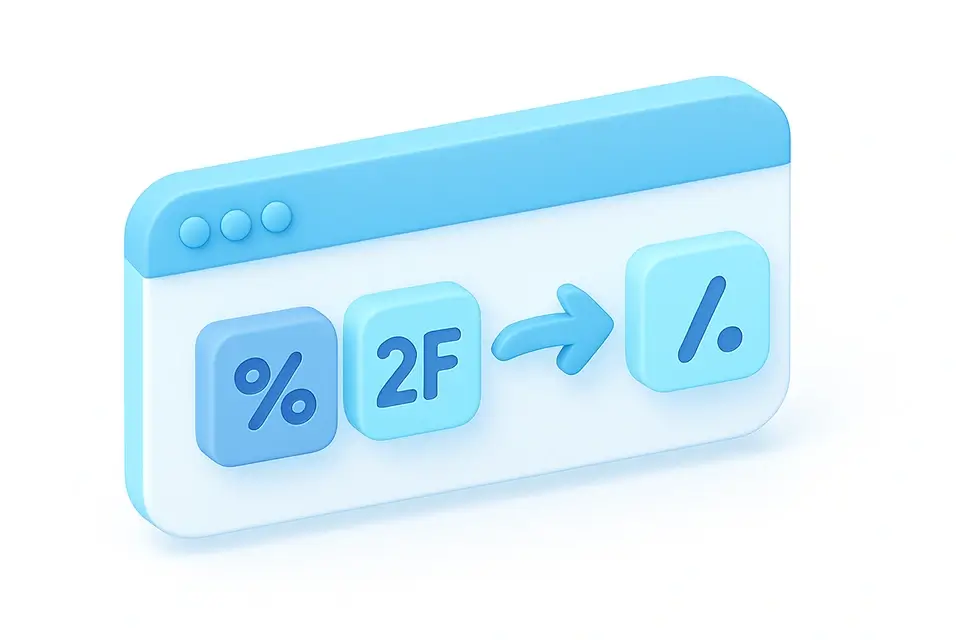
URL Decoder
Decode percent-encoded URL strings back to readable text.
📝 Text ToolsFrequently Asked Questions
Q What is percent-encoding?
Q Why are spaces encoded as %20 and not +?
Q Does the entire URL need to be encoded?
Q What characters are NOT encoded?
Q How are non-ASCII characters handled?
About This Tool
URL Encoder is a free online tool by FreeToolkit.ai. All processing happens directly in your browser — your data never leaves your device. No registration or installation required.