Escape and Unescape JSON Strings Online Escape text for JSON strings or unescape JSON string values.


JSON Escape/Unescape
Escape text for JSON strings or unescape JSON string values.
Paste Your Text or JSON String
Paste text to escape or a JSON string to unescape.
Choose Mode
Select Escape or Unescape mode.
Copy the Converted Output
Copy the escaped or unescaped text.
What Is JSON Escape/Unescape?
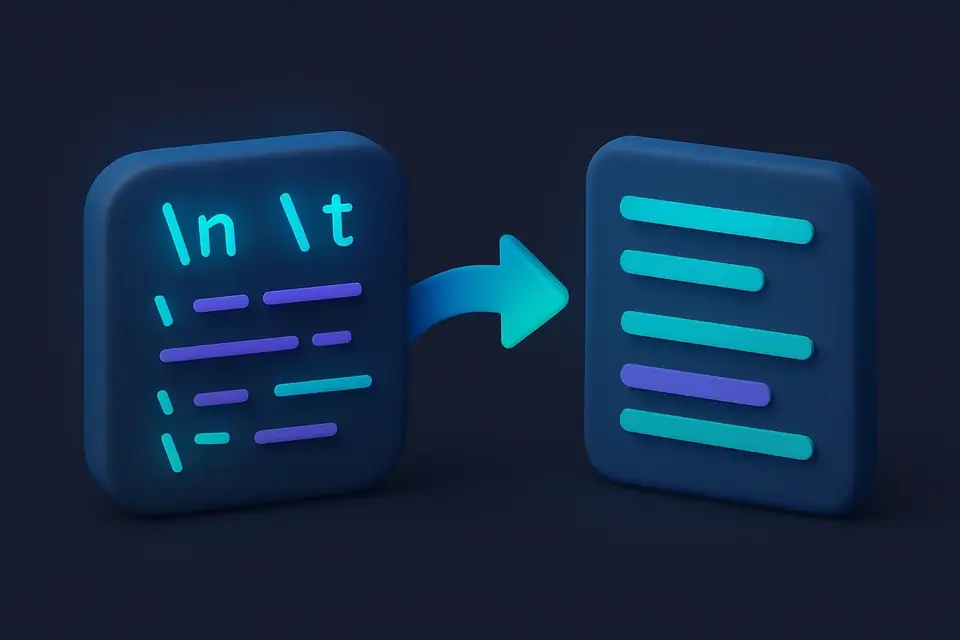
A JSON Escape/Unescape is a tool that converts text for safe use in JSON strings or extracts the original text from JSON string values, supporting two primary modes: escape and unescape. Developers working with JSON data frequently use it to handle json special characters and ensure proper encoding of their json strings. One specific problem it solves is the handling of newline (\n) and tab (\t) characters, which can cause issues when included in json string encoder outputs.
The tool's users can switch between escape mode, where input text is wrapped in quotes and special characters are escaped, and unescape mode, where a JSON string value is parsed to return the original unescaped text. What makes this tool different is its ability to automatically detect and handle the selected mode, using JavaScript's native JSON.stringify for json escape operations and JSON.parse for json unescape conversions.
In addition to its core functionality, it features a simple interface with radio buttons for selecting between escape and unescape modes, allowing users to easily switch between converting their text to an escape json string or extracting the original text from a json string value. This flexibility, combined with its standard-compliant conversion methods, makes it a reliable choice for working with JSON data and handling json special characters in various development contexts.
Why Use JSON Escape/Unescape?
-
Prepare text for insertion into JSON documents
-
Extract readable text from JSON string values
-
Handle special characters in JSON correctly
-
Debug JSON strings with escape sequences
Common Use Cases
API Development
Escape text content for JSON API request bodies.
Configuration
Embed multi-line text in JSON configuration files.
Debugging
Unescape JSON strings to see their actual content.
Data Processing
Convert between escaped JSON strings and plain text.
Technical Guide
In escape mode, the tool uses JSON.stringify() which produces a JSON-compliant string representation. This escapes backslashes to \\, double quotes to \", newlines to \n, carriage returns to \r, tabs to \t, and control characters to \uXXXX unicode escapes. The output includes surrounding double quotes as required by JSON syntax. In unescape mode, JSON.parse() is used to interpret the input as a JSON value. If the input is a valid JSON string (with quotes), it returns the parsed string. If parsing fails, an error message is shown. This ensures standard-compliant JSON string handling in both directions.
Tips & Best Practices
-
1Escape mode wraps output in double quotes — this is correct JSON string format
-
2Unescape mode expects a JSON string value (usually with surrounding quotes)
-
3Use this when building JSON manually or debugging API responses
-
4Control characters and Unicode are handled automatically
Related Tools


URL Encoder
Encode text for safe use in URLs with percent-encoding.
📝 Text Tools

HTML Entity Encoder
Encode special characters as HTML entities for safe HTML insertion.
📝 Text Tools

HTML Entity Decoder
Decode HTML entities back to their original characters.
📝 Text Tools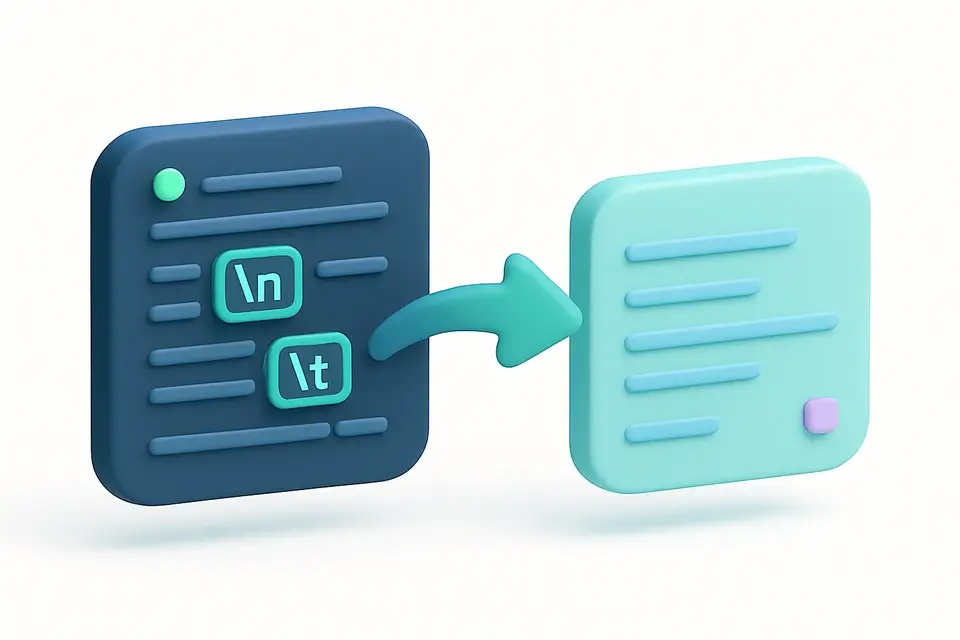
String Escape/Unescape
Escape or unescape special characters in strings (newlines, tabs, quotes).
📝 Text ToolsFrequently Asked Questions
Q Why does escape mode add double quotes?
Q What characters are escaped?
Q Can I unescape an entire JSON object?
Q Does it handle Unicode?
Q What if unescape shows an error?
About This Tool
JSON Escape/Unescape is a free online tool by FreeToolkit.ai. All processing happens directly in your browser — your data never leaves your device. No registration or installation required.