Add Margins to PDF Pages Add or adjust margins on PDF pages.
PDF Margin Adjuster
Add or adjust margins on PDF pages.
Upload PDF
Drop your PDF file.
Set Margins
Enter additional margin values in points for each side.
Download PDF
Download PDF with adjusted margins.
What Is PDF Margin Adjuster?
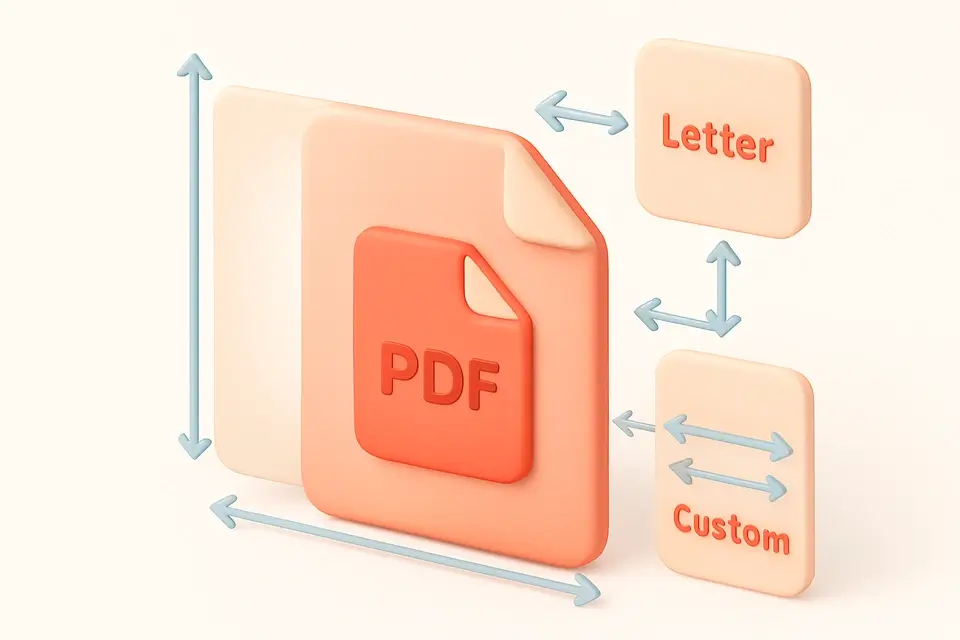
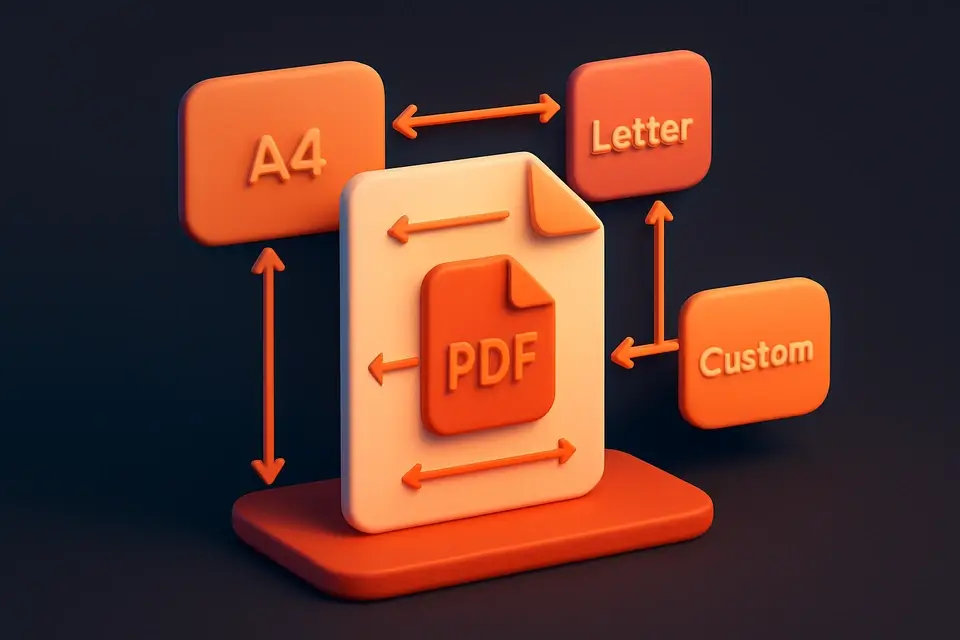
The PDF Margin Adjuster adds extra space around the content of your PDF pages. Specify additional margin in points (72pt = 1 inch) for top, bottom, left, and right sides independently. The page size expands to accommodate the new margins while preserving all original content at full quality. Useful for adding binding margins, ensuring printable area clearance, or adding space for annotations. Each side can be adjusted independently for precise control. Works with all page sizes and multi-page documents.
Why Use PDF Margin Adjuster?
-
Independent control for all four sides
-
Page size expands to fit content plus margins
-
Points-based precision (72pt = 1 inch)
-
Preserves original content quality
Common Use Cases
Binding
Add gutter margin for book or spiral binding.
Printing
Ensure content stays within printable area.
Annotations
Add margin space for handwritten notes.
Framing
Add uniform borders for presentation printing.
Technical Guide
Uses pdf-lib embedPages to embed original pages into new, larger pages. New page dimensions are calculated as original width + left + right margins, and original height + top + bottom margins. The original page content is embedded at position (left, bottom) to create the margin offsets. Top margin adds space above, bottom below, left to the left, and right to the right. All content is preserved as embedded vector data.
Tips & Best Practices
-
172 points = 1 inch, 28.35 points = 1 cm
-
2Add left margin for binding edge
-
3Use equal margins on all sides for centered look
-
4Negative values are not supported — use crop instead
Related Tools
Frequently Asked Questions
Q What unit are margins in?
Q Does the page size change?
Q Can I reduce margins?
Q Are all pages affected?
Q Can I set different margins per page?
About This Tool
PDF Margin Adjuster is a free online tool by FreeToolkit.ai. All processing happens directly in your browser — your data never leaves your device. No registration or installation required.