Resize PDF Pages to Any Standard Size Convert PDF pages to different standard paper sizes.
PDF Page Size Converter
Convert PDF pages to different standard paper sizes.
Upload PDF
Drop your PDF file. Current size is auto-detected.
Choose Target
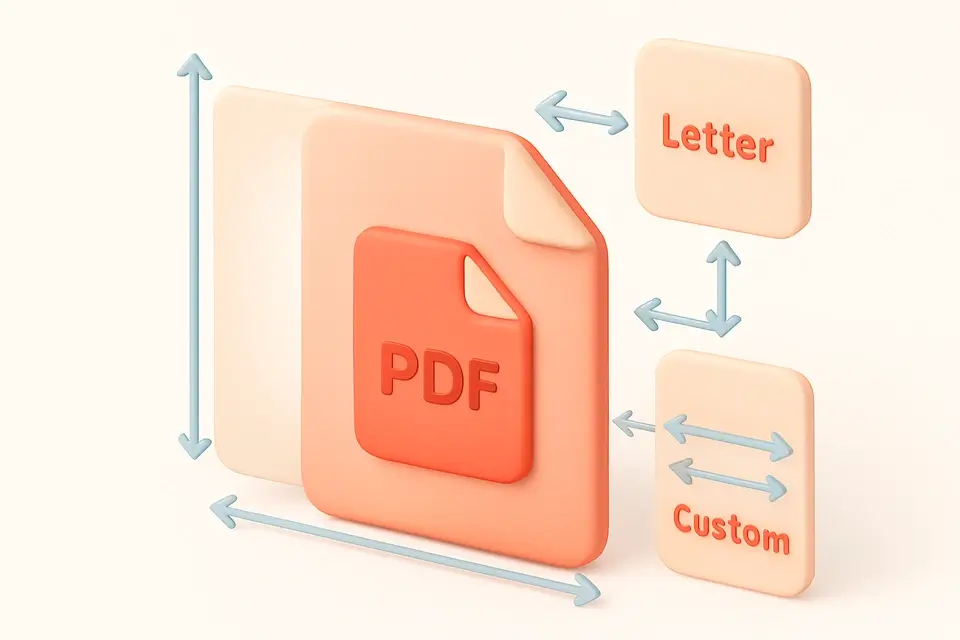
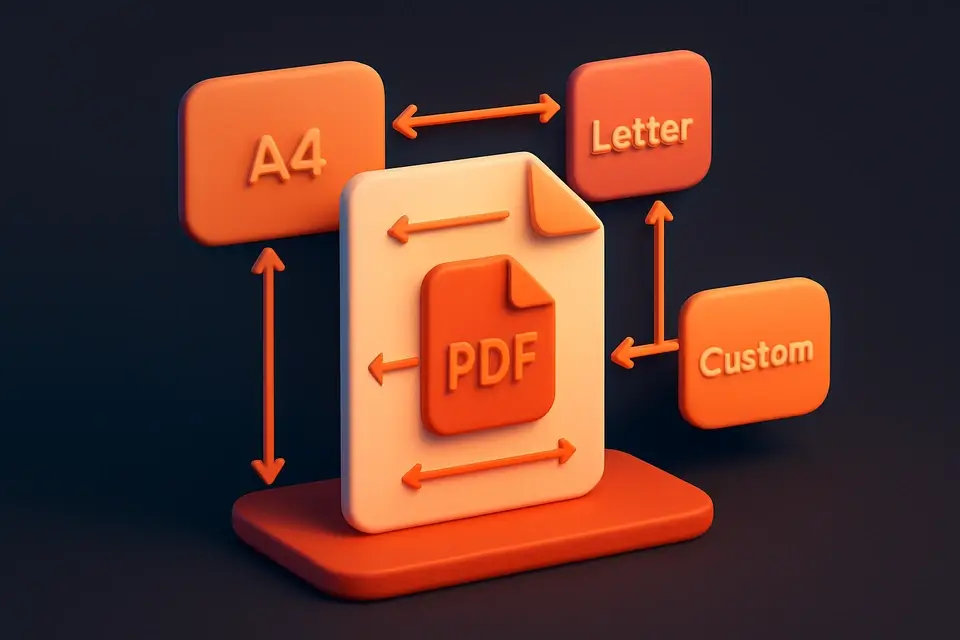
Select target page size (A3-A5, Letter, Legal, Tabloid).
Convert
Pages are scaled to fit the new size.
What Is PDF Page Size Converter?
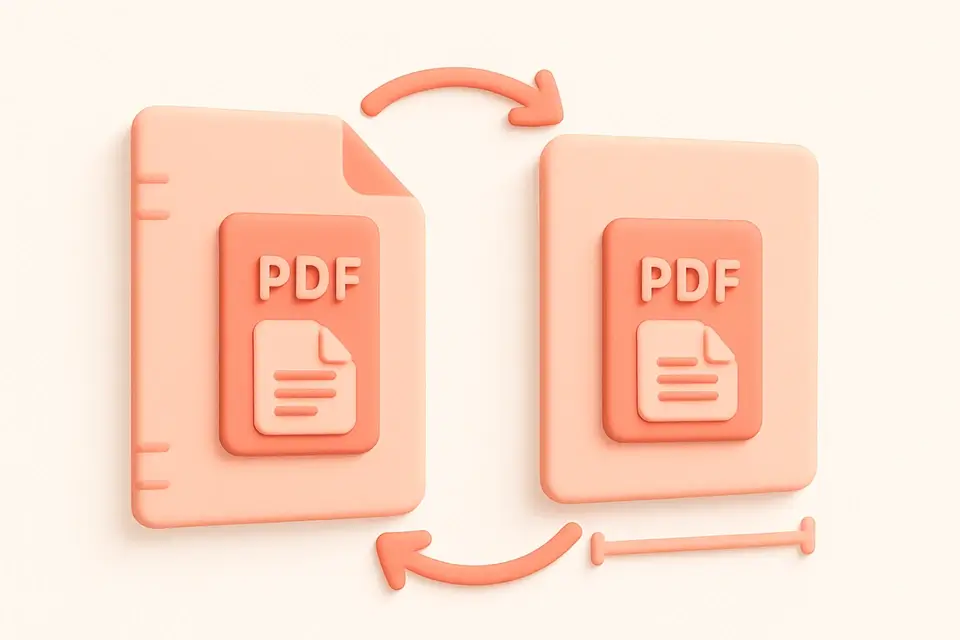
The PDF Page Size Converter changes the page dimensions of your PDF to any standard paper size. Auto-detects the current page size and lets you convert to A3, A4, A5, Letter, Legal, or Tabloid. Content is proportionally scaled to fit the new page size while maintaining aspect ratio, centered on each page. Perfect for adapting documents between international (A-series) and US paper sizes, or preparing files for different printers. All conversion happens in your browser.
Why Use PDF Page Size Converter?
-
Auto-detects current page size
-
Six standard target sizes available
-
Content scaled proportionally with centering
-
Handles multi-page documents
Common Use Cases
International Print
Convert between A4 and Letter for different regions.
Poster Scaling
Scale A4 content to A3 or Tabloid.
Booklet Prep
Convert to A5 for booklet printing.
Printer Compatibility
Match page size to available printer paper.
Technical Guide
Uses pdf-lib embedPages to embed source pages into new documents with target dimensions. Each page is embedded and scaled using Math.min(targetW/sourceW, targetH/sourceH) to maintain aspect ratio while fitting the target size. Content is centered with calculated x/y offsets. Supports six standard sizes defined as point dimensions. Auto-detection compares page dimensions against known sizes with 5pt tolerance. Output pages maintain all content quality.
Tips & Best Practices
-
1Content is scaled proportionally — no distortion
-
2A4 to Letter is the most common conversion
-
3Check margins after conversion
-
4Large to small conversions may reduce text readability
Related Tools
Frequently Asked Questions
Q Does content get distorted?
Q What sizes are supported?
Q Is content centered on the new page?
Q Does it handle mixed-size PDFs?
Q Is text quality preserved?
About This Tool
PDF Page Size Converter is a free online tool by FreeToolkit.ai. All processing happens directly in your browser — your data never leaves your device. No registration or installation required.