Break Down Any URL Into Its Components URL Parser tool for network operations.


URL Parser
URL Parser tool for network operations.
Paste Your URL
Enter the URL you want to parse into the input field.
Parse the URL
Click the parse button to break down the URL into its components.
Copy the Results
Copy the parsed URL components from the output.
What Is URL Parser?
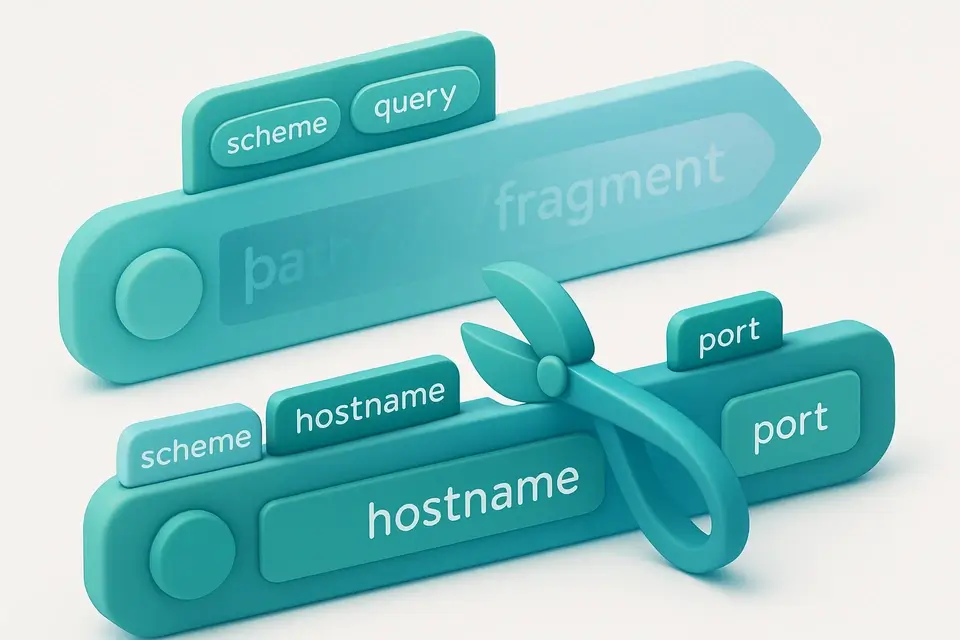
A URL Parser is a software tool that breaks down a Uniform Resource Locator (URL) into its individual components, such as protocol, hostname, port, pathname, search query string, and hash, allowing users to analyze and understand the structure of a given URL. Network engineers and developers use it to diagnose issues with web applications or network configurations. One specific problem it solves is helping users identify incorrect or malformed URLs that may be causing errors in their applications.
The tool is particularly useful for parsing complex URLs with multiple query parameters, as it provides a clear breakdown of each component. What makes this tool different is its ability to automatically detect and parse URLs as soon as the user types them in, thanks to its use of the `URL` API and `useEffect` hook. It also allows users to copy individual components or all parsed results at once, which can be useful for debugging purposes.
It supports parsing of URL query strings into individual parameters, making it a powerful url decoder and parser. As a free online url parser, it provides an easy way to parse url online without requiring any server-side processing, and its mobile-friendly interface makes it accessible from anywhere. By providing a detailed url components breakdown, it helps users understand how to parse a url and identify potential issues with their web applications.
Why Use URL Parser?
-
Instant URL breakdown
-
100% client-side processing
-
Mobile-friendly interface
-
No signup required
Common Use Cases
Web Development
Debug and inspect URL structures during development.
Network Troubleshooting
Analyze URL components for network configuration.
Learning URL Structure
Understand how URLs are composed and structured.
Security Review
Inspect URLs for suspicious parameters or paths.
Technical Guide
The tool works by utilizing the `URL` API in client-side JavaScript to break down a given URL into its constituent parts. When the user types a URL into the input field, the `useEffect` hook is triggered, which automatically trims any whitespace from the input and checks if it's not empty. If valid, it creates a new `URL` object, allowing it to extract components such as protocol, hostname, port, pathname, search query string, and hash. The tool then stores these components in a `ParsedURL` object, which is defined by an interface that specifies the shape of the data.
The `URL` API provides several properties and methods for working with URLs, including `searchParams`, which allows it to parse query strings into individual parameters. This is particularly useful for complex URLs with multiple query parameters. The tool uses a `fields` array to define the components that should be extracted from the URL, and then maps over this array to render each component in the UI. When the user clicks the "Copy All" button, it concatenates all the components into a single string, separated by newline characters, and copies this string to the clipboard using the `copyToClipboard` function.
The tool's use of React hooks for state management, specifically `useState` and `useCallback`, allows it to efficiently manage the parsed URL data and handle user interactions. The mobile-first responsive layout is achieved through the use of CSS classes and a grid system, ensuring that the UI adapts seamlessly to different screen sizes and devices. By following established URL standards and RFCs, the tool ensures that its parsing logic is accurate and reliable, handling edge cases and invalid input gracefully. The `URL` API's built-in support for URL encoding and decoding also helps to ensure that the tool correctly handles special characters and non-ASCII characters in URLs.
Tips & Best Practices
-
1Parse URLs automatically by typing them into the input field and watching for the parsed components to appear below
-
2Copy individual URL components like protocol or hostname by clicking the 'Copy' button next to each field
-
3Use the 'Copy All' button to copy all parsed URL components at once
-
4Break down query parameters by expanding the 'Query Parameters' section after parsing a URL
-
5Decode URLs with non-standard characters by pasting them into the input field and letting it handle encoding
-
6Handle invalid URLs by checking for an error message that appears when the parser fails
Related Tools

Base URL Extractor
Base URL Extractor tool for network operations.
🌐 Network & Web

OAuth2 URL Builder
OAuth2 URL Builder tool for network operations.
🌐 Network & Web

CIDR Calculator
CIDR Calculator tool for network operations.
🌐 Network & Web

HTTP Status Code Reference
HTTP Status Code Reference tool for network operations.
🌐 Network & WebFrequently Asked Questions
Q Is the URL Parser free to use?
Q Is it safe to parse URLs here?
Q Does it work on mobile devices?
Q Can I use it offline?
Q What browsers are supported?
About This Tool
URL Parser is a free online tool by FreeToolkit.ai. All processing happens directly in your browser — your data never leaves your device. No registration or installation required.