UTF-8 Encoder / Decoder View UTF-8 byte representations of text and decode byte sequences.
UTF-8 Encode/Decode
View UTF-8 byte representations of text and decode byte sequences.
Enter Text or Bytes
Type text to see UTF-8 bytes, or paste hex bytes to decode.
View Result
UTF-8 byte representation or decoded text appears instantly.
Copy Result
Click Copy to copy the result.
What Is UTF-8 Encode/Decode?
A UTF-8 Encode/Decode is a utility that converts Unicode code points into their corresponding utf8 bytes representation, which can be encoded as 1-4 bytes depending on the character set used, such as ASCII, Latin, Greek, Cyrillic, CJK, or emoji characters. Developers who work with text encoding and decoding use it to troubleshoot issues related to unicode to utf8 conversions, particularly when dealing with non-ASCII characters that may be represented incorrectly due to incorrect utf-8 encoding. One specific problem it solves is identifying the exact byte sequence used to represent a character in utf-8, which can help resolve encoding inconsistencies.
The tool is unique because it provides a detailed per-character breakdown of the input text, showing the Unicode code point and its corresponding utf8 bytes representation in both hex and decimal formats, making it an effective utf-8 decoder. It uses the TextEncoder API to encode the input string into utf8 bytes, which are then formatted as a human-readable output that includes the byte length and a binary representation of each character.
It also handles errors gracefully by catching any exceptions that occur during processing and returning a clear error message, ensuring that users can diagnose issues with their text inputs. By examining the output, developers can gain insight into how specific characters are encoded in utf-8, which is essential for tasks such as debugging encoding issues or optimizing text storage and transmission using utf-8 encoding.
Why Use UTF-8 Encode/Decode?
-
See exact UTF-8 byte representations of any text
-
Decode hex byte sequences back to readable text
-
100% client-side — data never leaves your browser
-
Uses native TextEncoder/TextDecoder APIs for accuracy
Common Use Cases
Debugging Encoding
Identify encoding issues by inspecting UTF-8 bytes.
Protocol Analysis
Verify UTF-8 encoding in network protocols.
Education
Learn how Unicode maps to UTF-8 bytes.
Data Validation
Verify that byte sequences are valid UTF-8.
Technical Guide
The tool works by utilizing the TextEncoder API from the react library to convert input strings into their corresponding utf8 byte representations. This process involves encoding the string into a Uint8Array, which is then processed and formatted as a human-readable output. Under the hood, it employs a variable-length encoding scheme where characters are represented using 1-4 bytes depending on their Unicode code points, specifically following the UTF-8 standard of allocating 1 byte for ASCII characters (U+0000-007F), 2 bytes for Latin and other non-ASCII characters (U+0080-07FF), 3 bytes for most other Unicode characters (U+0800-FFFF), and 4 bytes for characters outside the Basic Multilingual Plane (U+10000-10FFFF). Each character's byte representation is calculated using its code point, which is obtained via the codePointAt method. The resulting bytes are then converted to hexadecimal, decimal, and binary formats for display.
The TextEncoder API plays a crucial role in this process as it handles the conversion of JavaScript strings (which are internally represented in UTF-16) into UTF-8 encoded Uint8Arrays. This step is essential because it ensures that characters are correctly represented according to their Unicode code points, allowing for accurate debugging and analysis of text encoding issues. The tool also uses Array.from to convert the Uint8Array into an array that can be processed and formatted as needed. Additionally, it employs template literals to construct the output string, combining the character's original form, its Unicode code point in hexadecimal format (e.g., U+0041 for 'A'), and its UTF-8 byte representation in both hex and decimal formats.
The per-character breakdown is generated by iterating over each character in the input string, encoding it individually using TextEncoder, and then formatting the resulting bytes as described above. This detailed output enables developers to inspect how specific characters are encoded in utf8, which is vital for resolving encoding inconsistencies or optimizing text storage and transmission. The use of useCallback ensures that the processing function is only recreated when necessary, optimizing performance by preventing unnecessary re-renders of the component. Error handling is also implemented using a try-catch block, catching any exceptions that occur during processing and returning an error message to inform the user of issues with their input text.
Tips & Best Practices
-
1ASCII characters always use exactly 1 byte
-
2Emoji typically use 4 bytes each
-
3UTF-8 is backward-compatible with ASCII
-
4Use the fatal option to detect invalid byte sequences
Related Tools
Unicode Escape
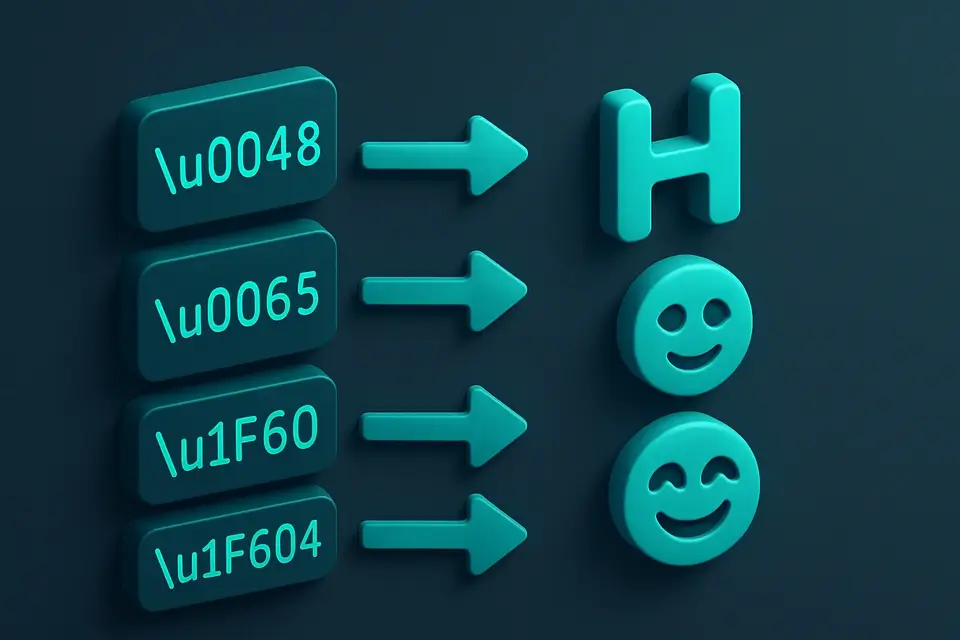
Convert text to Unicode escape sequences (\uXXXX format).
🔐 Encoding & Crypto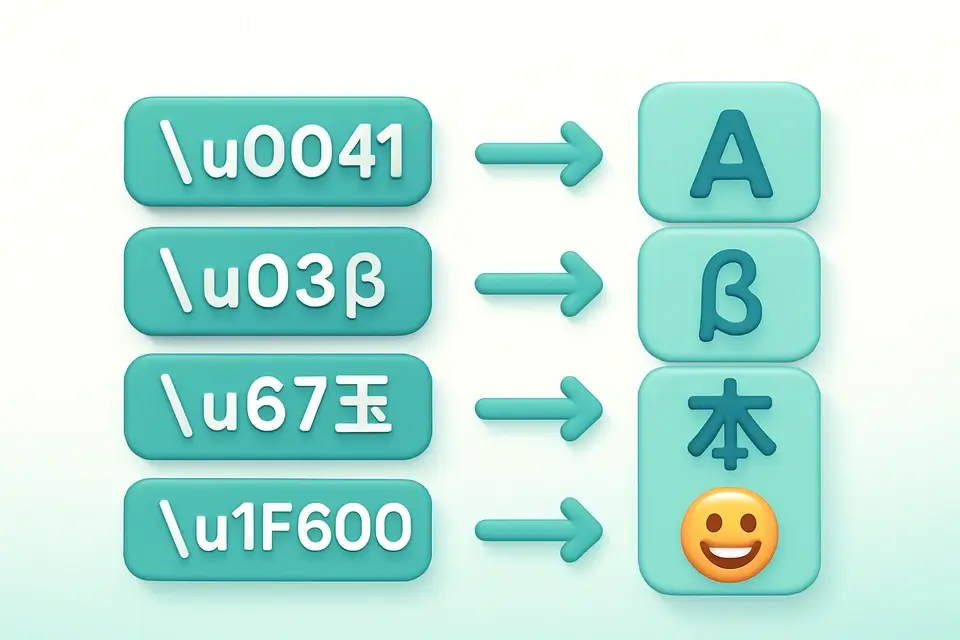
Unicode Unescape
Convert Unicode escape sequences (\uXXXX) back to readable text.
🔐 Encoding & Crypto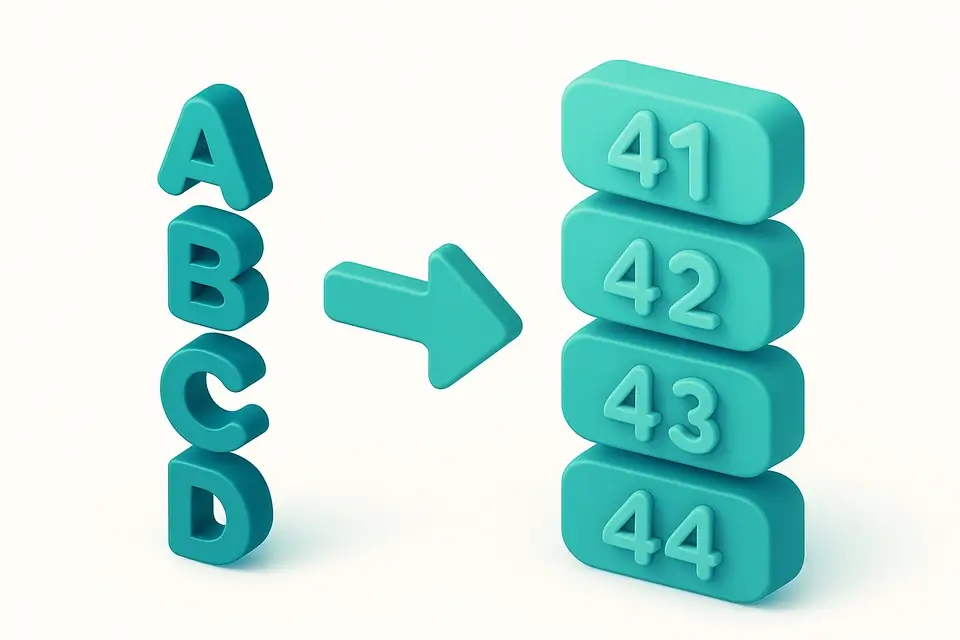
ASCII to Hex
Convert ASCII text to hexadecimal representation.
🔐 Encoding & Crypto

Hex to ASCII
Convert hexadecimal values back to readable ASCII text.
🔐 Encoding & CryptoFrequently Asked Questions
Q Is this tool free?
Q Is my data secure?
Q How many bytes does an emoji use?
Q What browsers are supported?
Q Is UTF-8 the same as Unicode?
About This Tool
UTF-8 Encode/Decode is a free online tool by FreeToolkit.ai. All processing happens directly in your browser — your data never leaves your device. No registration or installation required.