Convert Unicode Escapes to Readable Text Convert Unicode escape sequences (\uXXXX) back to readable text.
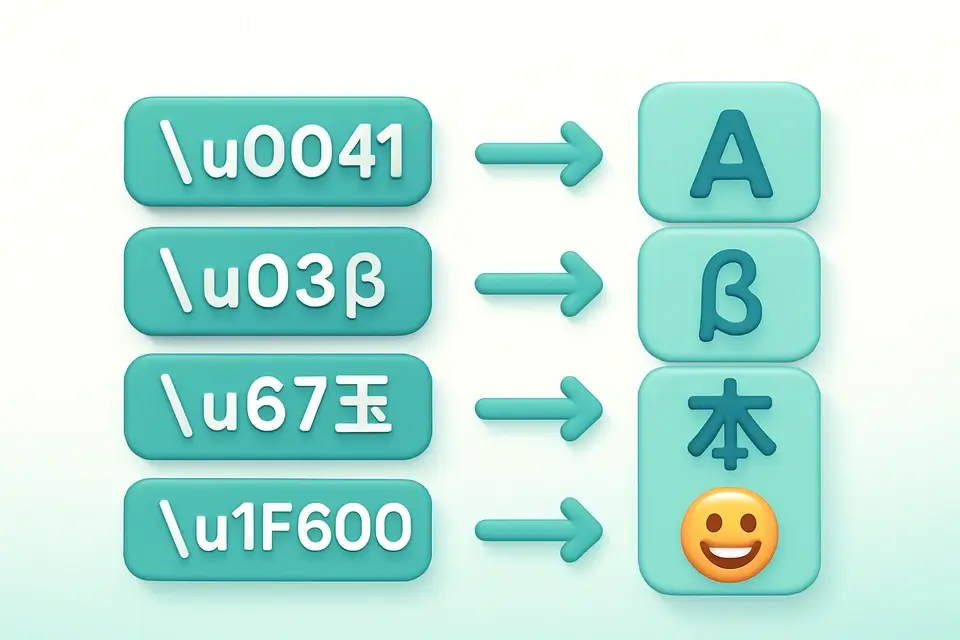

Unicode Unescape
Convert Unicode escape sequences (\uXXXX) back to readable text.
Paste Escaped Text
Paste text containing \uXXXX escape sequences.
View Decoded Text
The readable text appears instantly.
Copy Result
Click Copy to copy the decoded text.
What Is Unicode Unescape?
A Unicode Unescape is a process that converts \uXXXX escape sequences back to their corresponding Unicode characters, effectively decoding unicode escape sequences into human-readable text. Developers working with JSON, JavaScript source code, and log files use it to decode unicode escape sequences and identify issues in their code or data. One specific problem it solves is the inability to read escaped Unicode characters in debug logs or configuration files, where unescaping these sequences reveals the actual content.
The tool uses regex-based replacement for all escape sequences while preserving literal text, handling both \uXXXX and \u{XXXXX} extended syntax. It also correctly handles surrogate pairs, ensuring that complex Unicode characters are decoded accurately. What makes this tool different is its ability to process input client-side, using the `unicodeUnescape` function in conjunction with React's `useCallback` hook to efficiently handle user input.
It supports decoding unicode escape sequences such as \u0048\u0065\u006C\u006C\u006F into their corresponding Unicode characters, and if an invalid sequence is encountered, it returns a clear error message. The tool's client-side processing ensures that sensitive data remains on the client, making it suitable for use with confidential information. When decoding unicode escape sequences, it preserves the original text formatting, allowing developers to easily identify and fix issues in their code or configuration files using this unicode decoder.
Why Use Unicode Unescape?
-
Handles standard \uXXXX and extended \u{XXXXX} syntax
-
Correctly processes surrogate pairs for emoji
-
100% client-side — data never leaves your browser
-
Free online tool with instant results
Common Use Cases
JSON Debugging
Convert escaped Unicode in JSON to readable text.
Log Analysis
Decode Unicode escapes in application logs.
Source Code
Preview rendered characters from escape sequences.
Data Processing
Convert escaped data to readable Unicode.
Technical Guide
The unicodeUnescape function employs a two-step replacement process to convert Unicode escape sequences into human-readable characters. It first targets the extended syntax \u{XXXXX} using a regex pattern that captures one or more hexadecimal digits within curly braces, then utilizes String.fromCodePoint() in conjunction with parseInt(hex, 16) to obtain the corresponding code point. This approach allows it to correctly handle Unicode characters that require multiple code units, such as those represented by surrogate pairs.
In the second step, it uses another regex pattern to match the standard \uXXXX syntax, capturing exactly four hexadecimal digits and using String.fromCharCode() in conjunction with parseInt(hex, 16) to produce the desired character. The use of React's useCallback hook ensures that this function is only recreated when necessary, optimizing performance by minimizing unnecessary re-renders. During execution, if an invalid Unicode escape sequence is encountered, it catches the error and returns a specific error message indicating the presence of an invalid sequence.
The tool processes input client-side using TypeScript, compiled to JavaScript for browser execution, which enables it to operate without server requests or exposing sensitive data. This client-side processing relies on the TextToolLayout component from the React library, allowing for efficient handling of user input and output within a structured interface. By preserving non-matching text as-is, the tool maintains the original formatting of the input string, facilitating easier identification and correction of issues in code or configuration files that contain Unicode escape sequences.
Tips & Best Practices
-
1Both \uXXXX and \u{XXXXX} formats are supported
-
2Surrogate pairs for emoji are automatically combined
-
3Non-escape text is preserved unchanged
-
4Use for debugging Unicode issues in JSON and JavaScript
Related Tools


URL Decode (Full)
Decode percent-encoded URL strings back to readable text.
🔐 Encoding & Crypto

HTML Entity Decode
Decode HTML entities back to their original characters.
🔐 Encoding & Crypto
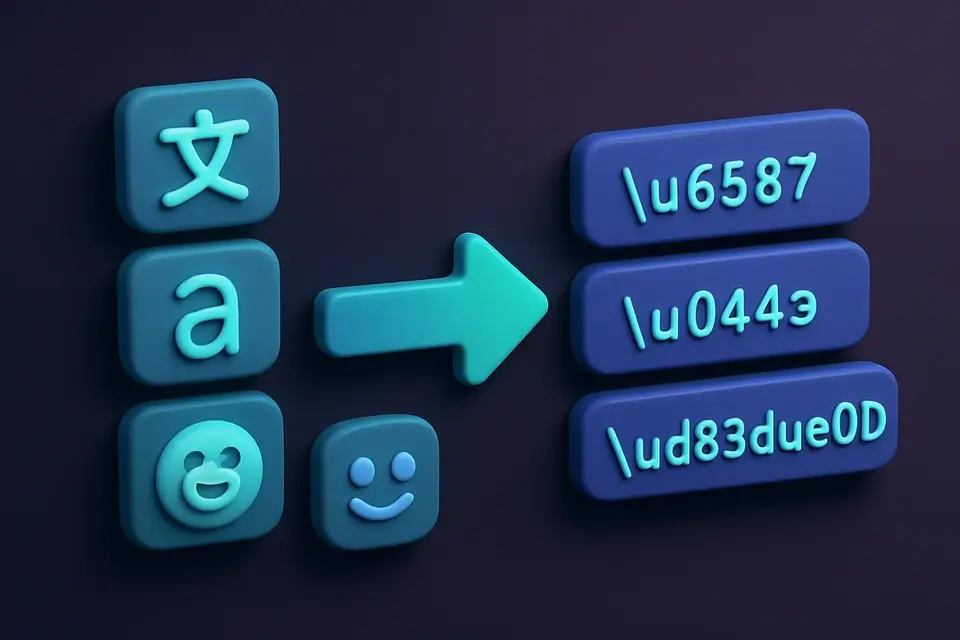
Unicode Escape
Convert text to Unicode escape sequences (\uXXXX format).
🔐 Encoding & Crypto

UTF-8 Encode/Decode
View UTF-8 byte representations of text and decode byte sequences.
🔐 Encoding & CryptoFrequently Asked Questions
Q Is the Unicode unescape tool free?
Q Does the Unicode unescape tool upload or store my data?
Q Does the Unicode unescape tool handle emoji?
Q What browsers work with the Unicode unescape tool?
Q Does the Unicode unescape tool support \u{XXXXX} syntax?
About This Tool
Unicode Unescape is a free online tool by FreeToolkit.ai. All processing happens directly in your browser — your data never leaves your device. No registration or installation required.