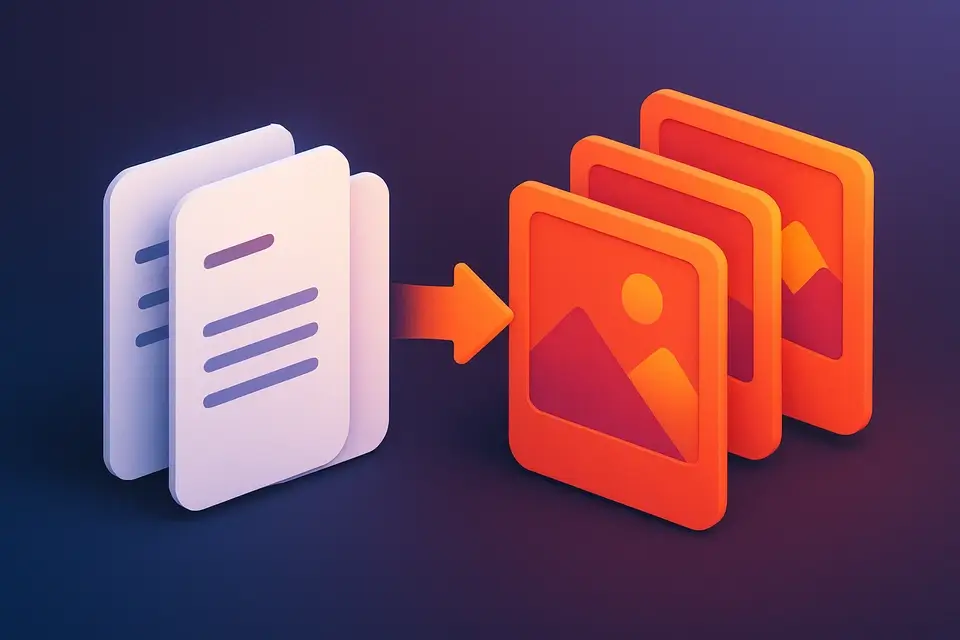
Convert PDF Pages to JPG Images Convert PDF pages to high-quality JPG images.
PDF to JPG
Convert PDF pages to high-quality JPG images.
Upload PDF
Drop your PDF file into the converter.
Set Quality
Choose JPG quality and resolution scale.
Download
Convert and download individual JPG images.
What Is PDF to JPG?
The PDF to JPG Converter transforms each page of your PDF document into a high-quality JPEG image. Perfect for sharing individual pages as images, embedding in presentations, or posting on social media. The tool renders each page using advanced PDF rendering technology, maintaining text clarity and image fidelity. You can control output quality from 60% to 100% and resolution scale from 1x to 3x. All processing happens in your browser — your files never leave your device. Supports multi-page PDFs and generates separate JPG files for each page.
Why Use PDF to JPG?
-
Adjustable quality and DPI settings
-
Preview converted images before download
-
Batch convert all pages at once
-
No file uploads to external servers
Common Use Cases
Technical Guide
Uses pdfjs-dist to render PDF pages onto HTML5 Canvas elements. Each page is rendered at the selected scale factor (1x-3x) for different DPI outputs. The canvas is then exported as a JPEG data URL with configurable quality compression. The tool handles multi-page documents sequentially, generating preview thumbnails. Downloads use programmatic anchor element clicks with data URLs. All rendering occurs client-side with no server communication.
Tips & Best Practices
-
1Use 2x scale for print-quality output
-
2Lower quality for smaller file sizes
-
33x scale for high-res poster-quality images
-
4Check preview thumbnails before downloading
Related Tools
Frequently Asked Questions
Q What quality should I use?
Q What does scale affect?
Q Is there a page limit?
Q Are my files secure?
Q Can I convert password-protected PDFs?
About This Tool
PDF to JPG is a free online tool by FreeToolkit.ai. All processing happens directly in your browser — your data never leaves your device. No registration or installation required.